AI Actions demos

Check out our product and automations in action.

Démos interactives

Explorez nos visites guidées qui donnent vie aux fonctionnalités clés d'AI Actions.

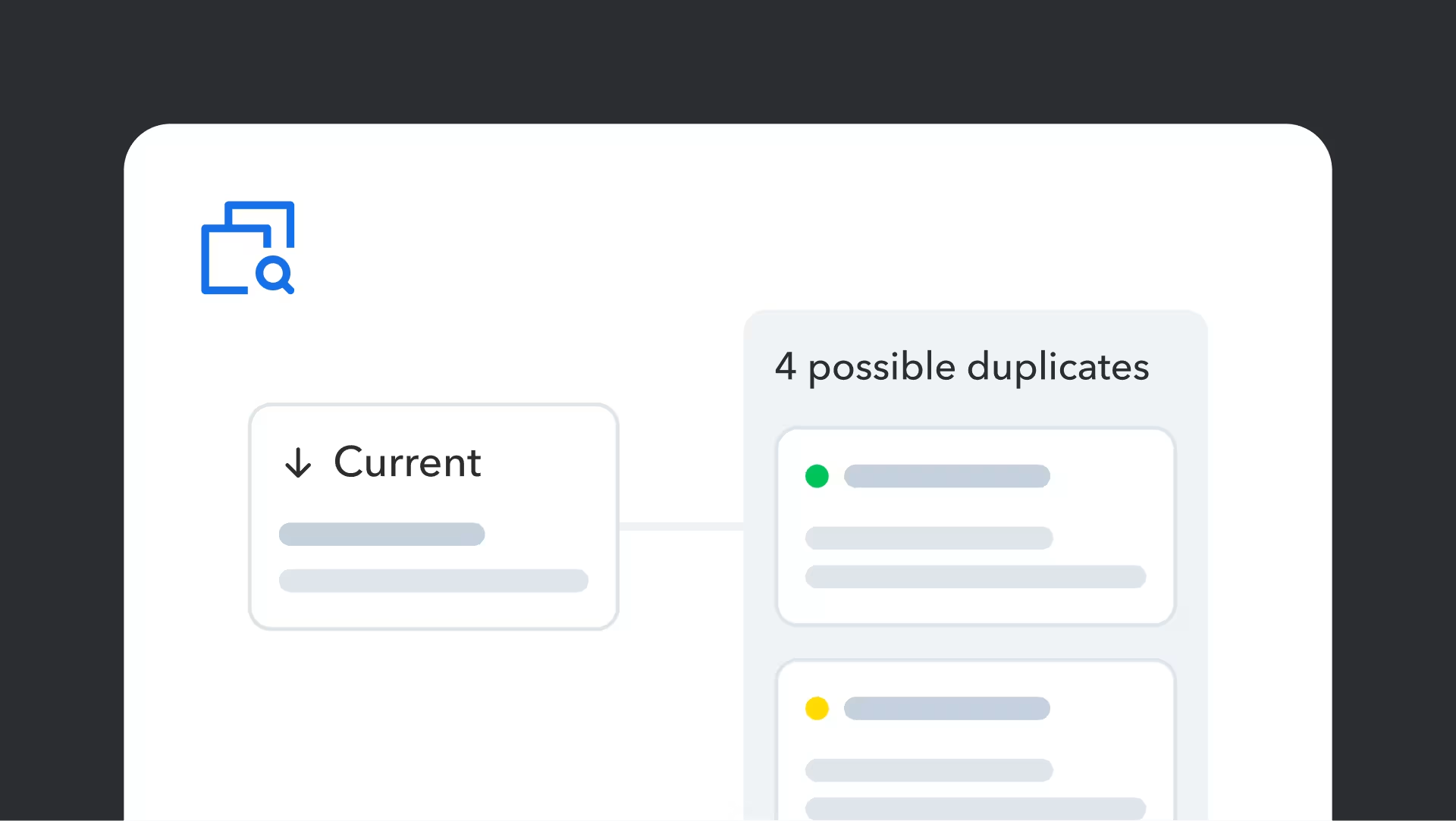
Identify duplicate content

Keep your content clean and consistent by spotting duplicates before they spread. Quickly scan for similar content to stay organized and avoid unnecessary sprawl.

    Voir la démo

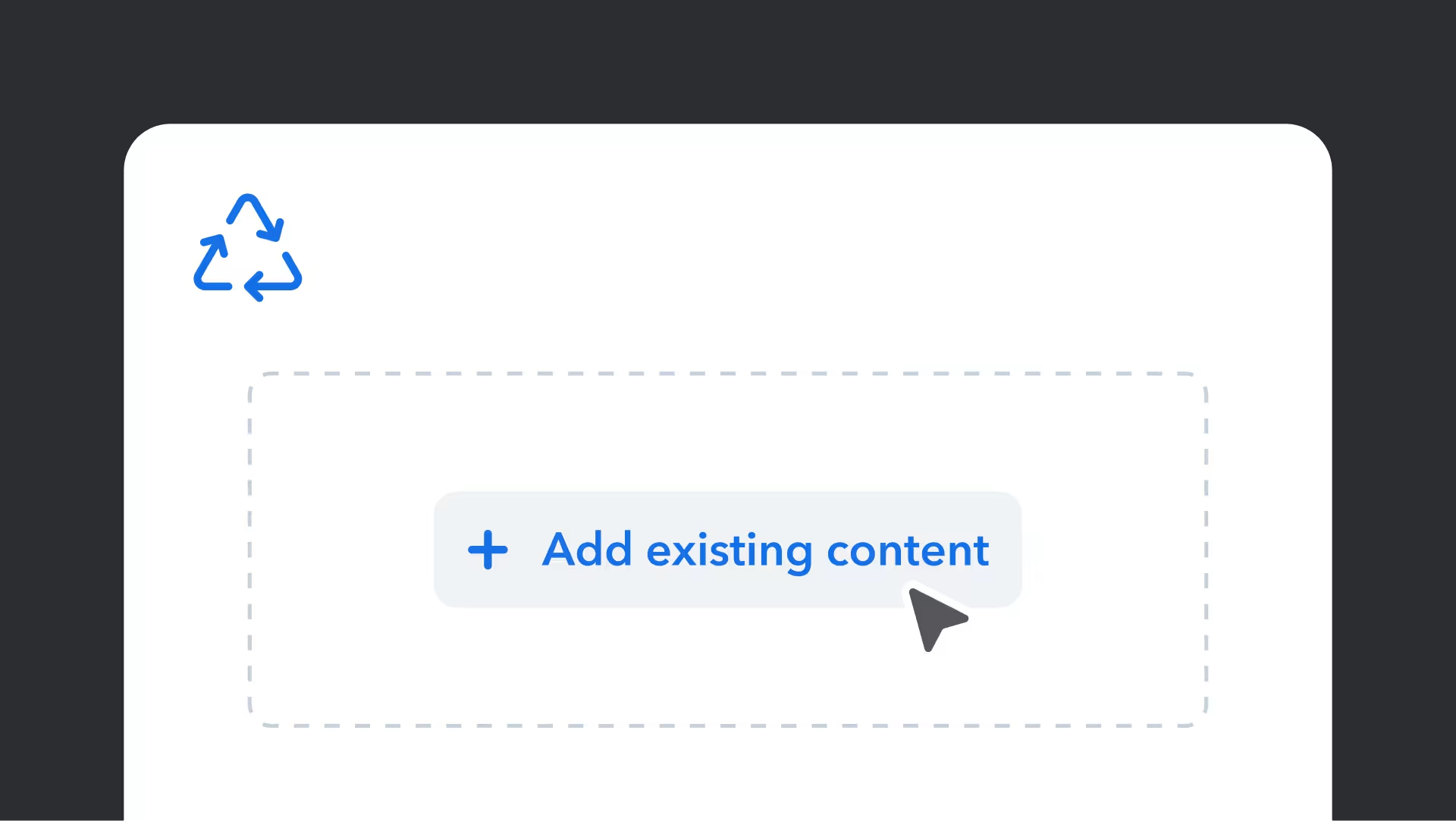
    Content reuse suggestions

    Find and reuse the right content without breaking your flow. As you build, helpful suggestions appear so you can stay consistent and avoid starting from scratch.

      Voir la démo

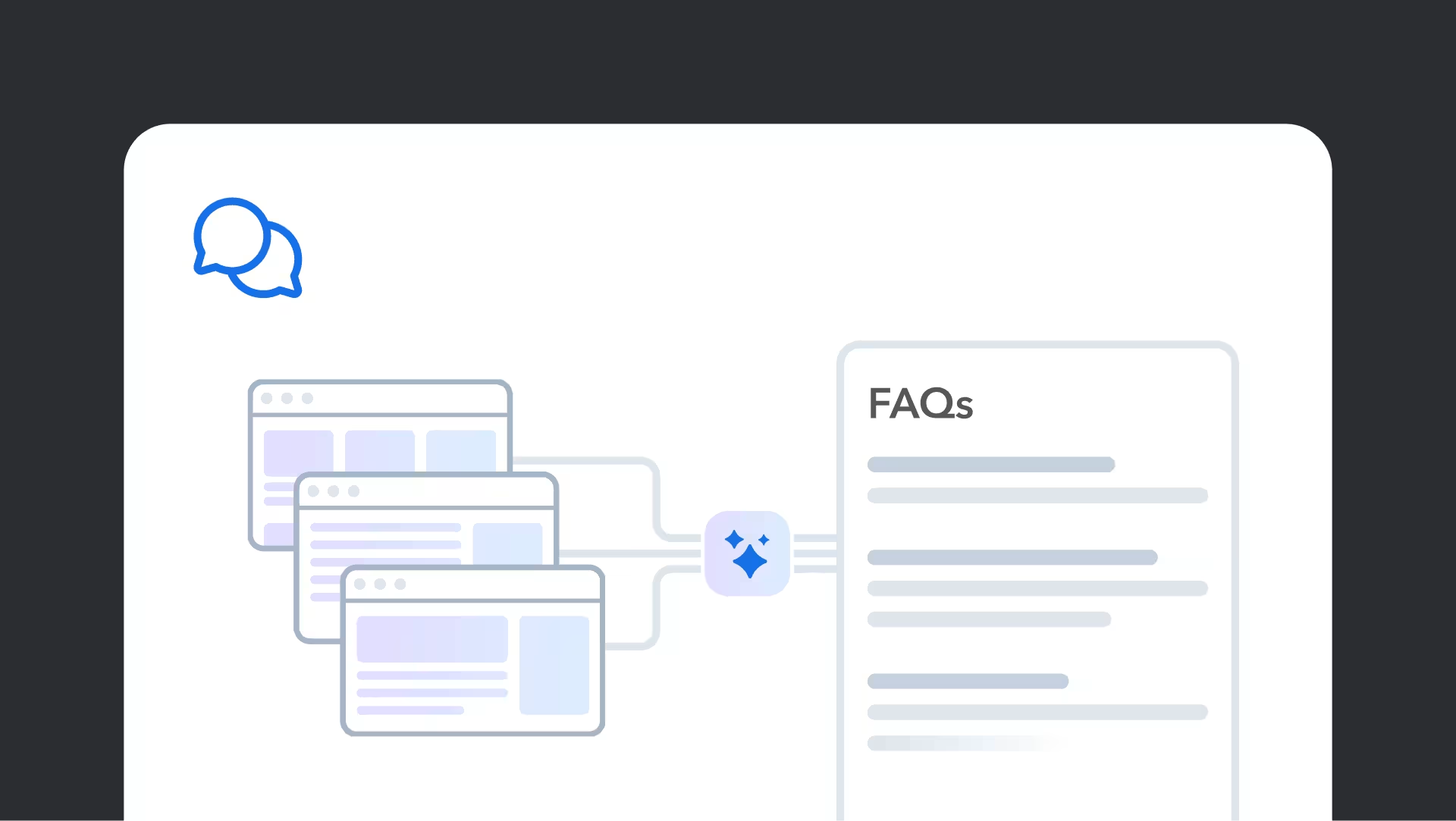
      Generate FAQs with Smart Context

      Turn existing content into clear, customer-ready FAQs in minutes. See how AI helps you create helpful answers faster without starting from scratch.

        Voir la démo

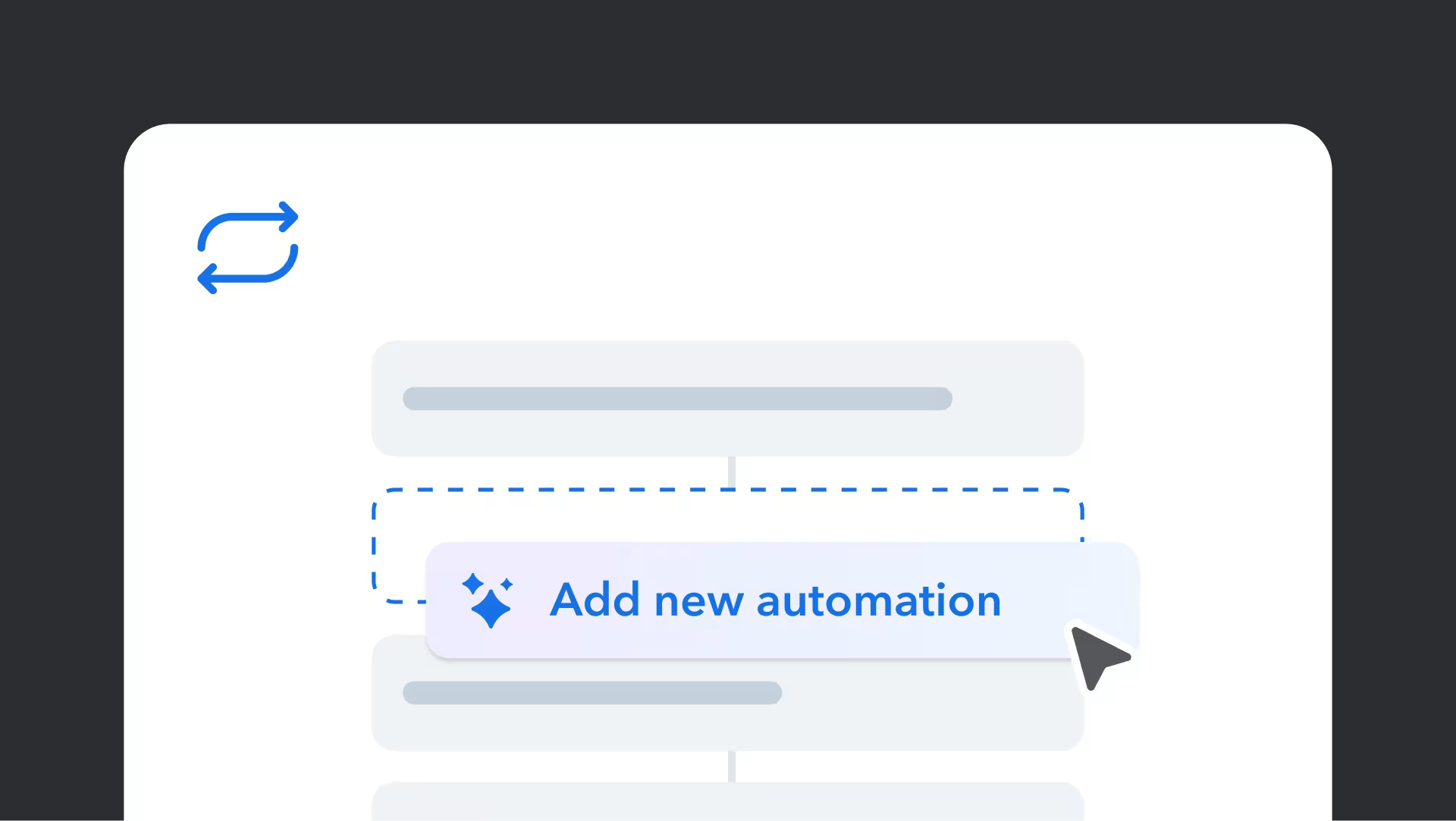
        Automatisation

        Créez le contenu dont vous avez besoin plus rapidement grâce aux automatisations assistées par l’IA.

          Voir la démo
          Interface affichant le bouton « Ajouter une nouvelle automatisation » en bleu avec une icône de diamant, entouré d’éléments d’espace réservé gris clair

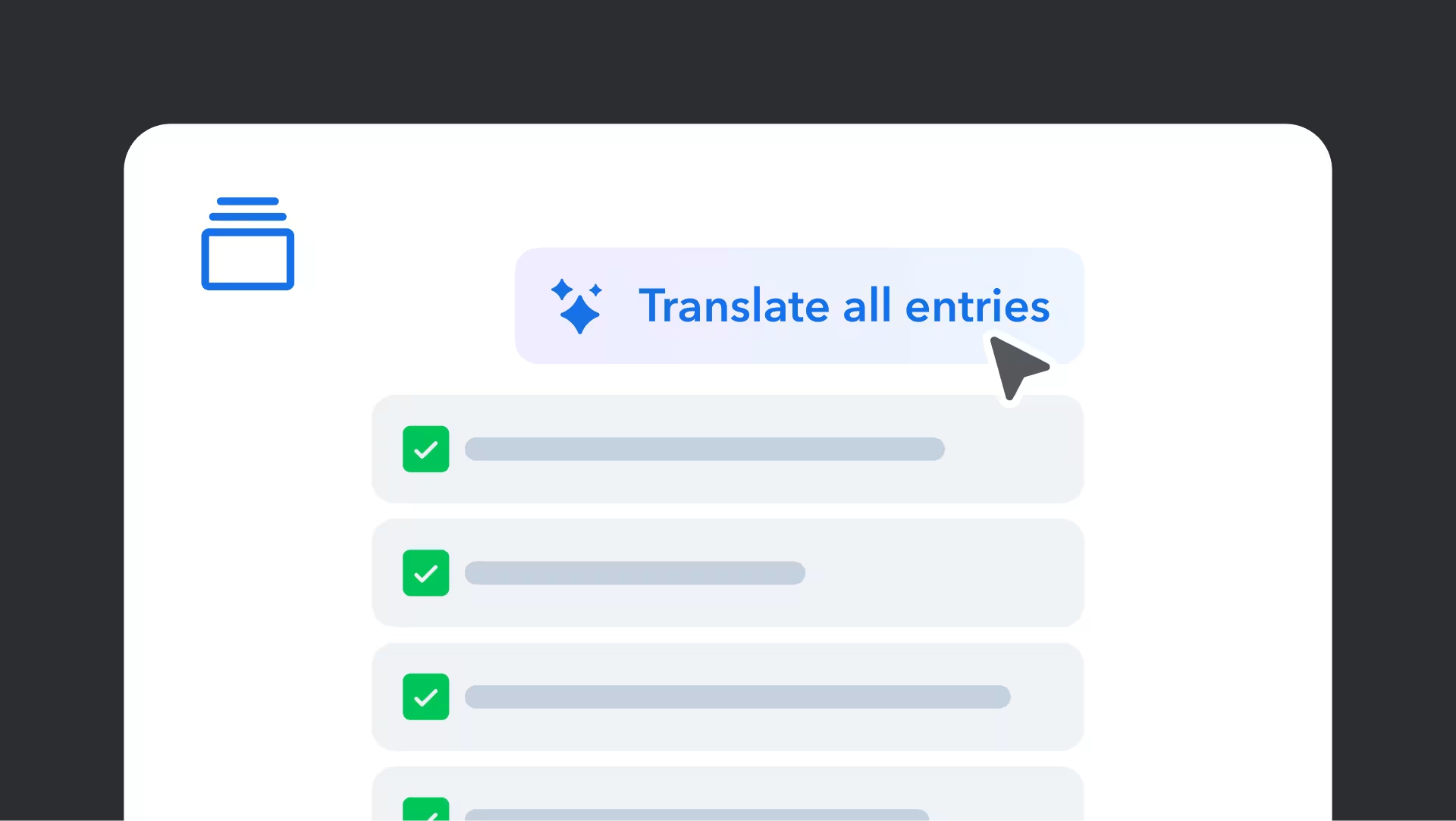
          Exécutez des AI Actions en masse : traduction

          Exécutez des AI Actions sur plusieurs contenus en même temps et accélérez la production.

            Voir la démo
            Interface affichant le bouton « Traduire toutes les entrées » avec une icône scintillante bleue au-dessus d’une liste d’éléments cochés accompagnés de barres de progression grises

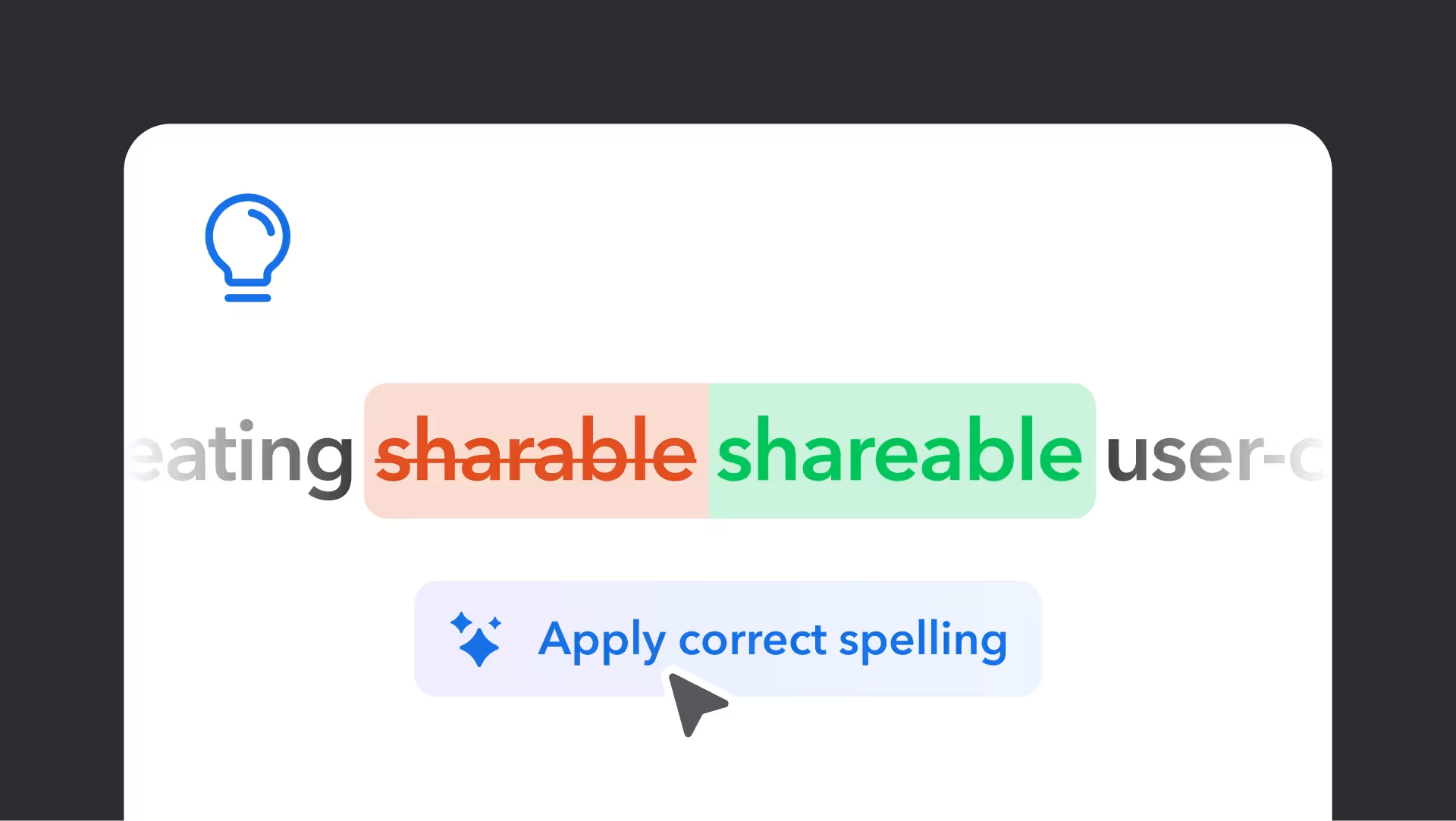
            Améliorez la qualité grâce aux AI Suggestions

            Recevez des suggestions utiles pour améliorer la clarté et la précision de votre contenu en un instant.

              Voir la démo
              Illustration correcting the spelling of "sharable" to "shareable" with a light bulb icon and "Apply correct spelling" suggestion below

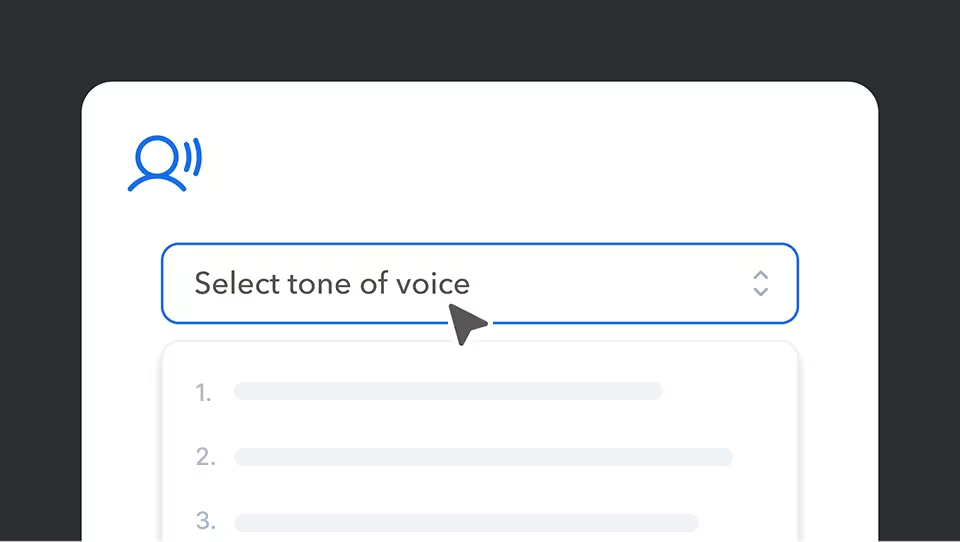
              Cohérence du ton

              Améliorez le ton de votre marque dans tous vos contenus et établissez une meilleure connexion avec votre audience.

                Voir la démo
                A dropdown menu interface showing "Select tone of voice" with a blue speaking icon above and numbered options below

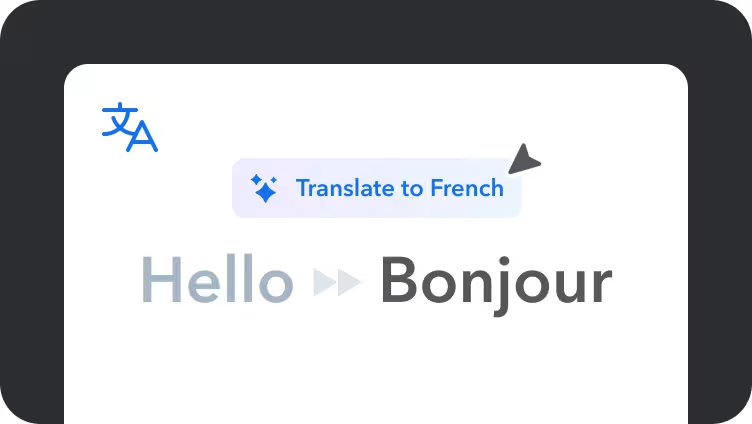
                Traduire

                Convertissez du texte dans une autre langue pour localiser votre contenu plus rapidement.

                  View demo
                  Translation interface showing "Hello" being translated to "Bonjour" in French, with a blue translate button above

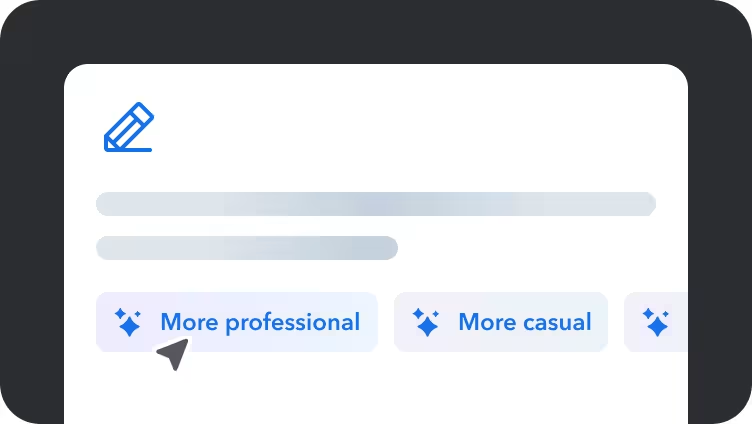
                  Réécrire

                  Améliorez facilement le flux et la clarté de votre contenu pour atteindre votre public cible.

                    View demo
                    Text editor interface with blue pencil icon and tone adjustment buttons showing "More professional" and "More casual" optionsText editor interface with blue pencil icon and tone adjustment buttons showing "More professional" and "More casual" options

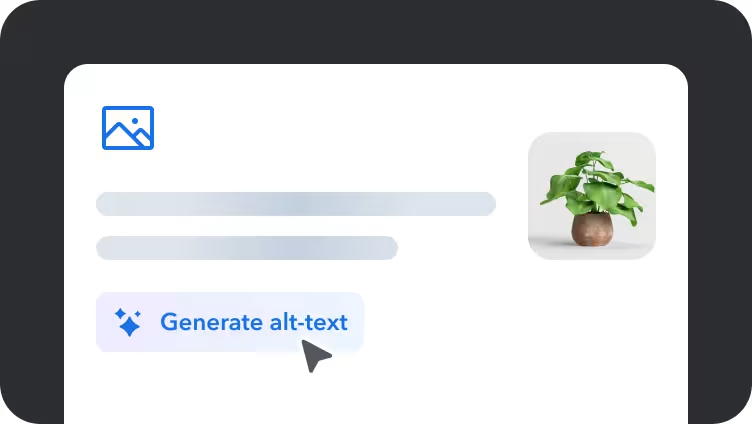
                    Génération d'alt-text pour les images

                    Générez des textes alternatifs clairs et précis pour vos médias en quelques secondes.

                      View demo
                      User interface showing a "Generate alt-text" button with cursor and decorative plant image in a light gray rounded containerUser interface showing a "Generate alt-text" button with cursor and decorative plant image in a light gray rounded container

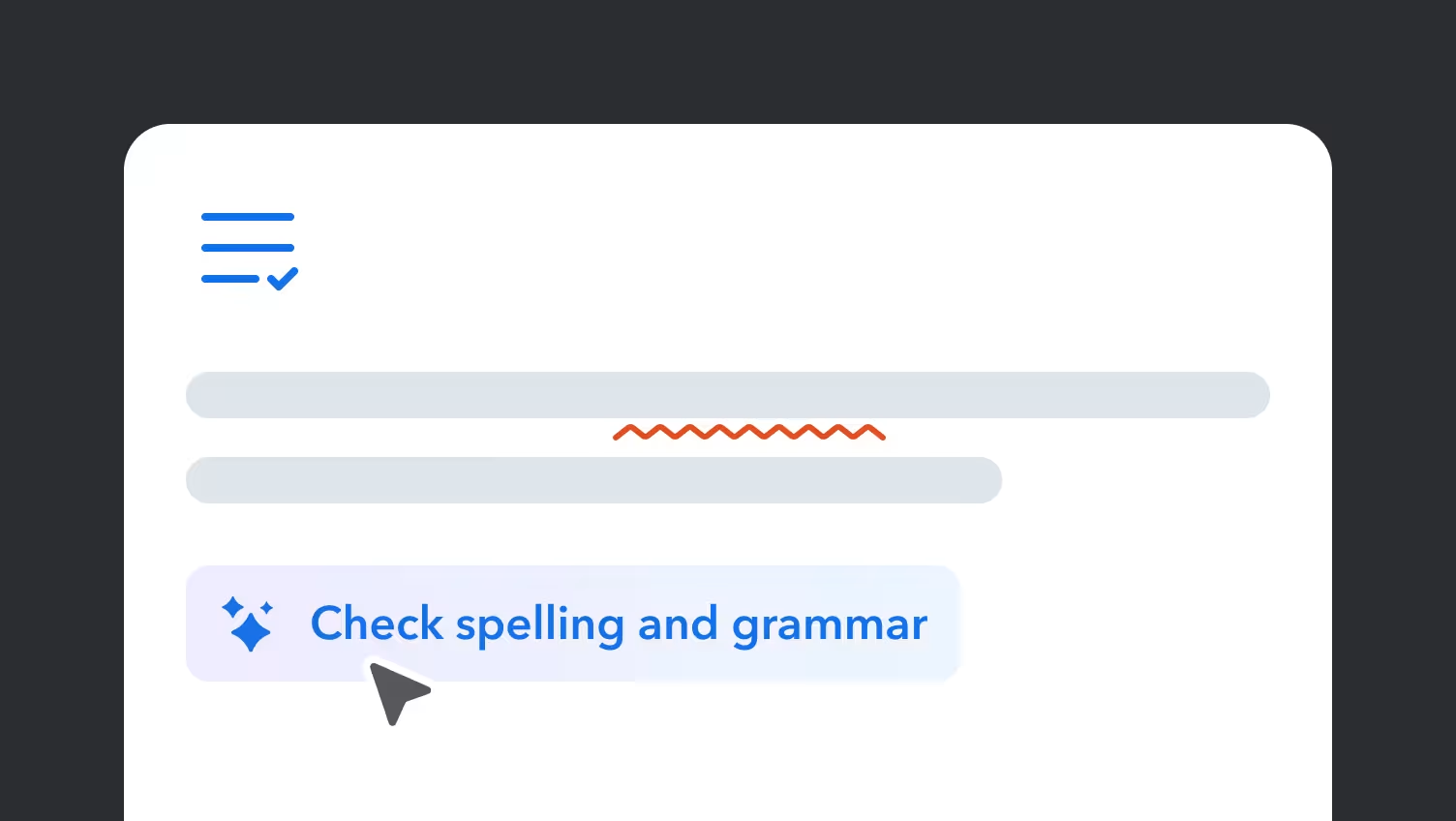
                      Corriger l'orthographe et la grammaire

                      Détectez et corrigez automatiquement les erreurs d'orthographe et de grammaire.

                        View demo
                        Text editor interface showing "Check spelling and grammar" button Text editor interface showing "Check spelling and grammar" button

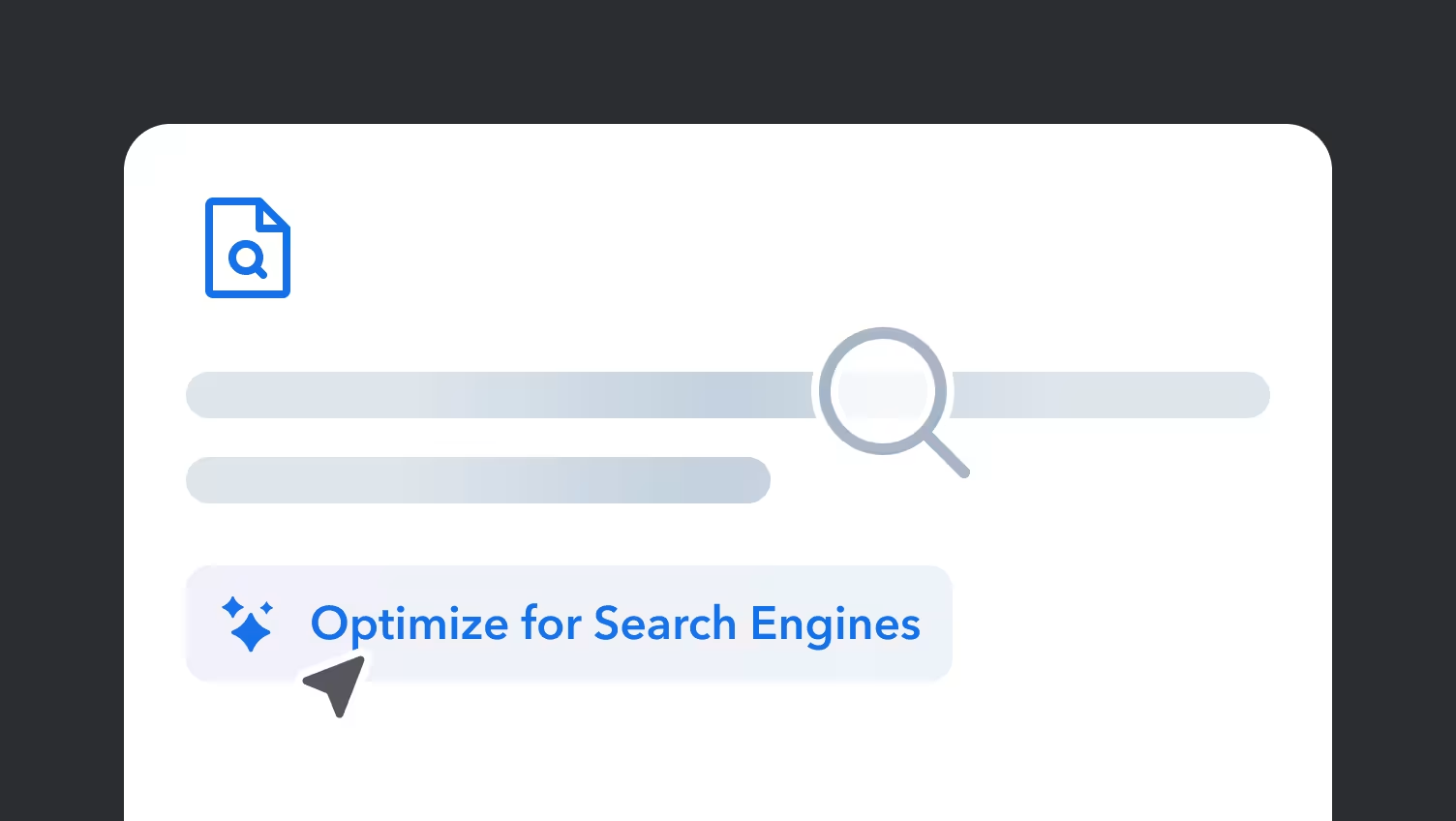
                        Optimiser pour le référencement et les mots-clés

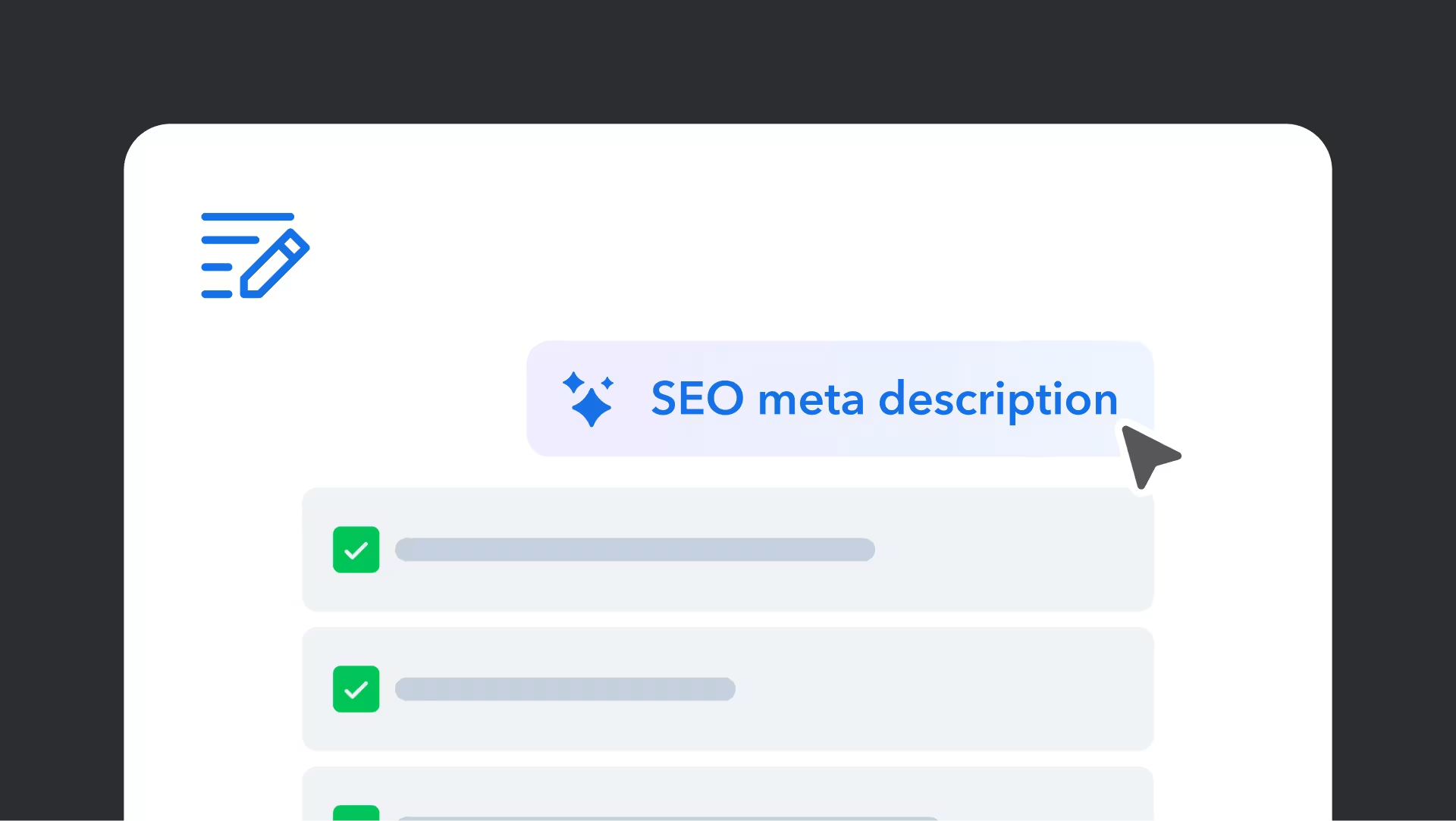
                        Améliorez la visibilité de votre contenu en l'optimisant pour le référencement.

                          View demo
                          Illustration showing search optimization interface with magnifying glass icon, document symbol, and "Optimize for Search Engines" textIllustration showing search optimization interface with magnifying glass icon, document symbol, and "Optimize for Search Engines" text

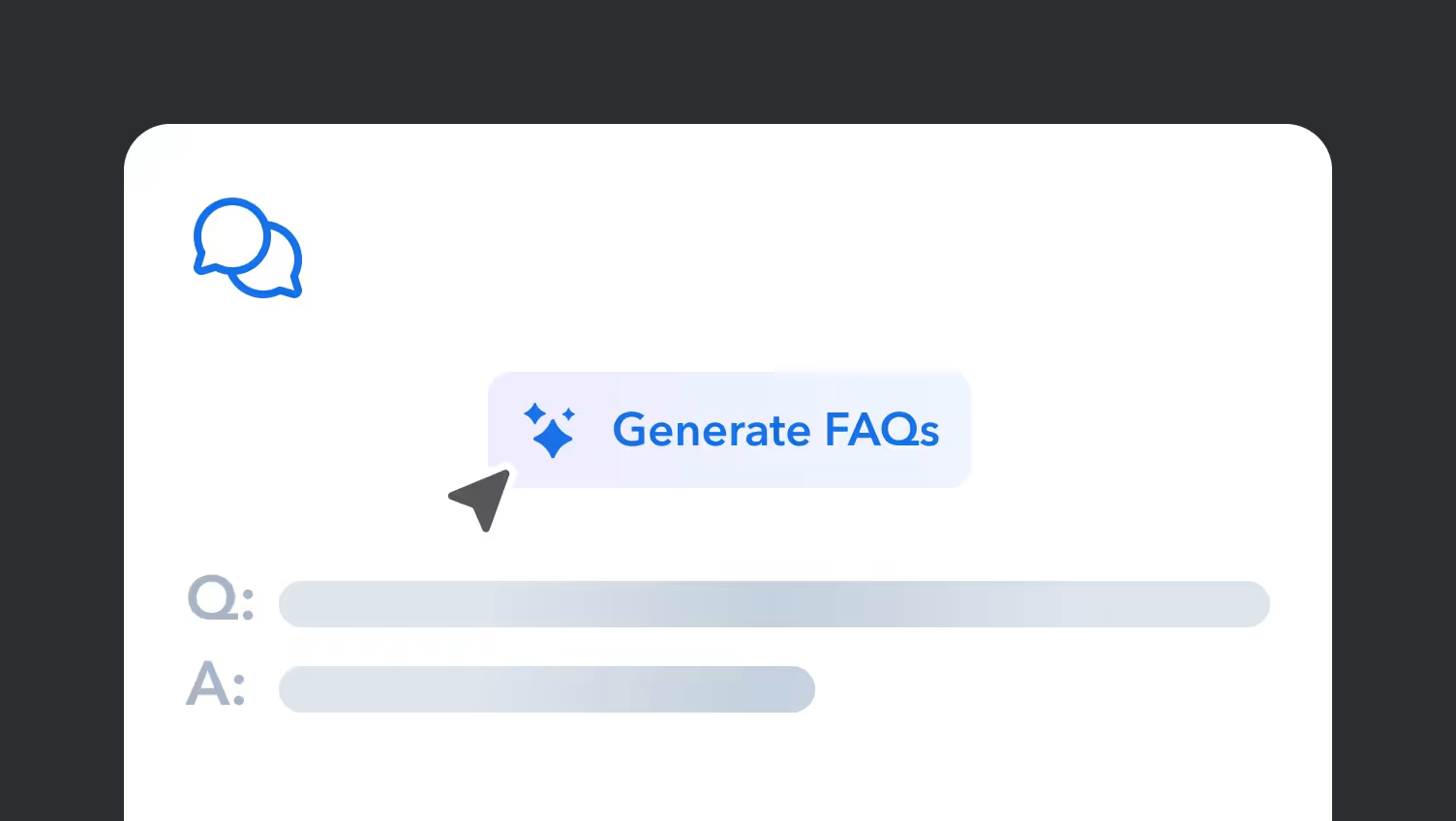
                          Génération de FAQ / Q&R

                          Utilisez le contenu existant dans votre Space pour produire un ensemble de questions et réponses.

                            View demo
                            Interface showing "Generate FAQs" button with chat bubbles icon and placeholder text for Q&A format belowInterface showing "Generate FAQs" button with chat bubbles icon and placeholder text for Q&A format below

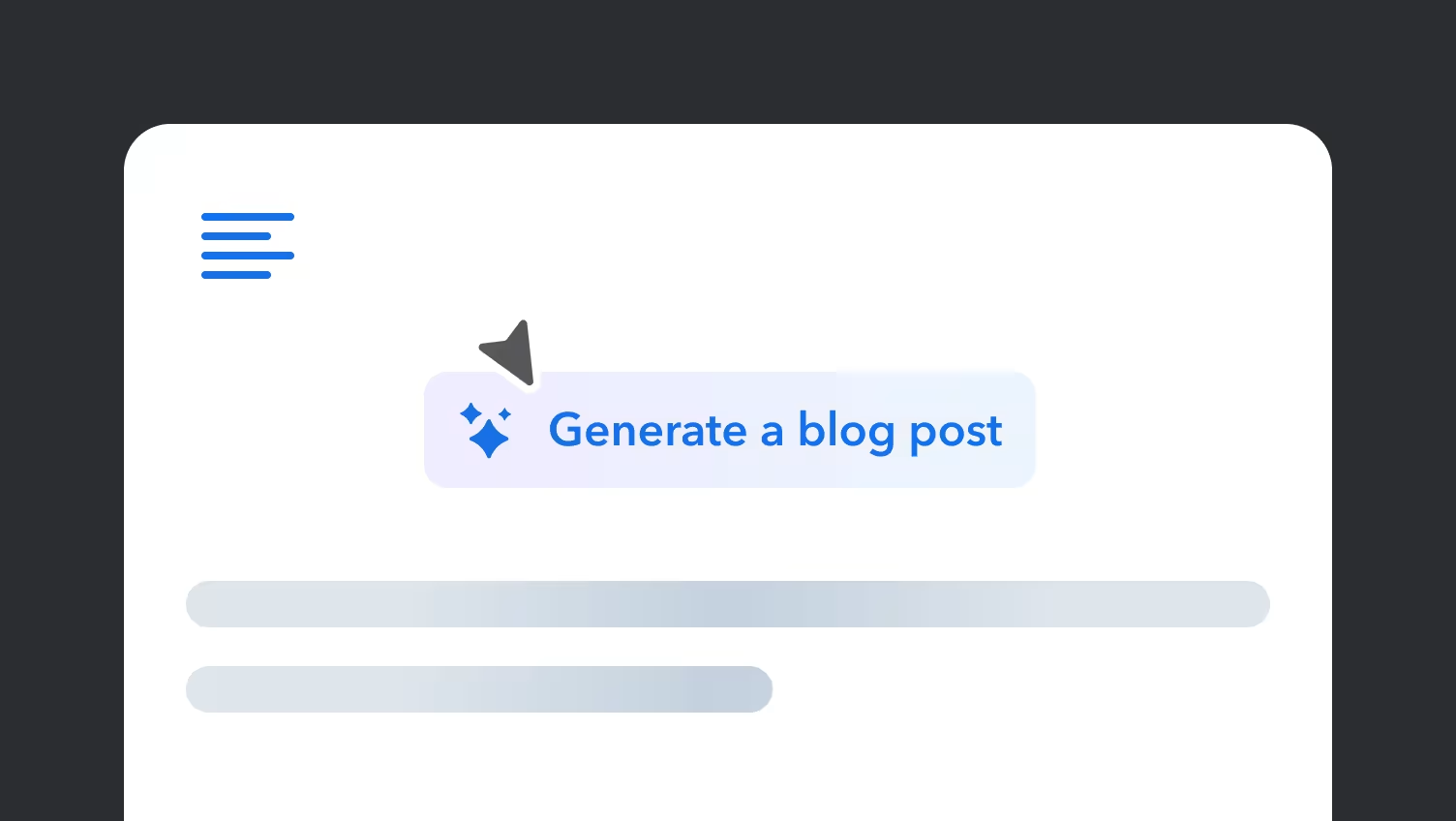
                            Génération d'articles de blog

                            Créez un article de blog sur un sujet existant dans votre espace Contentful.

                              View demo
                              A minimalist interface showing a "Generate a blog post" button in blue, with placeholder text bars and a cursor pointer aboveA minimalist interface showing a "Generate a blog post" button in blue, with placeholder text bars and a cursor pointer above

                              Création de guide pratique

                              Créez un article d'aide à partir du contenu existant dans votre Space.

                                View demo
                                Interface showing "Generate a how-to guide" button with blue wrench icon and numbered placeholder steps belowInterface showing "Generate a how-to guide" button with blue wrench icon and numbered placeholder steps below
                                AI Actions demos | Contentful