Build and deploy your homepage with Contentful and Gatsby
Build your first Gatsby starter with Contentful, a composable content platform that extends the capabilities of the headless CMS even further.
What is Gatsby?
Gatsby is a React static site generator that allows you to connect your web projects to a variety of APIs and data sources. Contentful can be used with many programming languages, including JavaScript, so it is a great option to pair with Gatsby.
Create an account
Sign up for a Contentful account. Once you do so, a new space will automatically be created.
Start with the Gatsby-CLI
Create a new Gatsby project using the homepage starter template.
Navigate to project folder
If you used Gatsby-CLI or cloned the starter:
Setting up the starter
Add Space ID and API tokens
In the terminal, add your Space ID, Content Management API token, and Content Delivery API token. Once the setup command executes successfully, a sample content model and content will be imported to your Contentful app.
Start the development server
Push to GitHub
Create a new repository on GitHub, GitLab, or Bitbucket and add it as the origin.
Commit the changes and push the code to the new repository.
Replace <REPO URL> with the git repository URL.
Create a Gatsby Cloud account
Create a Gatsby Cloud account and connect it with your GitHub, GitLab, or Bitbucket account.
Deploy with Gatsby Cloud
Login to your Gatsby Cloud account and click Add a site.
Under the Import from a Git repository, select the Git provider where you have hosted the repository.
Then, select the repository and click Import. In the Basic Configuration section, click Next.
Under the Suggested integrations section, click Connect and connect your Contentful space. This will configure the build webhook and create new environment variables in Contentful.
In Gatsby Cloud, configure the newly created environment variables, and click Build site. If the build is successful, your site will go live!
To really make this project your own, install your favorite Gatsby plugins or go with a different Gatsby theme. Happy building!
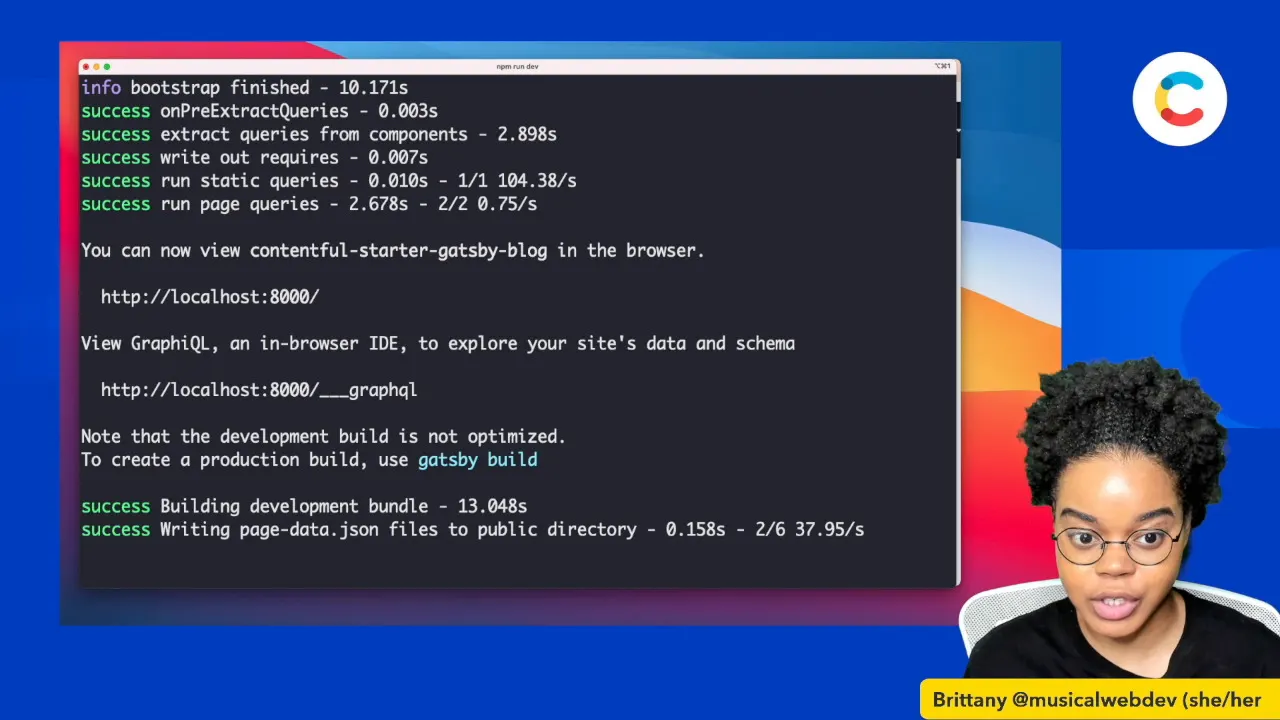
Creating a blog should be quick and easy. In this tutorial, Developer Advocate Brittany Walker shows you how to quickly create and deploy a Gatsby blog in 7 minutes using Contentful.
Build a blog using Gatsby and Contentful
Creating a blog should be quick and easy. In this tutorial, Developer Advocate Brittany Walker shows you how to quickly create and deploy a Gatsby blog in 7 minutes using Contentful.