Tables in Rich Text fields now available, no reservations needed
blogDetail.published April 26, 2022



blogDetail.subscribeCard.title
blogDetail.subscribeCard.description
We’re going to lay it all on the table. When prioritizing your digital strategy, the focus shouldn’t be on creating “wow” moments — at least not all the time. Rather, you should focus on continuously improving the customer experience. This often boils down to two things: provide useful information and communicate it clearly.
Whether you’re supporting a new iPhone release for a major telco, managing internal company communications, or letting everyone know that Europe’s biggest pop band is reuniting, the biggest achievements in the digital world are shouted from the rooftops (or rather typed up in a blog or social media post).
But as a content platform that powers so many digital experiences and important information exchanges, our wheels are always spinning in terms of how we can improve things on the editorial side. While entertaining how we could give content authors more power in organizing content, we came across an idea so compelling that our developers' wheels spun right out of their heads. The idea was so good we couldn’t table it!
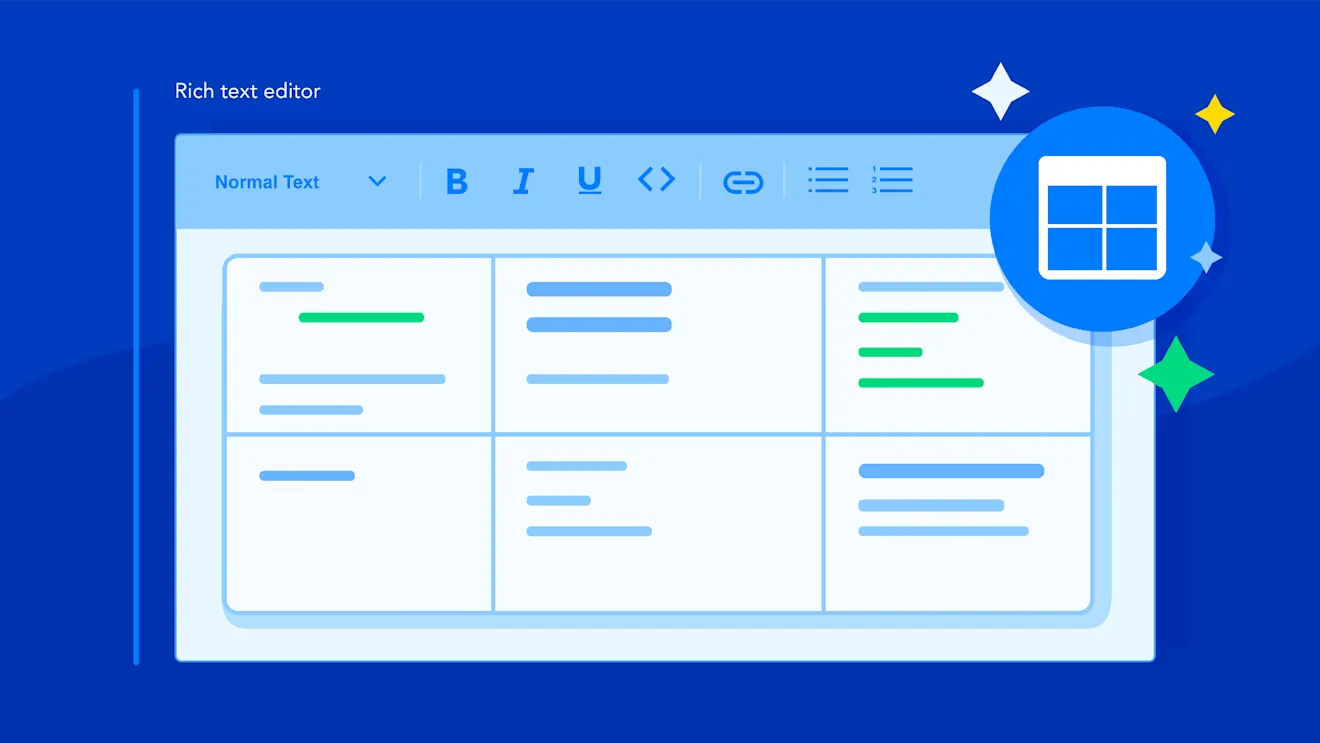
Puns aside, we’re happy to announce the release of tables for Rich Text fields — we’ve tinkered and toyed to make them as user-friendly as possible. If you can make a table in Word, Google Docs, or Confluence, we’re confident you can do the same in Contentful. If you’re feeling bashful, there’s always the option to copy and paste what you’ve created elsewhere. Sharing information couldn’t be simpler.
Creative uses for tables in Rich Text fields
Tables can do a lot more than hold empty glasses and dust-covered books you haven’t (and don’t plan to) read. In Contentful, tables streamline how you present information and have the power to break up long-winded text.
Even more, tables are versatile, meaning they can be used creatively and in many different contexts. We’ve seen them used internally and by early-access program customers for pricing matrices, sizing information, calendars, product comparisons, legal documentation, feature lists (like the one below), and timetables, of course.
It would be poor form to write all about tables and skip out on using one. So, in the spirit of clear communication and organized information, here’s a table outlining the capabilities included with this release.
Capabilities | Is it supported? |
|---|---|
Add rows and columns | Yup, just click the contextual menu in any cell and you’ll be able to pack in even more information. |
Copy and paste tables | Yes. You can copy and paste pre-made tables from Microsoft Word, Google Docs/Sheets, Confluence, and most websites without running into issues. |
Add header rows | Totally. We love making things crystal clear and headers help (plus screen readers love them). To insert a header row, just click the contextual menu in any table cell. |
Format text | Oh yeah. You can make table text your own. Make it bold, italic, underlined, |
Add hyperlinks | Yes. You can link to external sites, other entries, and assets galore. |
Embedded entries | For sure. Inline entries are a staple at Contentful. |
Tables’ troubled history, rewritten
Some of you have been looking forward to this day for a long time. Until now, you may have been convinced the only location harder to get a table at than Noma was most CMSes.
In the past, managing tables in Contentful, and other platforms, meant adding hard-to-edit markdown, nested content types, or an image — which doesn’t work with screen readers. These workarounds might be OK for end users but they slow down editorial workflows, dampen accessibility, and mix content with code (a no-no with API-first building).
We’ve worked hard to make tables pleasing for end users’ eyes and the content creators, developers, and other Contentful users working behind the screens.
Take advantage of tables now
If you plan to use tables extensively in your content, we have a dedicated Contentful Learning Center module on working with tables. Feel free to share it with your team.
To give your editors access to tables, navigate to the properties of the Rich Text field you’d like to enable tables for and select the table icon. For new Rich Text content types, tables are enabled by default. To hide tables from a content type, disable them the same way you would other Rich Text attributes. For additional information, check out our documentation on Rich Text.
Concerned that tables won’t show up as your editor intended when they reach the frontend? To ensure this isn’t the case, we’ve expanded our client libraries for tables, meaning developers can support tables across key frontend languages.
And that's all the good news we have to share about tables. The places are set, and we look forward to seeing what you build. If you're wondering what other new features can elevate your content, bookmark this link to see what else is new with Contentful.

blogDetail.subscribeCard.title
blogDetail.subscribeCard.description
blogDetail.authors

As a writer at Contentful, Stephanie contributes to blog posts, white papers and other assets that demonstrate the power of content and the platforms that hold it. She also maintains brand consistency across the company through copyediting.

Andrew was Group Product Manager at Contentful, and a leader with experience delivering successful, user-friendly products and services to consumer and enterprise audiences. He's worked across a broad range of industries including marketplaces, advertising, finance, infrastructure, and internet of things.
blogDetail.relatedArticles

Close the personalization gap: Activating Salesforce CRM data in real time with Contentful
June 12, 2025

The future of digital experiences are AI-powered, composable, and built to win
March 31, 2025

Integration Roundup: The Vercel App and Contentful Content Link for Vercel
August 22, 2024