Ability to control reference link actions
Web App
We have released new appearance settings for reference fields (single reference, many references, single media, many media files) that gives content modelers the ability to hide link actions per field.
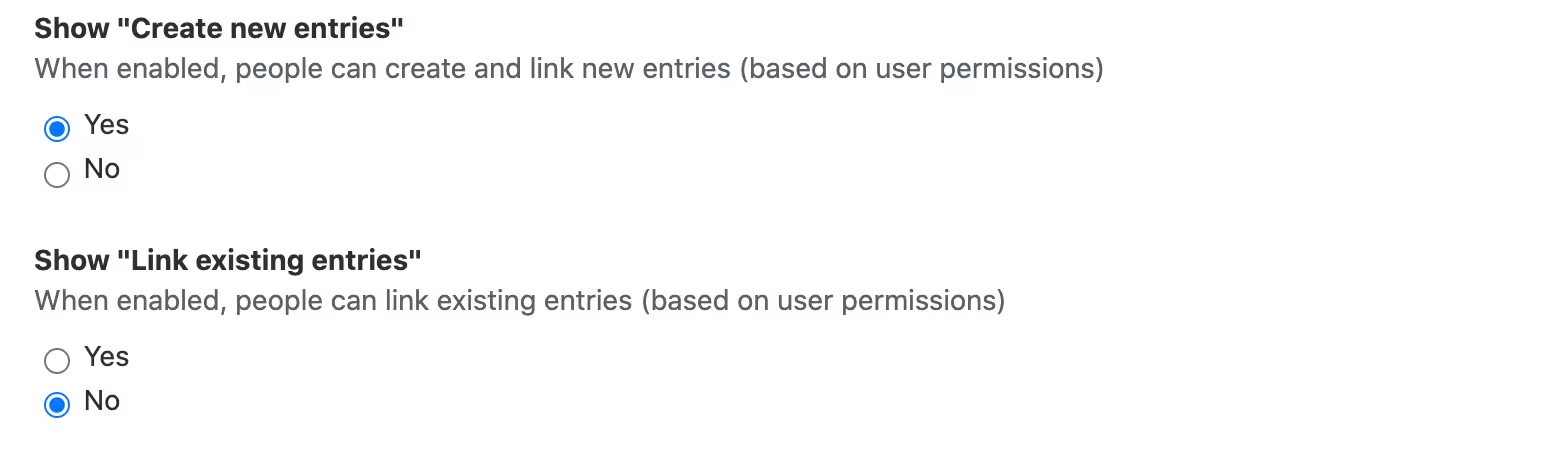
To find the new feature, go to the Appearance tab of a reference field.
-
you can hide "create new entry/asset and link" button and allow editors only to select from existing entries or assets
-
you can hide "link existing entries/assets" button and enable editors only to create new entries/assets
-
you can hide both actions and allow editors only to change the position of existing items without the ability to add new items.