Add comments to workflow step changes
Web AppContent Management API
Now customers can bring information to future users by adding some text in the dialog box when changing a workflow step (in any direction). This feature allows teams to communicate, share, and review important details or insights without the need to switch between contexts, enabling smoother processes and collaboration.
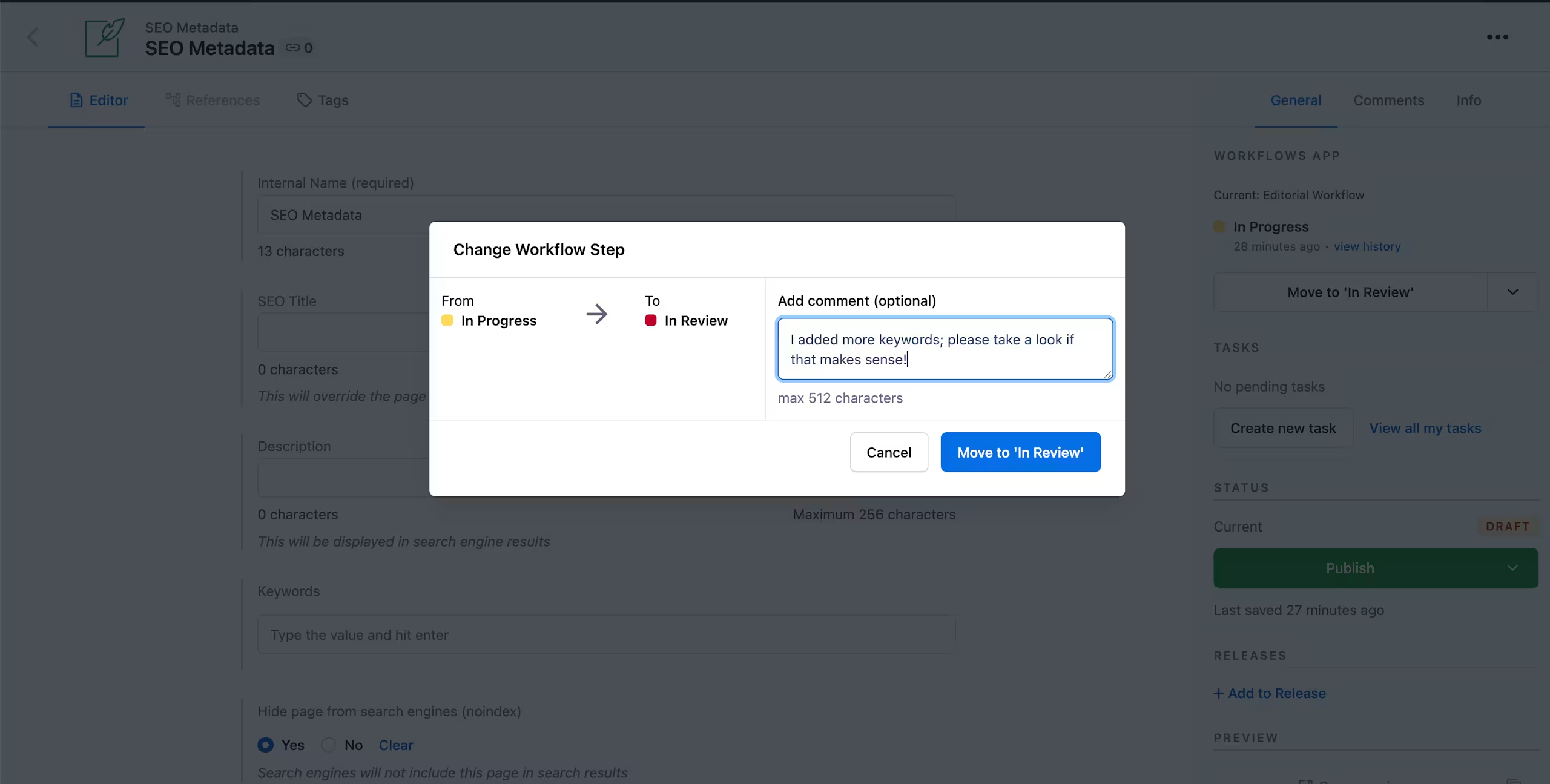
The most recent comment appears in the workflow sidebar widget, and all comments are available in the workflow history dialog box. You can learn more in our documentation.