Custom preview tokens and locale switcher in live preview
Custom preview tokens are now available for customers who localize their website across multiple countries, languages, and/or regions. Until now, content preview settings have only supported locale codes (like en-US), but couldn’t support more complex URL patterns.
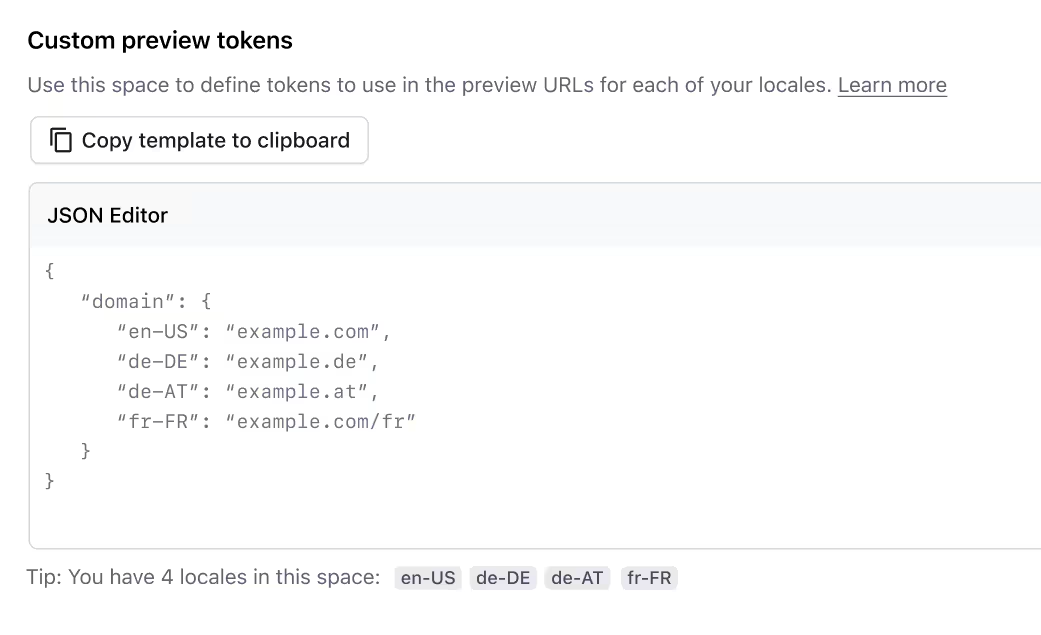
For example, if a customer uses example.com for their en-US locale, and example.de for the de-DE locale, there's currently no way to designate that in the content preview settings. Preview localization will allow customers to define locale-specific tokens that can be used in their preview URL settings, enabling them to configure preview settings for more locales and editors.
To get started, open the preview settings for your space, and scroll down to the new “Custom preview tokens” section. Add your tokens in JSON format to the text field (use the “Copy template to clipboard” to auto-generate JSON for your configured locales), and be sure to save your changes.
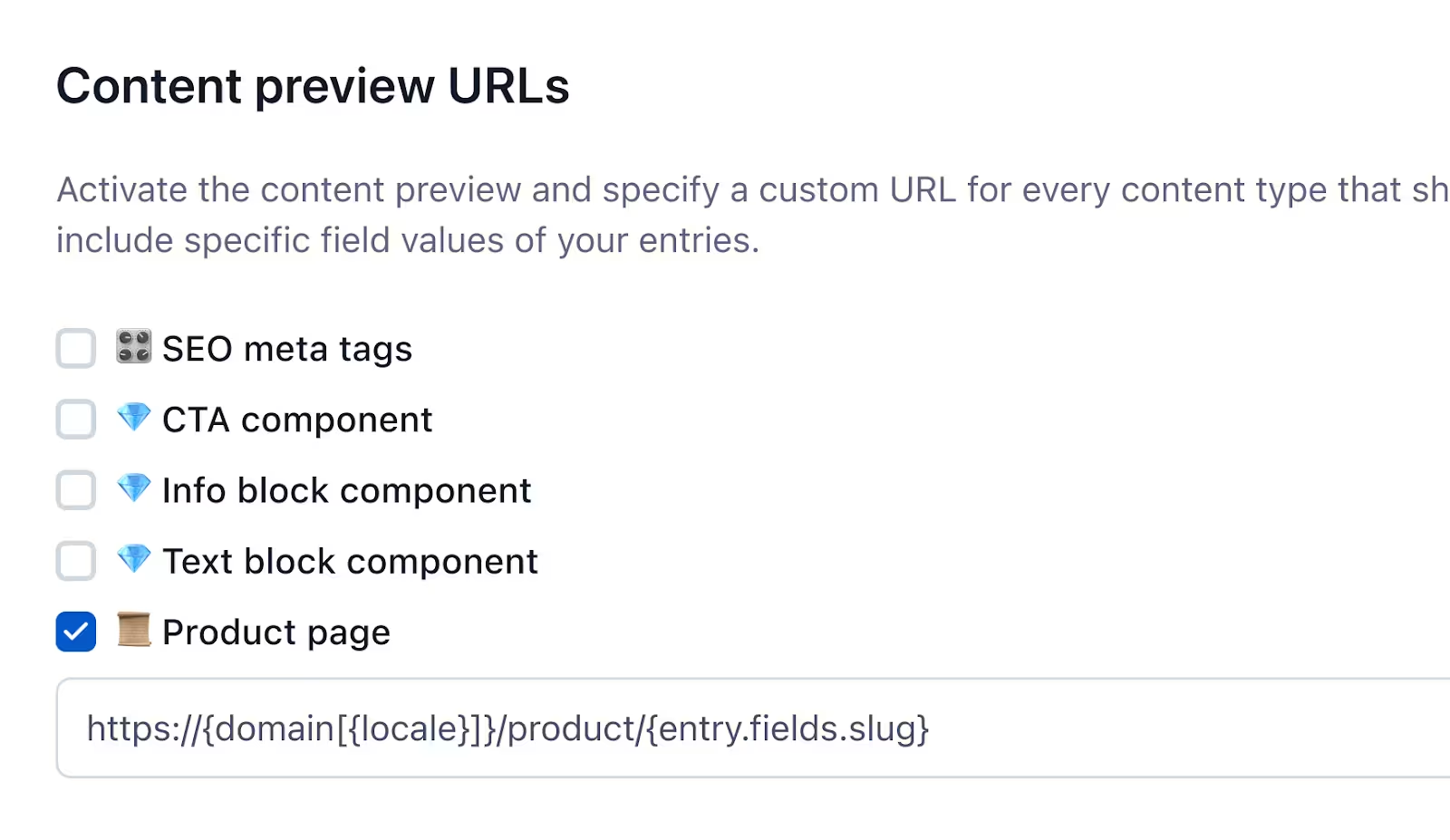
Then update the preview URL for each content type where you want to use the token.
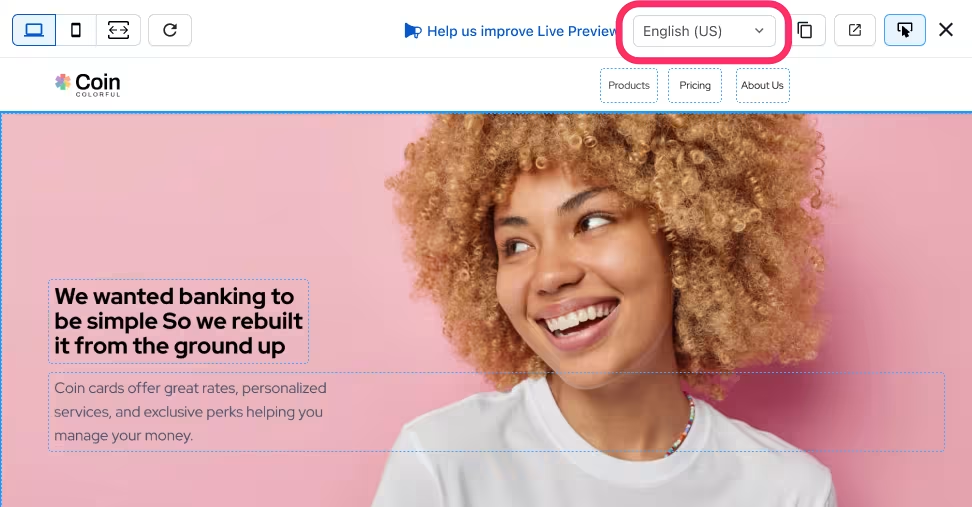
Your editors will also see and be able to use a locale-switcher in the live preview editor.
Preview localization is only available to customers in Premium plans. Contact sales to learn more and upgrade to a Premium plan. Learn more about custom preview tokens in the Set up content preview tutorial.