Introducing expiry dates for personal access tokens
Web AppContent Management API
While creating a new personal access token, you now have the ability to set an expiration date. This lets you define how long a token should remain valid. Once the expiry date passes, the token will automatically become inactive. This allows you to have greater control over your account’s access permissions, reducing the risk of unauthorized access. We have also overhauled the token management page which lists all your tokens on a single page and includes much more information such as creation date, token type, and the redacted token.
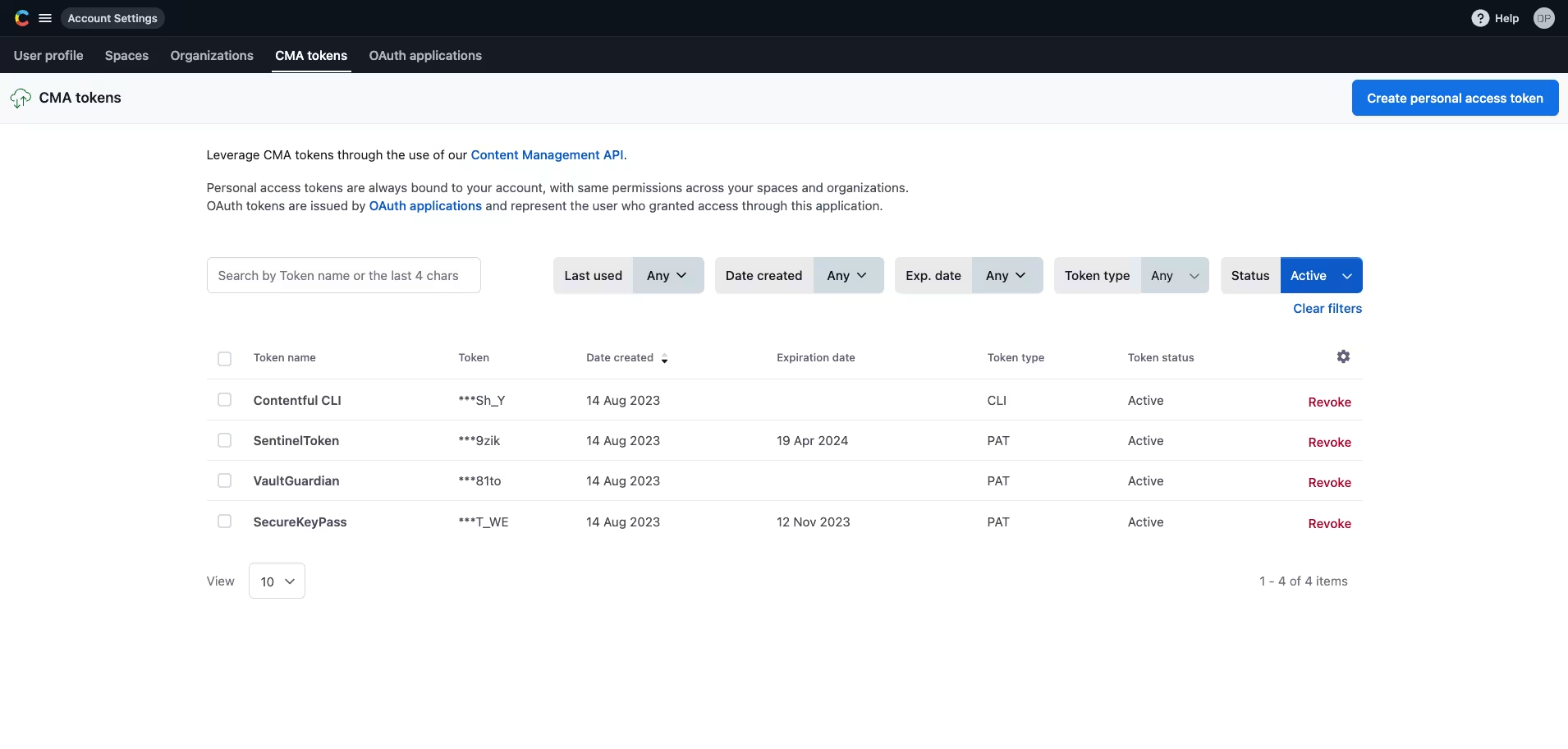 Head over to your Account settings → CMA tokens page to test out this latest feature.
Check out developer docs here to learn more about the API changes.
Head over to your Account settings → CMA tokens page to test out this latest feature.
Check out developer docs here to learn more about the API changes.