Merge app can now be used from your command line
Building on environments and environment aliases, the Merge app can help teams to incrementally create, test and release their content models. And now, you can use the Merge app right from your command line! Developers will be able to compare content type differences between environments, export a migration script and apply it right from the Contentful CLI, without having to switch over to the web UI.
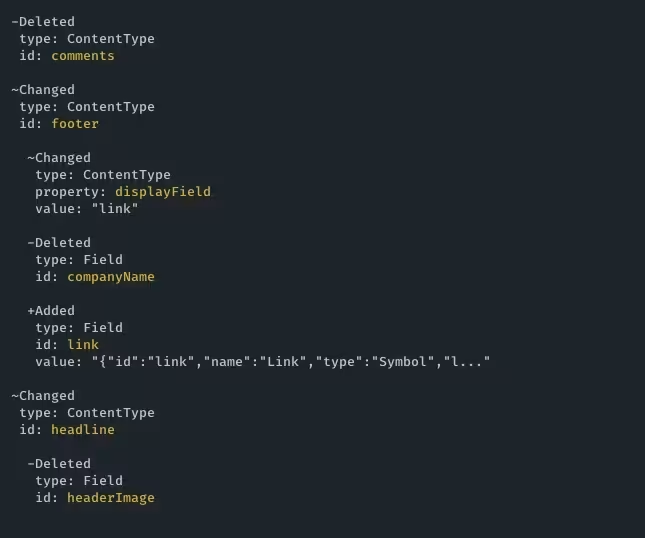
Show content type differences in the CLI
To view content type differences between two environments, use command:
If the Merge app is not installed in those environments, the CLI will prompt you to install it. If you don’t have installation rights, you will need an admin user to install it for you.
Export differences in a migration file
To download a content type migration script for a target environment, use command:

Apply the migration file using the existing Contentful migration command
To apply the exported migration script to your target environment, use command:
Note: If desired, you can make manual changes to the migration script before applying it (e.g. adding entry transformations).
User documentation can be found here.
We want to continue to make your experience with the Merge app better, and would love to hear your thoughts. Help us improve your experience - share feedback.