Navigate faster with the new command palette
We’re excited to announce a new platform feature in Contentful, the command palette. The command palette helps users navigate through the platform faster by providing a list of general commands and the ability to execute actions using the keyboard or with the click of a button.
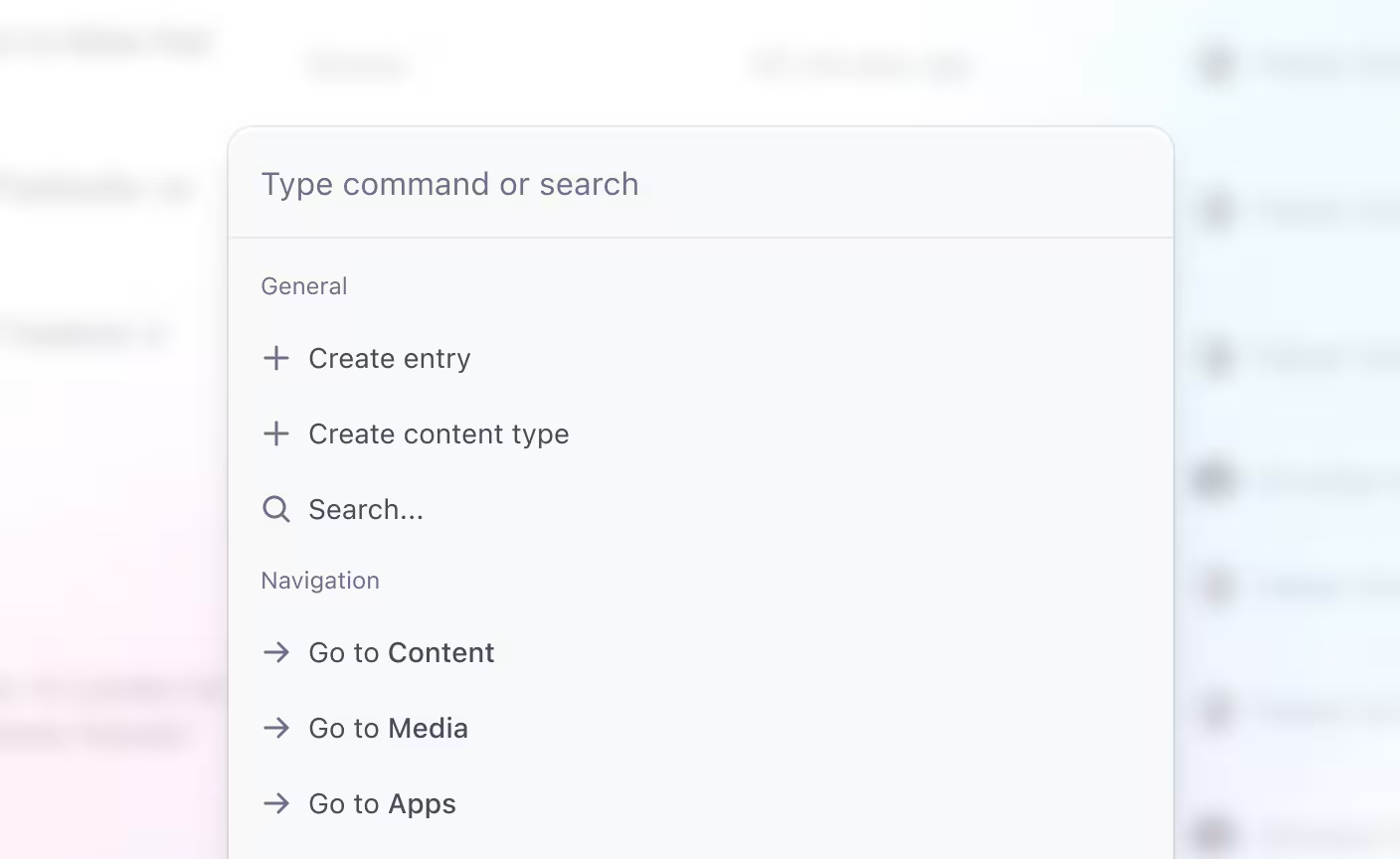
You can open the command palette on any screen within Contentful using the following keyboard shortcuts:
- for macOS: ⌘+K
- for Windows: Control+K.
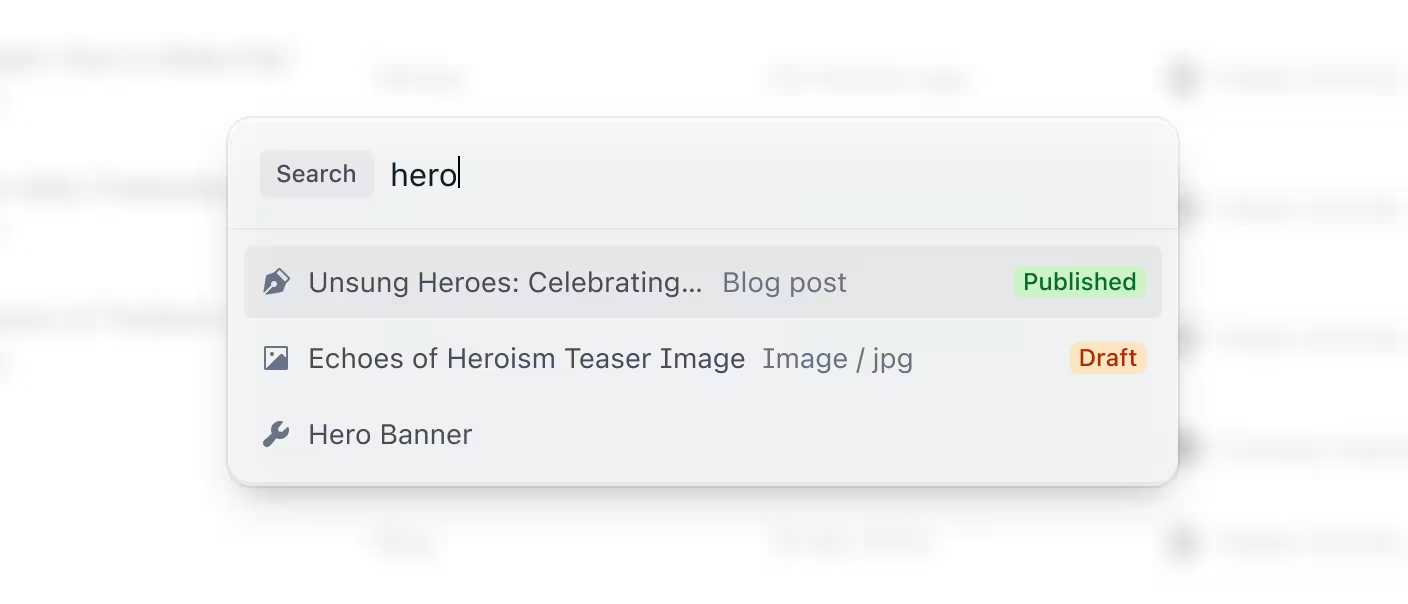
This update also comes with a change to our quick search functionality. We’ve improved its look and it can now be accessed from anywhere by pressing the / key on your keyboard, or the search icon in the top navigation.
Today, we’re launching a limited set of commands to general availability, with more to come in upcoming releases. If you have any feedback or suggestions to extend this functionality, let us know.