See changes as you work with live preview
Live preview is an enhanced editorial experience that enables content editors to see how the content looks side by side with the content fields, in the web app. This feature will be gradually enabled over the next few weeks.
Live preview helps digital teams quickly and confidently fine-tune content, leading to
- Increased efficiency by finding and editing content faster
- Higher content quality and less re-work
- Reduced onboarding and training by making the editorial experience more intuitive
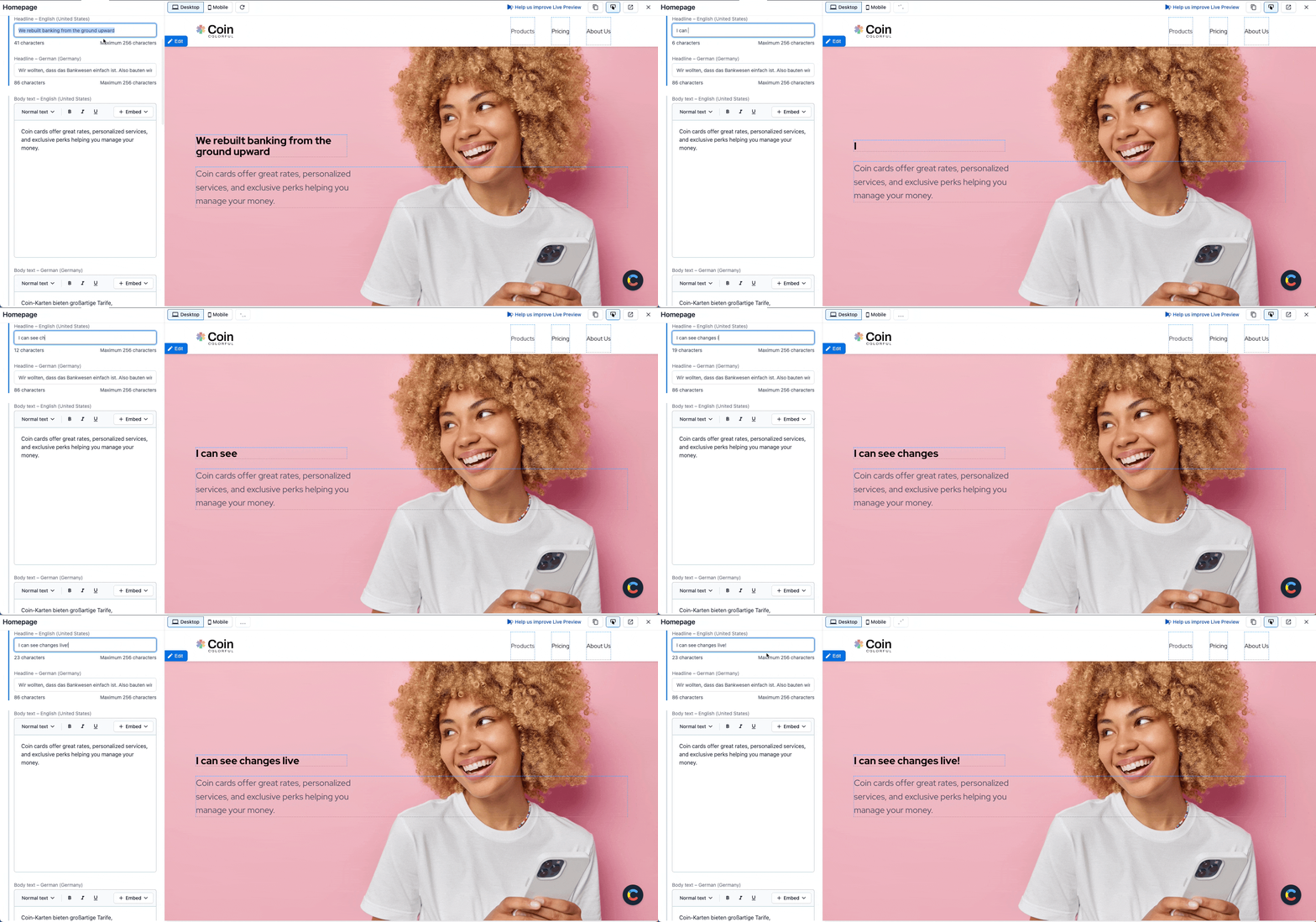
Out of the box, live preview offers an intuitive side-by-side edit and preview experience. Content fields appear on the left, and a preview of the page appears on the right. Customers can change the preview viewport from full-width desktop to a narrow-width mobile view.
When developers integrate our live preview SDK into your web site, it unlocks two additional capabilities for content editors:
- Real-time updates in the preview pane: Test different copy variants and see their effect as you type.
- Inspector mode: Find and edit specific content faster by clicking on any tagged field in the preview pane.
Live preview will be included in starter templates for new customers, starting with the marketing website template.
Read the documentation to learn more about live preview.