See who is working on the same piece of content
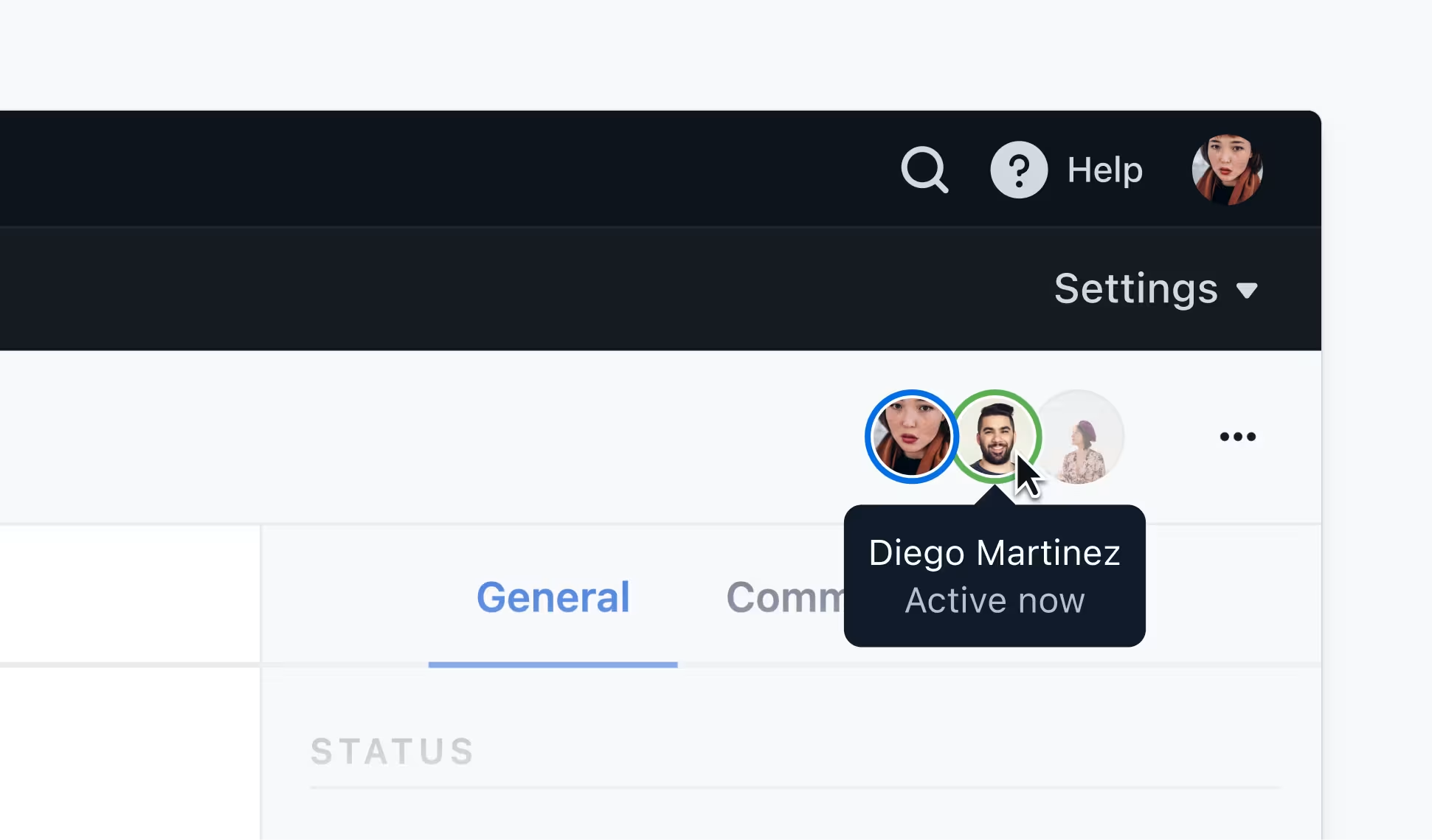
Users can now see who else is working on an entry or field with the addition of the presence indicator. This improves visibility so teams can efficiently coordinate content updates without the fear of accidentally overriding another’s work.
The presence indicator for an entry is located in the top right corner. If a user’s avatar is active, it means they are currently working within the entry. Users become inactive after two hours of inactivity and their avatar will disappear from the presence indicator.
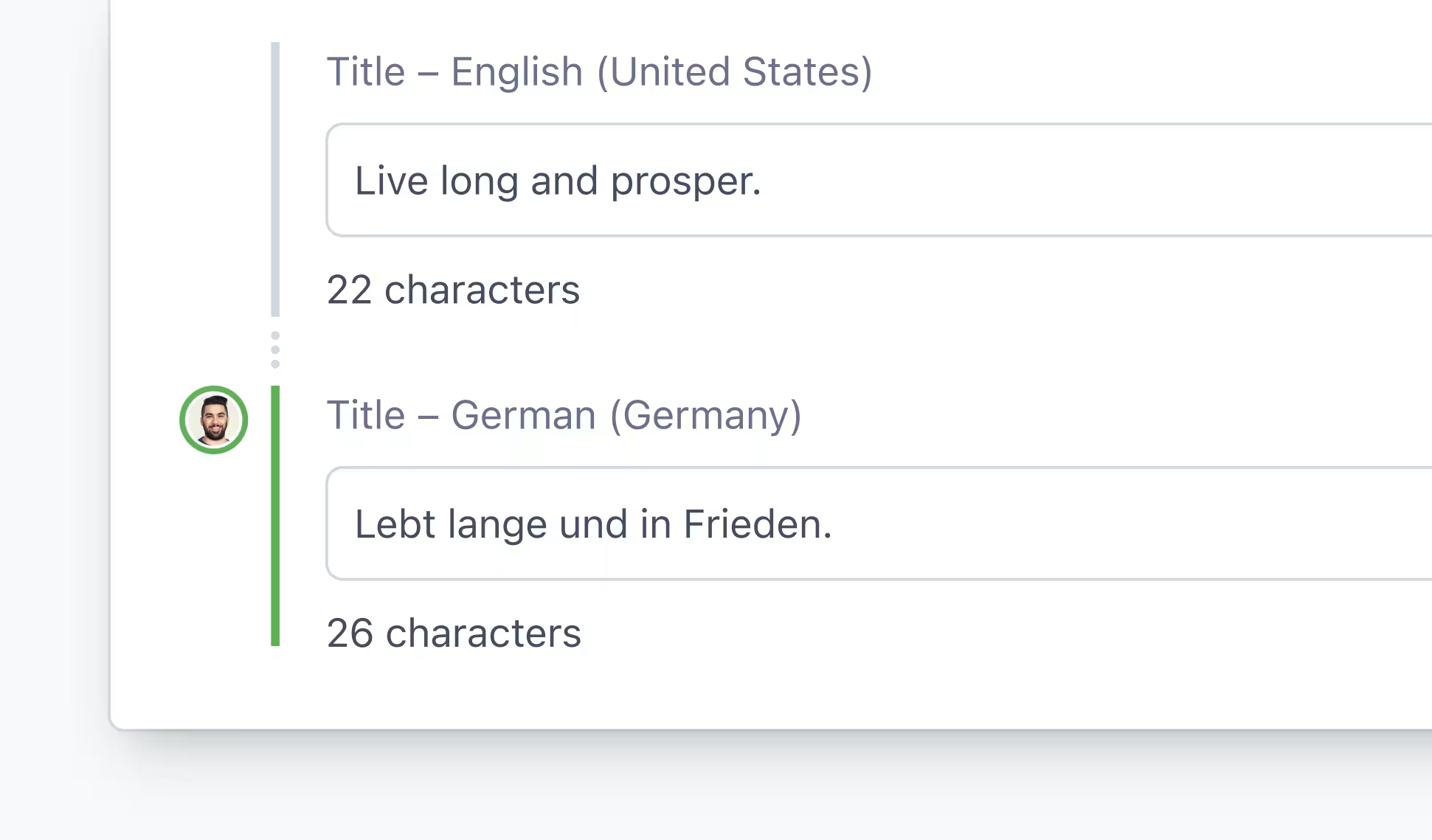
The presence indicator for a field is located to the left of the field. If a user’s avatar is active, it means they have the current field selected as well as actively making changes. Once a user deselects a field, they are considered inactive and their avatar will disappear.
This update is rolling out gradually to Basic and Premium customers starting on September 19, 2023.