Updated UI
Web App
The refreshed UI reflects our commitment to modernity. This update helps users navigate the platform more efficiently so they can focus on creating, managing, and optimizing content-driven experiences.
Key changes
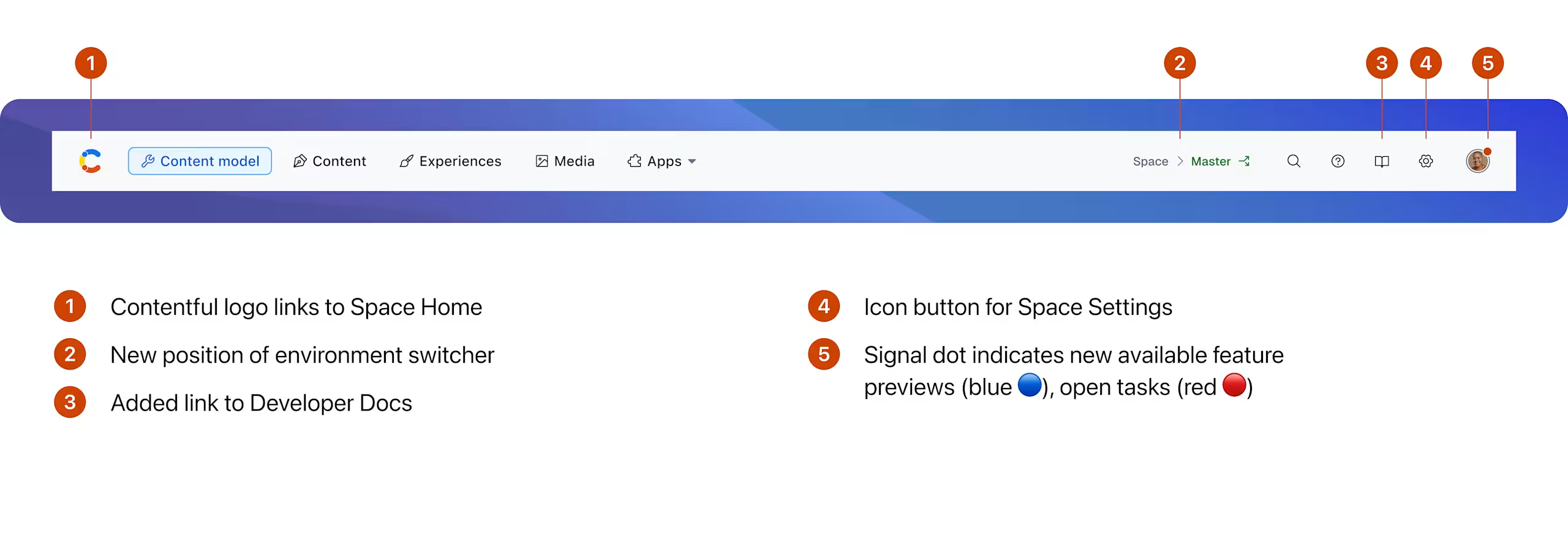
- The navigation is streamlined into a single line, maximizing space for what matters most—your content. It adapts seamlessly to different viewport sizes and features larger click targets for improved accessibility, especially benefiting users with fine motor skill impairments. Enhanced color contrasts and refined semantic HTML further boost accessibility, making navigation easier for users with vision impairments and those relying on assistive technologies like screen readers and keyboard navigation.
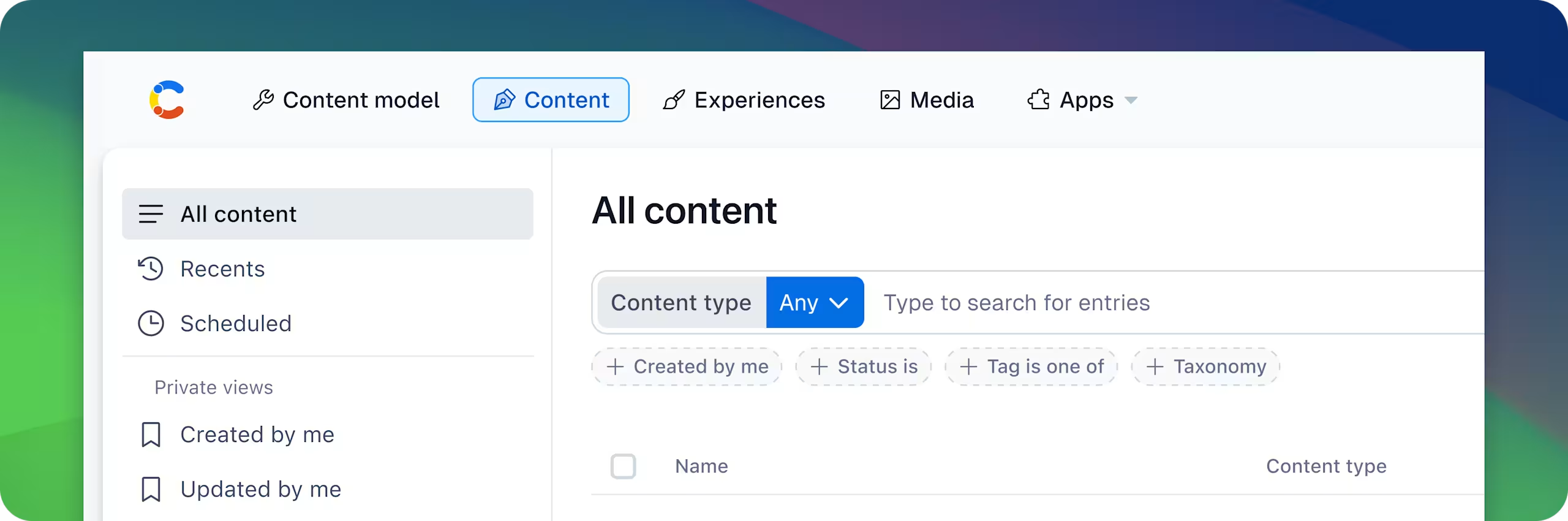
- New page cut and layout focuses visual salience on content and actions, highlighting headers and most important information. It is responsive, adapting to different viewport sizes.
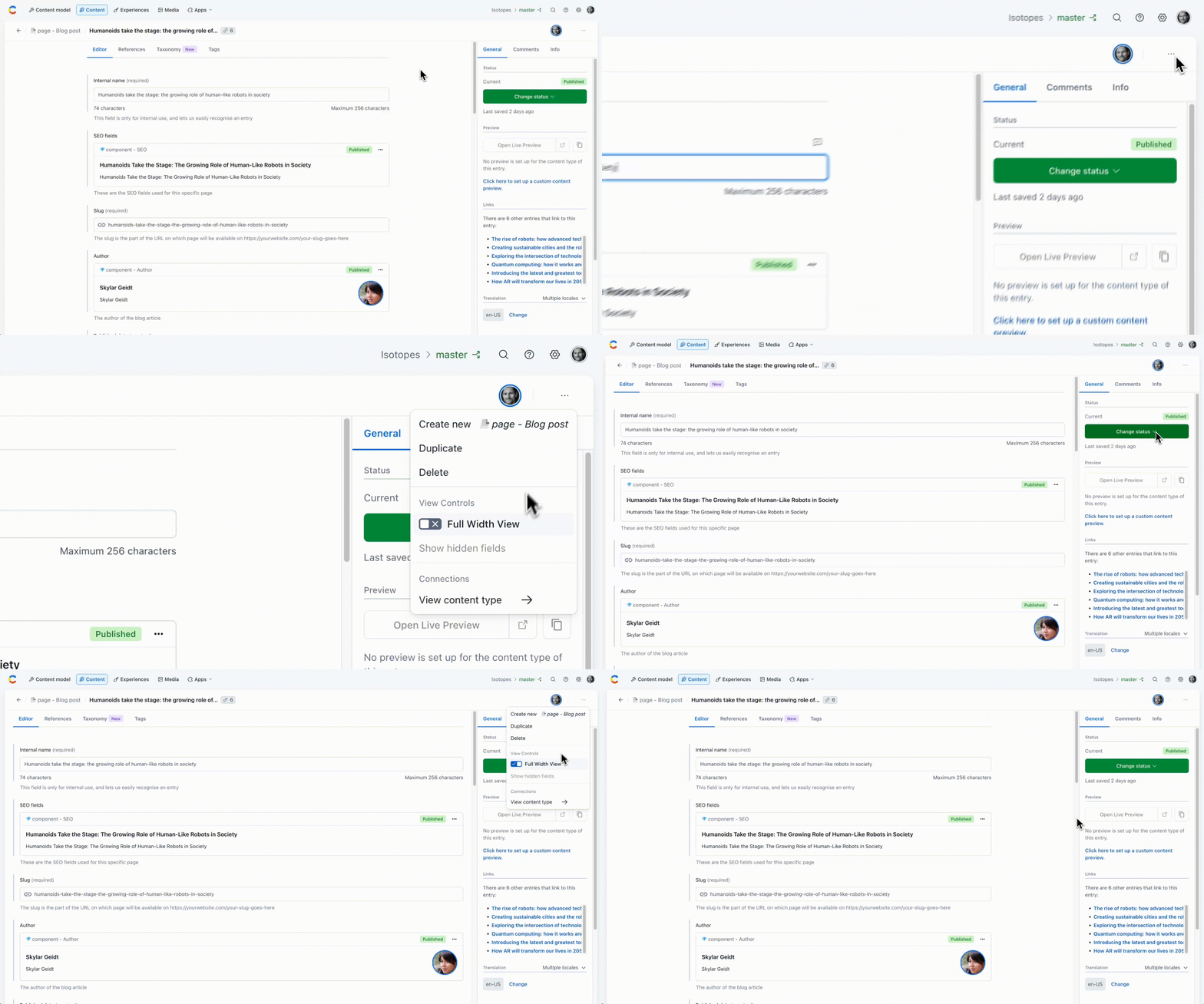
- The new layout limits the width of field editors to improve readability. If you need more space for your custom editor, you can enable the "Wide editor view" by clicking the three-dot menu in the top-right corner of the page.