Add tags to Compose pages
Content tags are great because they can be used for many different purposes. You could use them to improve searchability (both for content teams and end-users), you could use them to set access permissions on Contentful entries, or you could use them to indicate different styling treatments (e.g., light vs dark themes) in your digital experiences. Whatever your team uses tags for, you can now manage them directly from within Compose pages.
To view and edit a page’s tags in Compose, just open the “Page details” panel, click “Manage tags”, and a list of the tags assigned to that page will appear. If you have permission to edit the page, you can assign additional tags, or remove existing ones. At this time, tags cannot be created from within the Compose interface, even if you have permissions to do so.
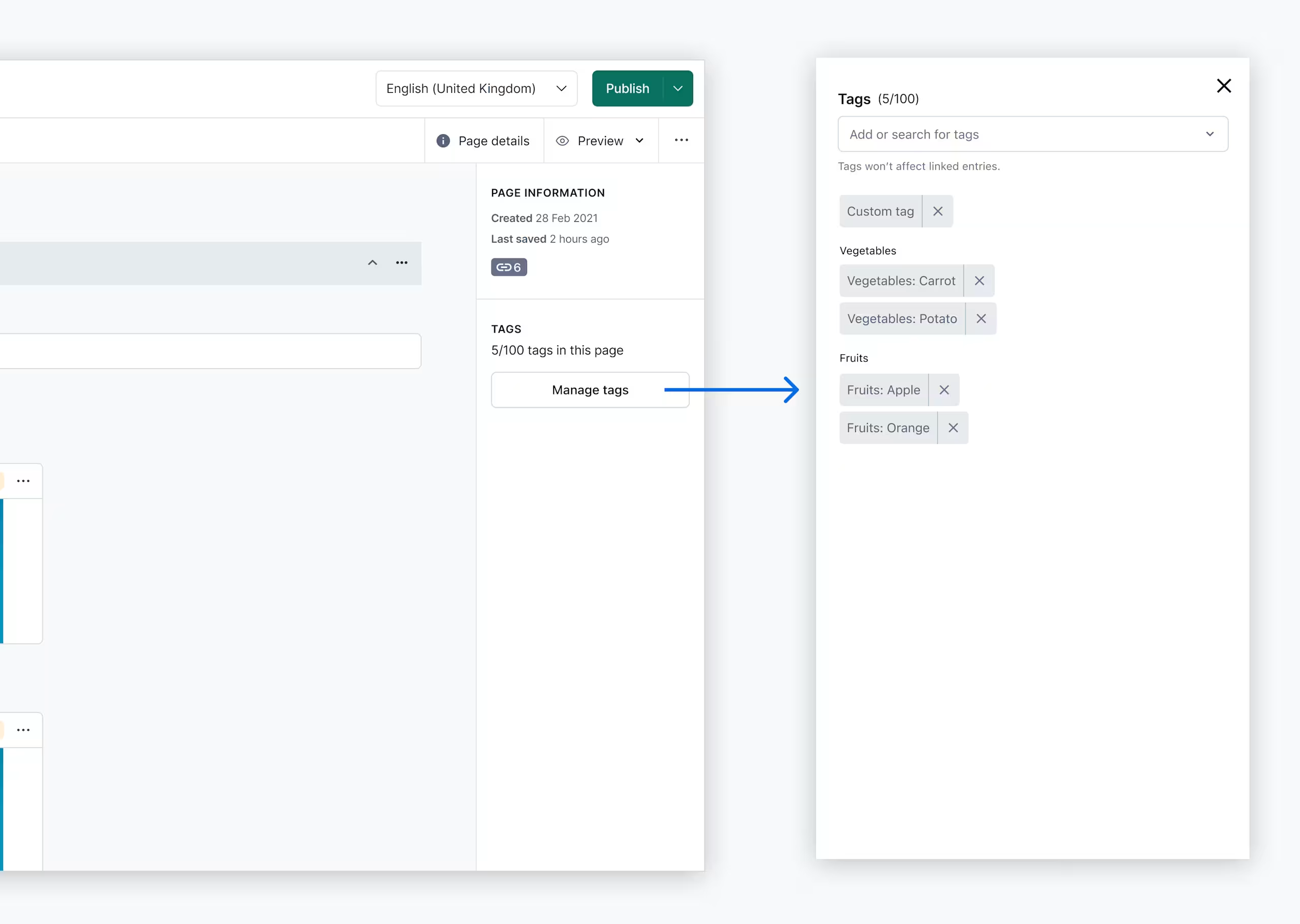
Because Compose offers a flattened editing interface, and most actions are handled at the page level, tags are also assigned to the page entry (i.e., the parent entry) only, and not to any child entries or references. You can still add new tags or manage tags on child entries in the web app.