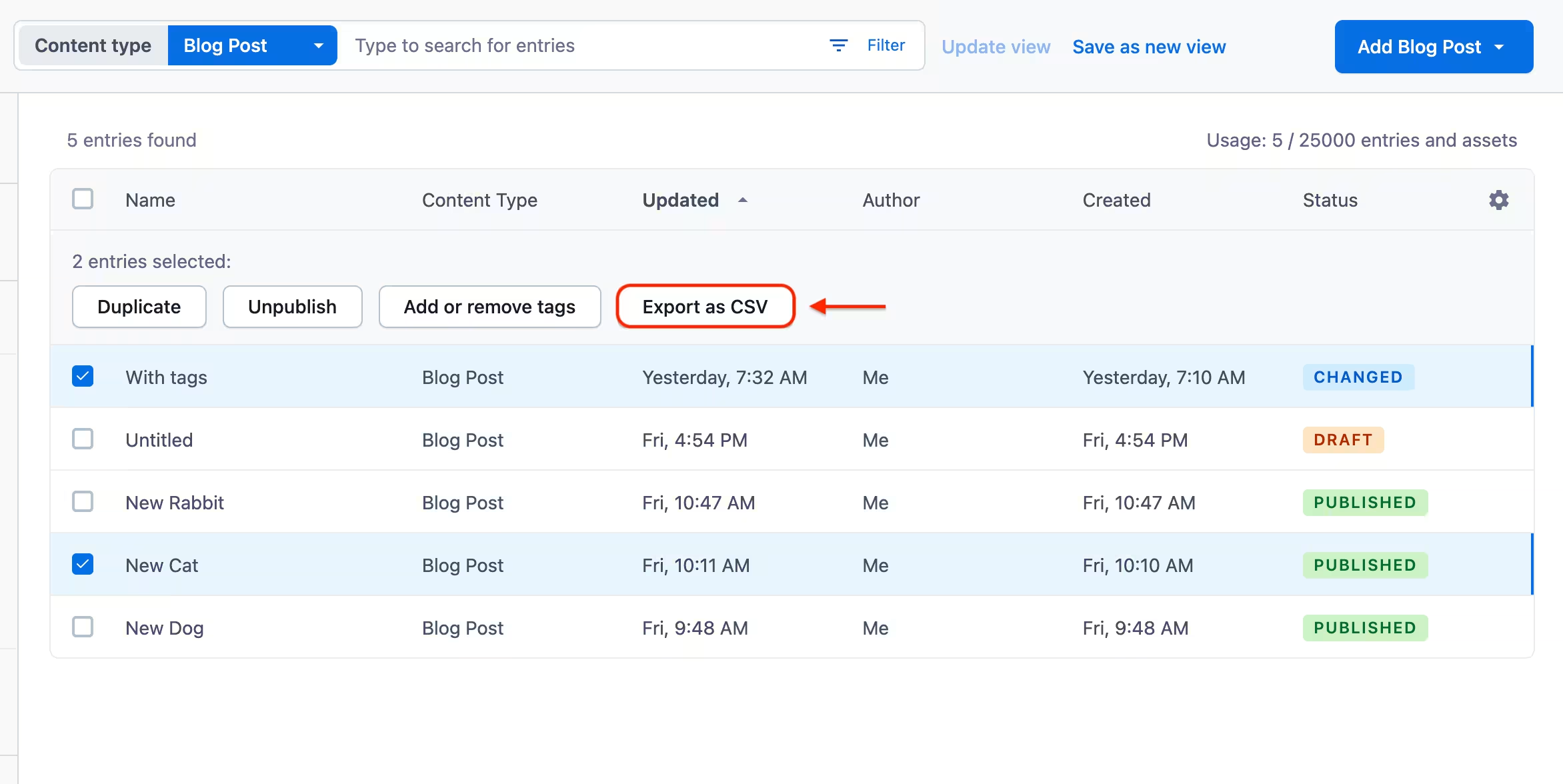
Analyze and audit search results with a downloadable CSV
Getting a thorough understanding of the content your teams are producing is essential for optimizing and iterating it over time. In some cases, content can be augmented with metadata to improve SEO performance or audited for gaps and enrichment.
To make the content analysis process a bit easier, we’re making it possible to download content search results via CSV export, which can be further analyzed in the BI tool of your choice. Simply run a search, configure the columns to include, select the rows to export, and click “Export as CSV” in the bulk actions menu.
When all rows are selected, the export pulls search results from the current page only, meaning that if there are more search results than on one page, you would need to export the remaining results as separate CSV files, or use our APIs.
For more information, please read our Help Center article.