Ask questions about your content in Slack with the Contentful Optimization Agent
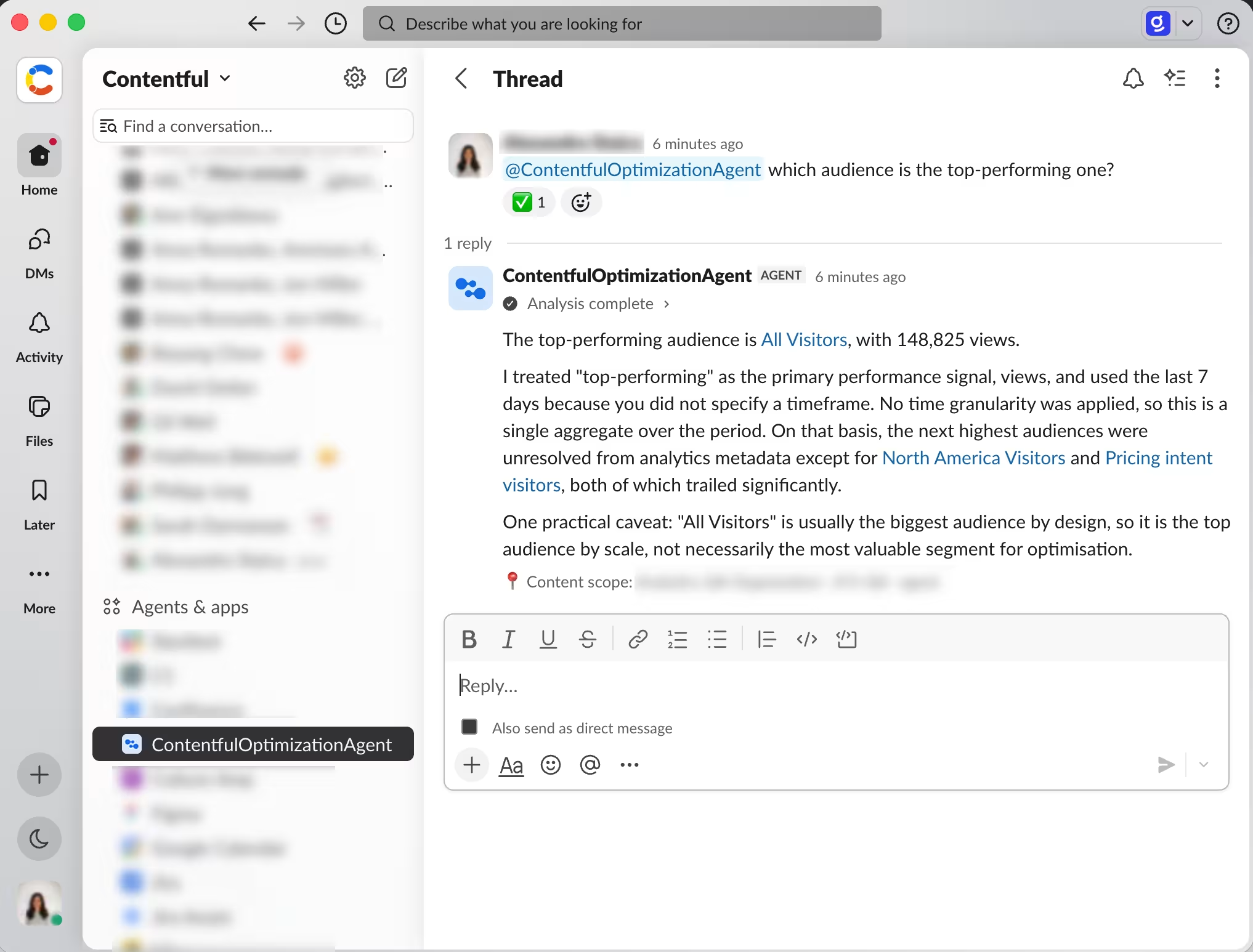
You can now use the Contentful Optimization Agent in Slack to ask questions about your content performance, bringing insights about audiences, personalizations and experiments directly in your workspace. With the Optimization Slack Agent, you can collaborate with your team and other stakeholders in one place, without having to switch between tools to gather data and give input.
NOTE: The Optimization Slack Agent is read-only. You can review data and recommendations, but you cannot create, update, or delete data.
Once you have the Contentful Optimization Slack Agent app installed, you can quickly get started with the agent, and query your content in plain English.
To get started, install the app from the Slack marketplace. Note that only Slack admins can install the Contentful Optimization Slack Agent app in your workspace.
For more information about the Contentful Optimization Slack Agent, and how to use it, see the help center page.