Change timezone on the Launch Calendar
Launch
We have updated the calendar page in Launch so that users can change the timezone of the content calendar.
By default, the calendar shows scheduled content in your local timezone. However, we know that it is important to be able to see what your release calendar will look like for a specific market when you are managing campaigns that are launching in different parts of the world.
We have added a globe icon to the scheduled content view so that you can quickly identify when you are viewing content in a different timezone.
With this update, users can:
- Use the dropdown in the left sidebar on the calendar page to switch between timezones
- View content on the calendar in the selected timezone
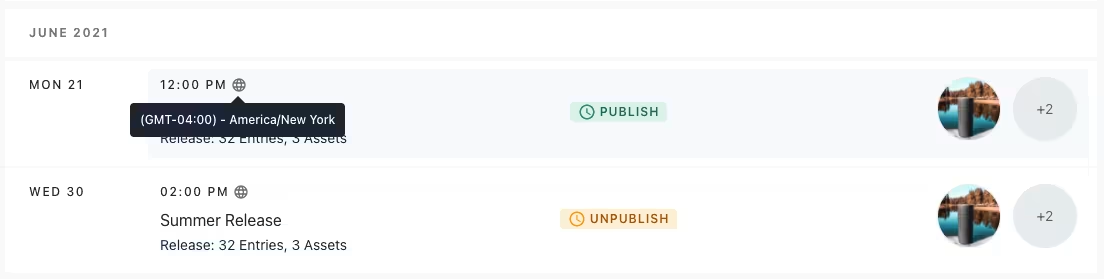 Example of globe icon on calendar to indicate selected timezone