Introducing Contentful Skills: Your AI coding agent, now fluent in Contentful
Published on May 20, 2026



Inspiration for your inbox
Subscribe and stay up-to-date on best practices for delivering modern digital experiences.
Developers don't live in documentation anymore. They live in their AI coding agent, Claude Code, Cursor, GitHub Copilot, Codex, and Gemini CLI. That's where code gets written, problems get debugged, and questions get answered. So that's where Contentful needs to be.
Today, we're releasing Contentful Skills: a free, open-source collection of agent skills that teach your AI coding agent how to build on Contentful. One install, and your agent stops guessing about SDK setup, Draft Mode, content migrations, and personalization. It starts providing context-aware, codebase-aware guidance directly within the workflow you already use.
Why we built this
If you've ever set up Contentful Personalization on a Next.js app, you know the curve. Server-side and edge rendering have a lot of moving parts, SDK versions, environment variables, wrapper components, and Draft Mode previews. And you’re only human: one small misconfiguration can lead to silent failures which are painful to diagnose.
The most common path to resolution today is: read docs, try something, hit an error, file a ticket, describe symptoms, share screenshots, wait, iterate. However, that process has a fundamental gap: support can see the symptoms, but the root cause lives in code that support can't see. Customers know their codebase; we know how Contentful is supposed to work. Until now, there was no good way to put both in the same room.
Contentful Skills close that gap. They live inside the developer's agent, read the actual code, understand the actual context, and apply the right guidance in situ. Static docs become active guidance.
What's in the package
Contentful Skills ships as a single installable package with four skills:
contentful-guide— core concepts and routing. The "start here" entry point that helps the agent decide which skill to use for which question.contentful-nextjs— SDK setup, content fetching, and Draft Mode previews for both App Router and Pages Router.contentful-migration— writes and runs content model migration scripts.contentful-personalization— the flagship. Four interactive workflows in one skill: Onboard, Live Debug, Doctor, and Develop.
The personalization skill is the one we're most excited about, and the one where the "active guidance vs. static docs" difference is most visible.
Four workflows for the full personalization lifecycle
The personalization skill isn't a single linear tutorial; it's four context-aware workflows that activate based on what you're actually trying to do:
1. Onboard: Fresh setups, guided end-to-end
Ask your agent, "Set up Contentful Personalization on my Next.js app," and the Onboard workflow walks you through SDK installation, environment configuration, provider setup, and your first variant, checking your code along the way. The most common misconfigurations (wrong SDK version, missing environment variables, incorrect wrapper components) get caught before they cost you an afternoon.
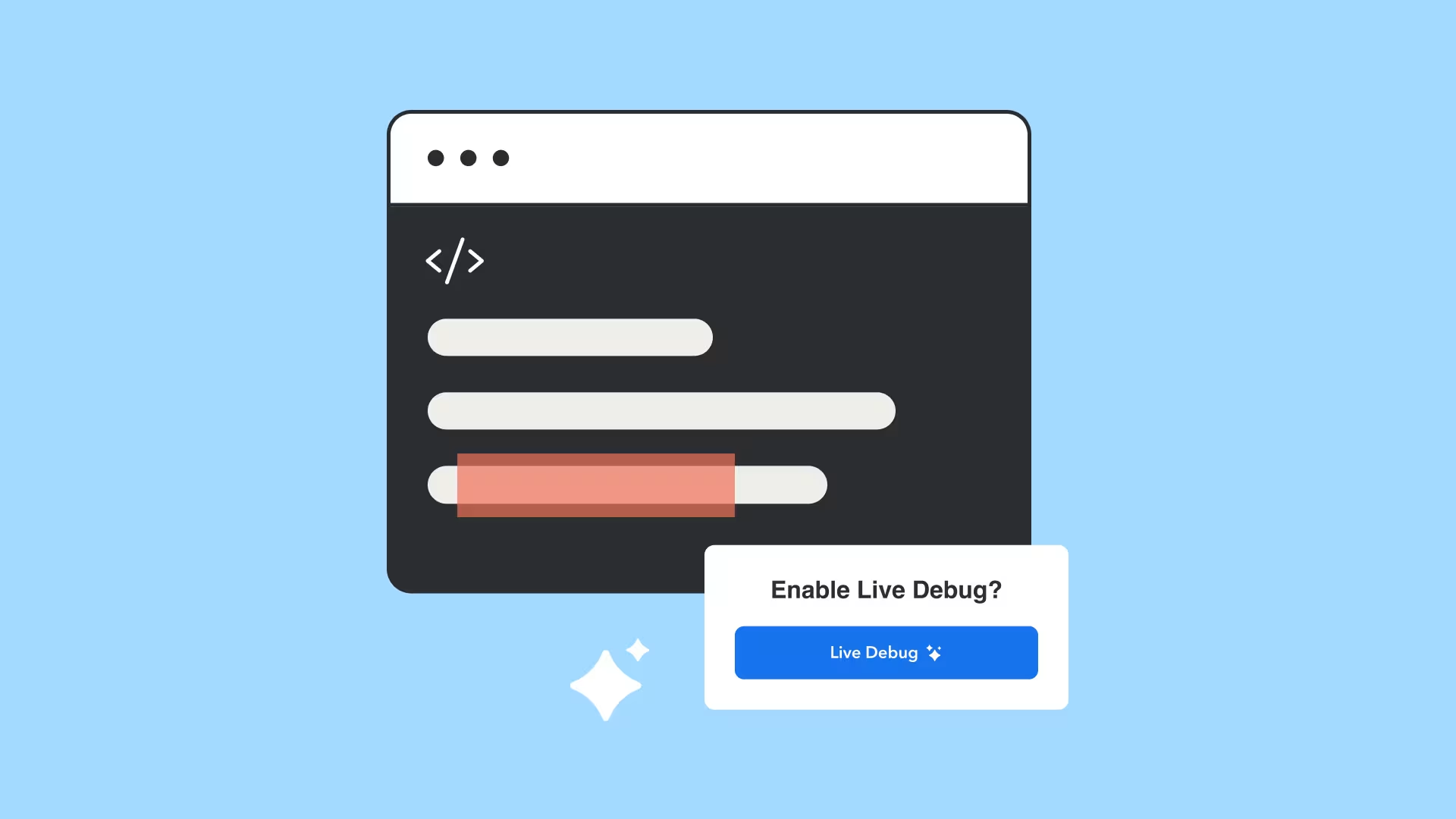
2. Live Debug: The agent opens a browser and looks
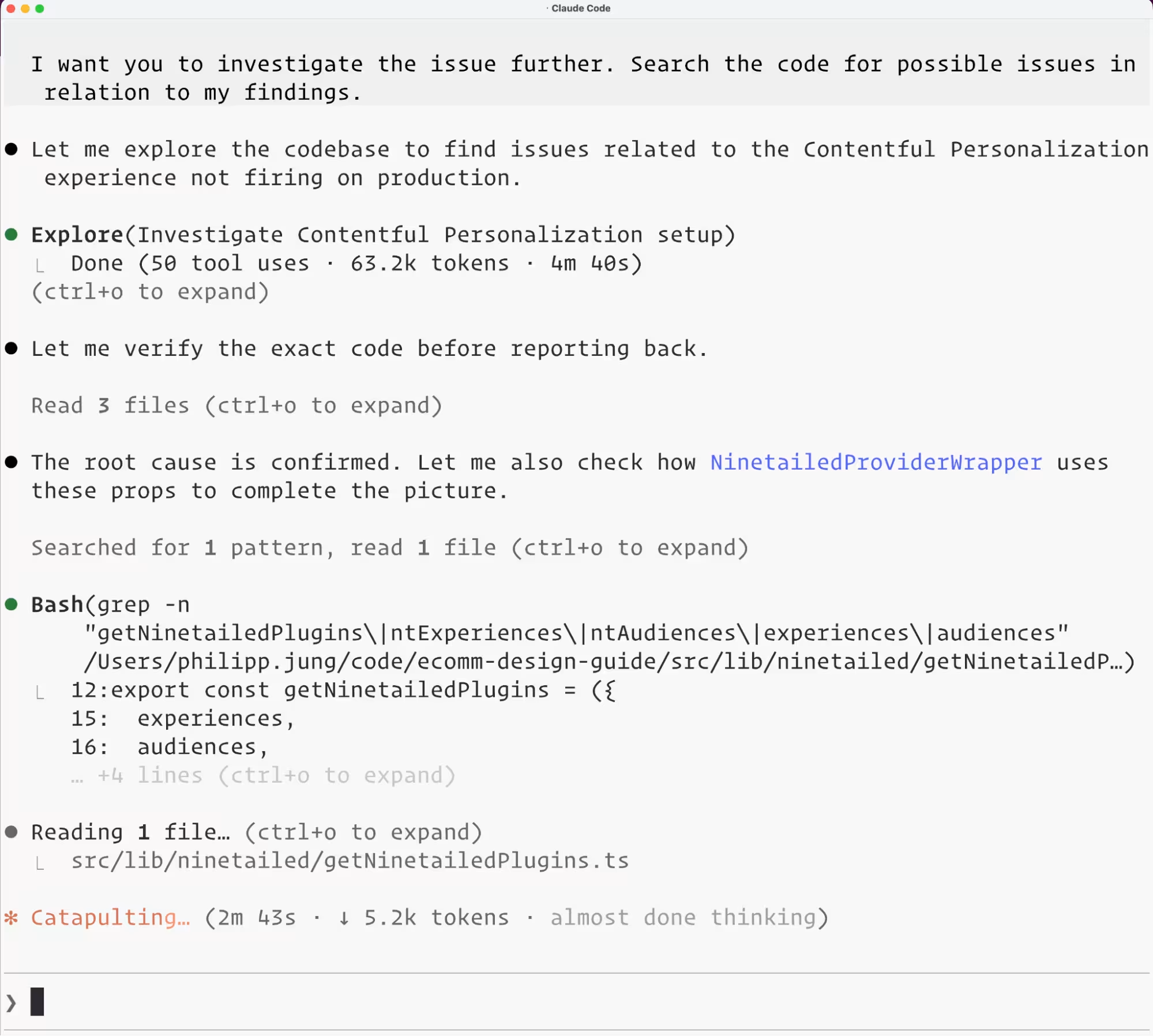
This is the workflow that makes the biggest difference. When you ask, "Why isn't my personalization variant rendering?", Live Debug opens a real Chrome session, loads your running page, and inspects what's actually happening, alongside reading your code. The agent now has the same visibility as a support engineer would need: the running page and the codebase, at the same time. Most "it works on my machine" debugging cycles collapse into a single round-trip.
3. Doctor: static diagnosis, before you file a ticket
Doctor is an on-demand health check. "Check if my personalization config is correct" runs through your code and configuration, surfaces likely issues, and suggests fixes, no browser session required. We recommend running Doctor as the first troubleshooting step for any personalization issue.
4. Develop: your day-to-day companion
Once you're up and running, Develop is the workflow for ongoing work: adding personalization to new components, wrapping experiences, extending audiences, and testing variants. "Add personalization to this Hero component" triggers contextual guidance that fits the patterns already in your codebase.
Use cases across the surface area
What you say to your agent | What happens |
|---|---|
"Set up Contentful Personalization on my Next.js app." | Onboard guides a complete first setup with proactive misconfiguration checks |
"My personalized variant isn't rendering." | Live Debug opens Chrome, inspects the page, and correlates with code |
"Check if my personalization configs are correct." | Doctor diagnoses statically and recommends fixes |
"Add a personalization to this Hero component." | Develop produces in-pattern code reviewed against the project |
"Set up the Contentful SDK with Draft Mode previews." | The Next.js skill configures the SDK and Draft Mode for the App or Pages Router |
"Write a migration to add a new Banner content type." | The migration skill writes and runs the migration script |
"How do I fetch content from Contentful?" | The guide skill answers in context |
What this means for customer outcomes
The expected impact, framed plainly:
Faster time to first personalization render: guided setup replaces docs-and-trial-and-error.
Fewer setup-related support tickets: Doctor catches preventable misconfigurations before they become threads.
Shorter debugging cycles: Live Debug surfaces root causes in-context, without screenshot ping-pong.
Higher SDK activation among personalization customers: the on-ramp gets dramatically less steep.
More confident developers: contextual guidance on demand replaces "go read the docs and hope."
Built on an open standard
Contentful Skills follows the agentskills.io open specification, which means one implementation works across Claude Code, Cursor, GitHub Copilot, Codex, Gemini CLI, VS Code, Windsurf, Roo Code, Amp, Goose, and 20+ other agent platforms. No fragmentation, no per-agent forks.
The interactive workflows in the personalization skill are built with skill-kit, our open-source TypeScript SDK that compiles skills into typed state machines with bundled executables, which is what lets Live Debug actually open a browser instead of just describing what you should click. We've open-sourced a skill-kit too, so anyone in the ecosystem can build skills with the same primitives.
This is a deliberate commitment to progressive developer tooling. The digital experience platform that meets developers inside their agent, with active, codebase-aware guidance, is the one that's easiest to adopt, expand on, and stay on.
Get started in one command
Once installed, the skills activate automatically when you ask your agent about Contentful. No accounts, no keys, no setup beyond the install.
Skills repo: github.com/contentful/skills
skill-kit SDK: github.com/contentful/skill-kit
agentskills.io spec: agentskills.io
Today's release focuses on personalization, Next.js, and migrations, the workflows where the time-to-value can be most critical. Coverage for additional frameworks and CMS core workflows is coming soon, so keep an eye on our official changelog for the latest updates. If you build on Contentful with an AI coding agent, this is for you.
Install it, point your agent at it, and tell us what to build next.

Inspiration for your inbox
Subscribe and stay up-to-date on best practices for delivering modern digital experiences.
Meet the authors

Boyang is a Product Manager at Contentful, building personalization tools that help brands deliver the right content to the right people. He enjoys working at the intersection between technology and design — figuring out the solutions people truly need, and seeing real people use what he helped build.

Esat is a Senior Product Marketing Manager at Contentful and enjoys sharing his thoughts about personalization, digital experience, and composable across various channels.
Related articles
From creation to optimization: Automate your content process with new AI innovations from Contentful
March 31, 2025
New from the Learning Center: Contentful Foundations Skill Badge
August 11, 2026
Assemble intelligent experiences at scale with Contentful Studio
March 27, 2024

Ready to start building?
Put everything you learned into action. Create and publish your content with Contentful — no credit card required.