JavaScript starter with Contentful
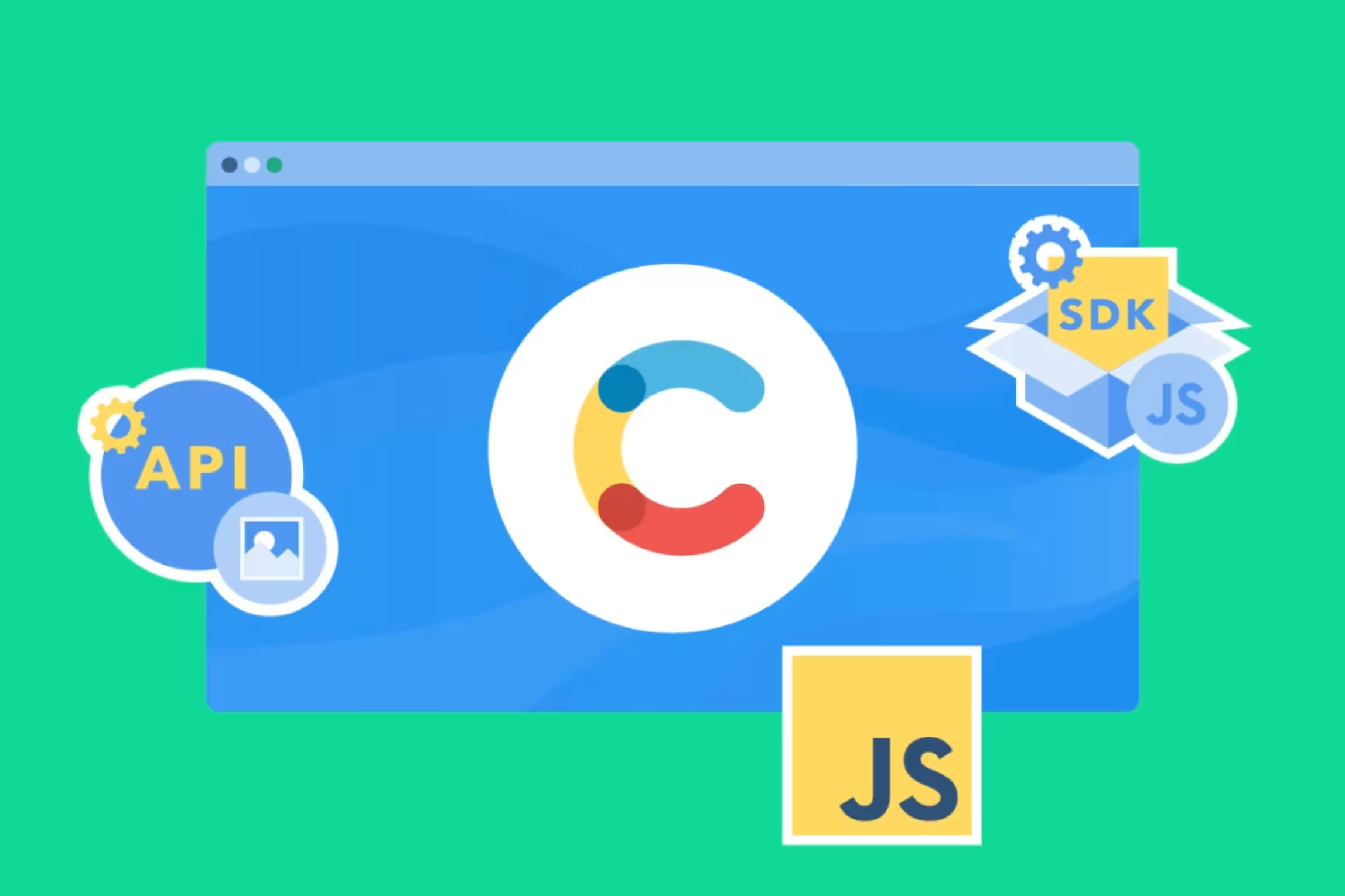
The Contentful JavaScript SDK is a simple, universal tool for integrating Contentful into your site, offering an easy-to-use API that works in both Node and browser environments.
Build and deploy your Cookbook app with Contentful and JavaScript
With our JavaScript starter, you’ll have a cookbook app up and running with Heroku in just a few clicks.

What is JavaScript?
In the web development, HTML and CSS are used to structure and style web pages. JavaScript is the programming language that makes pages interactive on the client-side and server-side — it allows developers to build the front and back ends of a website.
Source the code and dependencies
JavaScript is a scripting language that allows you to add interactivity and handle DOM manipulation for your web applications.
Clone the repository.
Set up the content model
This project comes with a Contentful set up command that imports the required content model and adds sample content to your space.
The command requires a Space ID, Content Management API access token, and Content Delivery API access token.
Run the following command to set up the content model.
Run the development server
Navigate to localhost:3000 to view the Cookbook app.
Push to GitHub
Create a new repository on GitHub, GitLab, or Bitbucket.
Commit the changes and push the code to the new repository.
Replace <REPO URL> with the git repository URL.
Create a Heroku account
Create an account on Heroku and install the Heroku CLI.
In the terminal, run the following command to login into your Heroku account:
Deploy to Heroku
To deploy to Heroku, click the “Deploy to Heroku” button in the README file or use the Heroku CLI.
If using the Heroku CLI to create a new project, execute the following command from the project directory “Heroku create.”
To configure your Contentful Space ID and the Access Token, run the following command:
Starter guides
Your stack, your rules - power your projects with a fully extensible content platform
Get hands-on with guided tutorials, videos, and starter toolkits tailored for the languages and frameworks you use every day.