What is vibe coding? Moving fast (and not breaking things) with AI assistance
Published on February 3, 2026




Inspiration for your inbox
Subscribe and stay up-to-date on best practices for delivering modern digital experiences.
The hottest tech topic in 2025 was the potential for vibe-coding tools to democratize and accelerate development by lowering the barriers to entry. What is more exciting for us as developers in 2026 is the possibility of being able to refocus our efforts on creativity. Vibe coding lets us do this by handling the grunt work so we don’t have to worry about line-by-line debugging.
In this article, we'll explain what vibe coding is and how we used it to build and release six apps in six weeks. Here, you can benefit from the lessons we've learned over the past year about how to vibe code while maintaining high standards of code quality and security, including which types of vibe coding are helpful and which types should be avoided in production.
What is vibe coding?
The term “vibe coding” emerged in early 2025 to describe a new style of AI-assisted development. Originally, it meant sending a single prompt to a large language model (LLM) asking it to generate some code. This soon evolved into attempts to use LLMs to create entire projects with no planning, requirements, or tests, and accept whatever code it generated as long as it appeared to work. But those early days of using ChatGPT for code help were wrought with error, which may have been helpful then, but compared to now? Vibe coding is rapidly advancing in accuracy.
So, instead of completely dismissing vibe coding, many developers have been working on refining the vibe-coding concept into a more evolved and secure practice. This type of AI-assisted coding combines the speed of AI-generated code with strict guardrails, test driven development (TDD), a repository-level context and — most importantly — human review. This often includes asking an LLM to update one code function at a time and getting a human to review it before merging.
Today, vibe coding has become an umbrella term that can describe software development performed with AI-powered coding tools in one of two modes:
Using a chatbot, like ChatGPT, with simple prompting to provide scaffold commands or snippets of code — then repeating to build more and more pieces. This type of AI is disconnected from the software you’re building and has only the context you provide when prompting.
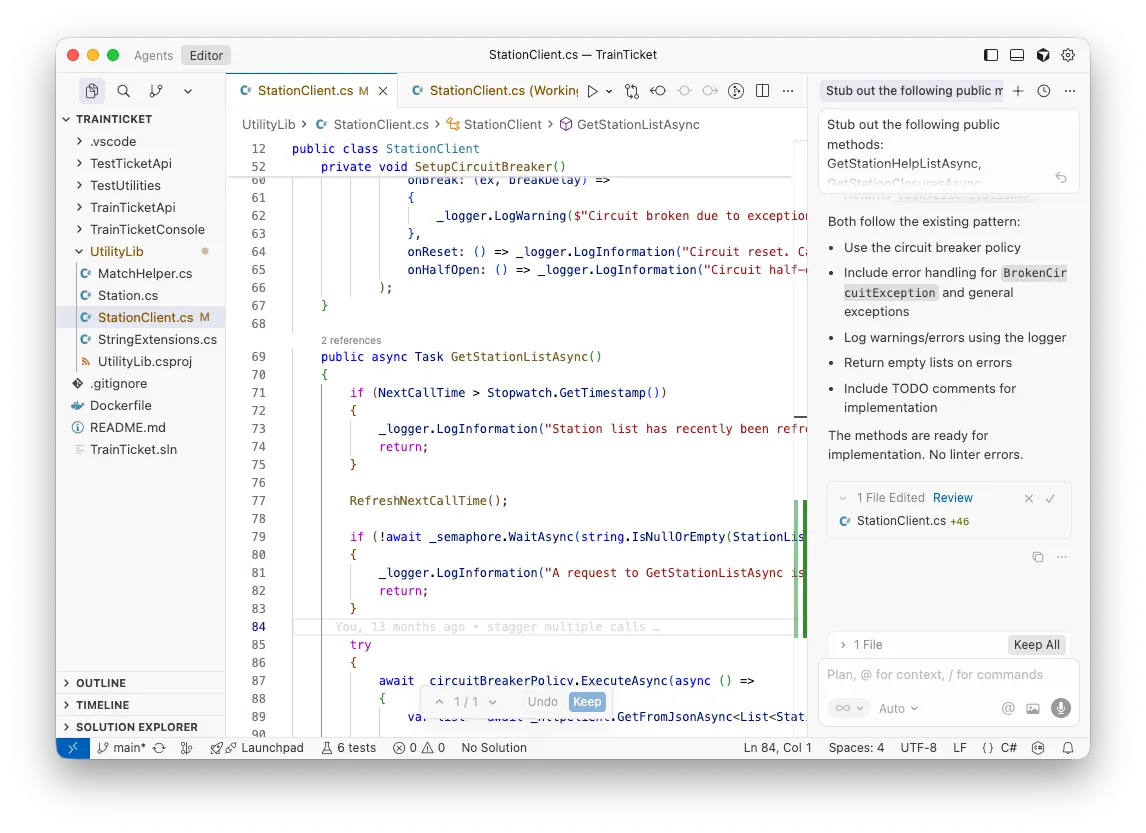
Developing within an AI-integrated IDE (integrated development environment), like Cursor, where the agent can see and modify the entire solution. A simple command like “Add user profile management to the application” might add logic to the user management service, UI elements to the front end, routing to the navigation module, and perhaps a script to update the data schema for storage.
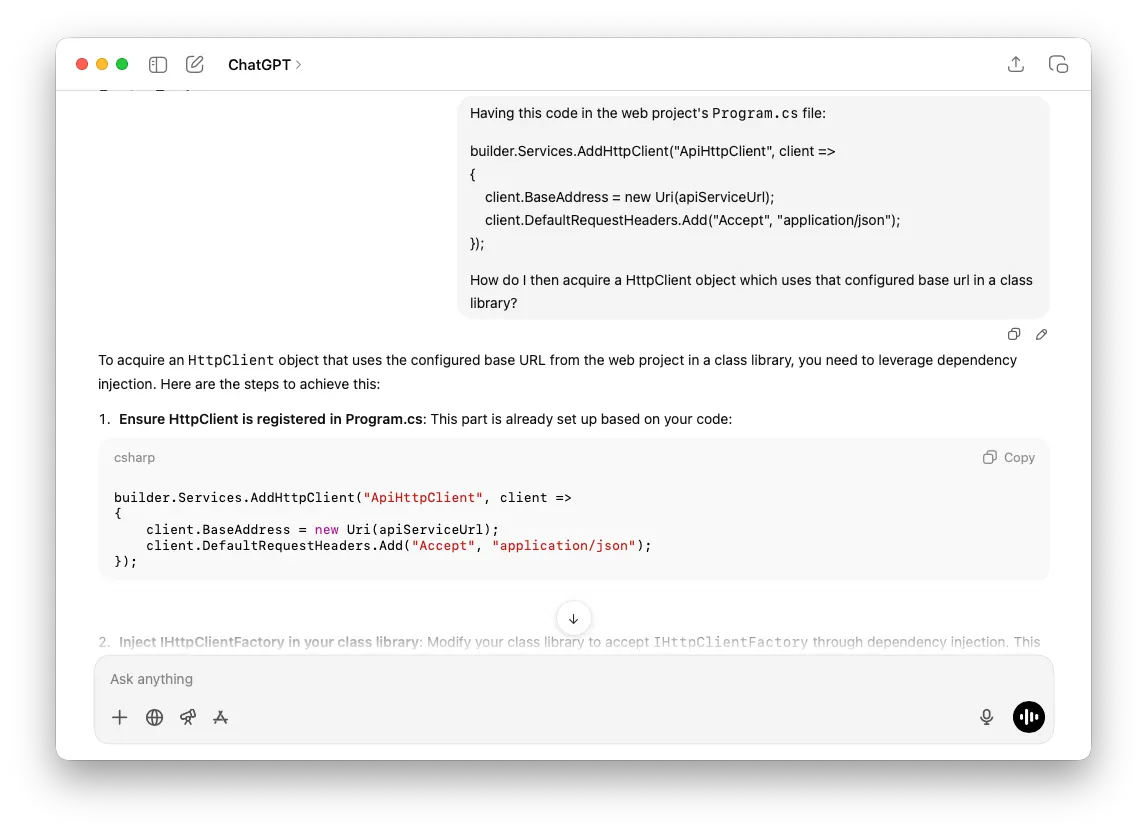
Selecting Cursor as our tool of choice, our team adopted the IDE as a more integrated form of vibe coding at Contentful. This helped us to use AI tools to dramatically accelerate app production while keeping code quality high. We did this by making smaller incremental changes, using clear guardrails, and having code consistently reviewed by developers.
How we released six apps in six weeks with vibe coding
We set ourselves a challenge to deliver multiple apps for our Contentful Marketplace in just six weeks. To achieve this goal we needed to iterate quickly, discard bad ideas rapidly, and produce production-quality code. The rule of thumb for this situation: Before going in, know what you’re aiming to build and the tools you’re using.
We looked around for the best AI IDE for creating vibe-coding apps and investigated a number of options, including Cursor, GitHub Copilot, OpenAI Codex, Replit Agent, and JetBrains Junie.
As noted above, we ended up choosing Cursor for a number of reasons: first, it's designed for writing prompts rather than inline code generation, which suited our vibe-coding style. It also provided the nicest developer experience — as it's an AI-first IDE, and as it's built on top of VS Code, its workflow and shortcuts were familiar to us already. Cursor can reason over multiple files as standard, and we also liked that you could switch between modes for different types of tasks, such as planning or debugging.
For each app, we began with a scaffolded project suitable for Contentful apps, because vibe coding isn't that well suited to scaffolding new projects or making major architectural decisions.
Then, before we had any agents work on our projects, we created an agents rules file using AGENTS.md within each project. This works like a README.md but it provides information to agents on things like project context, coding conventions, and general dos and don'ts. This is a best practice for our internal AI-assisted coding processes.
Our development cycle
We started with a feature planning phase. Structured development starts with clear project requirements. We used Cursor's Ask Mode to describe the features we intended to build, and then, depending on the response from these prompts, we iterated on these ideas and approaches with further prompts.
Here’s an example prompt used during the planning phase of the Braze app:
Once the planning phase was over and it was time to shift to a development phase, we switched the Cursor agent from Ask Mode to Agent Mode, which prompts an agent to start generating code and build out a skeleton of the application. This too can be performed with a prompt; for example:
We then tested and debugged the generated code using Cursor's extremely helpful Debug Mode.
Once the code appeared to be working correctly, we committed it and pushed it to a branch for another team member to code review. Human review is an essential step when it comes to vibe coding — even though AI output can dramatically speed up your development time, you can't trust it completely.
After we human-reviewed the code, we began again, adding the next feature to each app. For each app, we started out with what was essentially a placeholder project and used a piecemeal approach to give the AI assistant a framework to build upon.
We used this approach for a number of different features within each app, including the overall structure of each application, the UI frameworks, and test generation. We approached each feature as its own use case, starting at a high level and working down as we went, filling in the complexity as needed. Finally, we finished off each app by getting Cursor to implement the integrating logic, such as connecting different components and linking the underlying APIs or business logic to the UI.
The results
After all that hard work, we ended up publishing not one, not two, but six apps to the Contentful Marketplace. Click on each of the links below to learn more.
Iterable: The Iterable App for Contentful streamlines the integration of Contentful-managed content into Iterable, enhancing operational efficiency and minimizing the risk of errors in marketing campaigns.
Hubspot: The Hubspot app enables editors and marketers to map Contentful entry content to custom modules in Hubspot, reducing busy work and the risk of errors.
Klaviyo: This app enables seamless integration between your Contentful content model and your Klaviyo customer data platform.
Bulk Edit: The Bulk Edit app is designed for content creators and editors who need to make quick, consistent changes across multiple entries, whether in bulk or one by one.
Deep Clone: The Deep Clone app is designed for content creators who need to reuse existing content structures as a starting point for new entries.
Rich Text Versioning: The Rich Text Versioning app helps content creators quickly and confidently review changes in their rich text fields before publishing.
What we learned from building vibe-coded apps
Now, time for some reflection. Here are some lessons we learned along the way. These will help you sidestep the potential pitfalls of this exciting new paradigm.
Prompting tips for vibe coding
Prompting is a science, not an art. Here are four tips to help you get the best out of your prompts.
Revert and try again. AI tools can generate some terrible code or break things without realizing it. Don’t try to fix such problems by iteratively prompting for changes — just revert back to a previous state and try again. If necessary, update the rules file to provide better guardrails.
Providing context when prompting keeps the focus of the AI’s changes where you want them. Configuring the platform appropriately for the task at hand sets the tool up to provide the best contextually generated code.
Be as clear as possible. AI models designed for coding can still hallucinate. Providing clear, well-structured prompts gives the tool the best information on which to base generated code. The clarity also avoids the AI touching code you don’t want it to. If necessary, and with larger codebases, tell the tool which file you want the changes to be made in.
Test your solution regularly and, as with any good software project, commit to source control. Revert when you find the AI is going off-track or generating failing code, then consider updating the rules file to guide it with more clarity.
Guiding principles for successful vibe coding
Here are the guiding principles we developed over the course of building our apps:
Use and maintain a rules file: This will keep the AI in line and stop it going off-track.
Start simple and build on it: Every AI platform works better within the context of refinement.
Treat AI like a pool of junior developers, not like a senior developer: For now at least, AI is much better at managing a bunch of small, well-defined tasks, not the larger, architectural decisions.
Always perform human code reviews: You are setting yourself up for failure if you don’t know what’s going out the door when you deploy to production.
A word on security
As with any application you intend to deploy to production, there are security considerations. The human code review is most important to avoid any security vulnerabilities. As you’re reading through the code, look for the application of best practices and for things like authentication flows. Of course, always check for the latest package updates, especially if there are known vulnerabilities.
Finally, always verify that you store sensitive information and API keys securely — whether for your AI provider or services consumed by your new code. You need to be sure that no sensitive keys have made it into the code.
When not to use vibe coding
While AI chatbots are great tools for brainstorming and working out ideas, if you have not worked through the process of exploring ideas and putting your design down on (virtual) paper, agentic AI won’t know what you want any more than you do. Know what you want to ask for, or the result will be confusing and simply will not work.
Ultimately, if you don’t know what you want, you’re lacking the information to complete the prompted requests to the AI, and you’re better off using it in Ask mode for research and ideation. This might sound like asking abstract questions will help build up a picture of the designed outcome, but with incomplete information and context, the tool will stumble around in the dark just as you are. As with any project, do your research.
We as developers should maintain full control of the application architecture at all times. With this in mind, having AI build the full application with minimal prompts means you are losing that control. The same goes for generating app scaffolding. When vibe coding, keep your prompts to components and functions.
Possibly the most important time to avoid using AI-based tooling is when you’re entering private IP (intellectual property) information or sensitive configuration values. Always remember that these tools are essentially cloud-based platforms with an integrated front end. Anything you enter into them or generate from them can end up as output for any user. Therefore, when you’re working on generating code to handle keys, passwords, and the like, stick to development and QA environment values, not production strings.
The benefits of vibe coding
So, then what is vibe coding? Ultimately, it is development practiced as a structured, AI-assisted method using clear guardrails and human oversight. It can be a powerful tool that delivers significant advantages. By allowing the AI to aid brainstorming, handle boilerplate code, and make incremental changes, experienced developers can focus on architectural design and creative problem solving.
After all this machine-assisted effort, the benefits of vibe coding are clear: When done right, by experienced developers, vibe coding can be used to develop small apps very quickly. Deployment is much smoother and more config-out-the-box than before.
For our project, the AI tooling reduced friction, encouraged experimentation, and strengthened cross-team collaboration. We now have a suite of apps in the marketplace for you, and the AI capabilities of the Contentful platform help our customers to production every day.
Teams looking to improve the speed, cohesion, and flow of their own app development cycles should try out different vibe-coding tools in a testing round with a proof-of-concept app.
If you’re looking to vibe code, perhaps even an app for the Contentful Marketplace, take a look at our AI App Building Guide and sign up for Contentful today.

Inspiration for your inbox
Subscribe and stay up-to-date on best practices for delivering modern digital experiences.
Meet the authors

Zachary is a product manager on the Marketplace team at Contentful, where he focuses on delivering apps and integrations that help customers get more value from the platform. With a strategic approach to product discovery and market research, he identifies opportunities, shapes direction, and ensures strong execution.

Avery is a Product Marketing Manager at Contentful, where he helps shape go-to-market strategies and craft compelling narratives around building engaging digital experiences.
Related articles
Contentful migration: Plan and implement your move with confidence
February 24, 2026
NestJS vs Next.js: The differences and when to use each framework
July 1, 2025
Building an app? These are the best JavaScript frameworks in 2025
January 30, 2025