How to serialize and deserialize JSON for C#, JavaScript, and Python with examples
Published on July 22, 2026
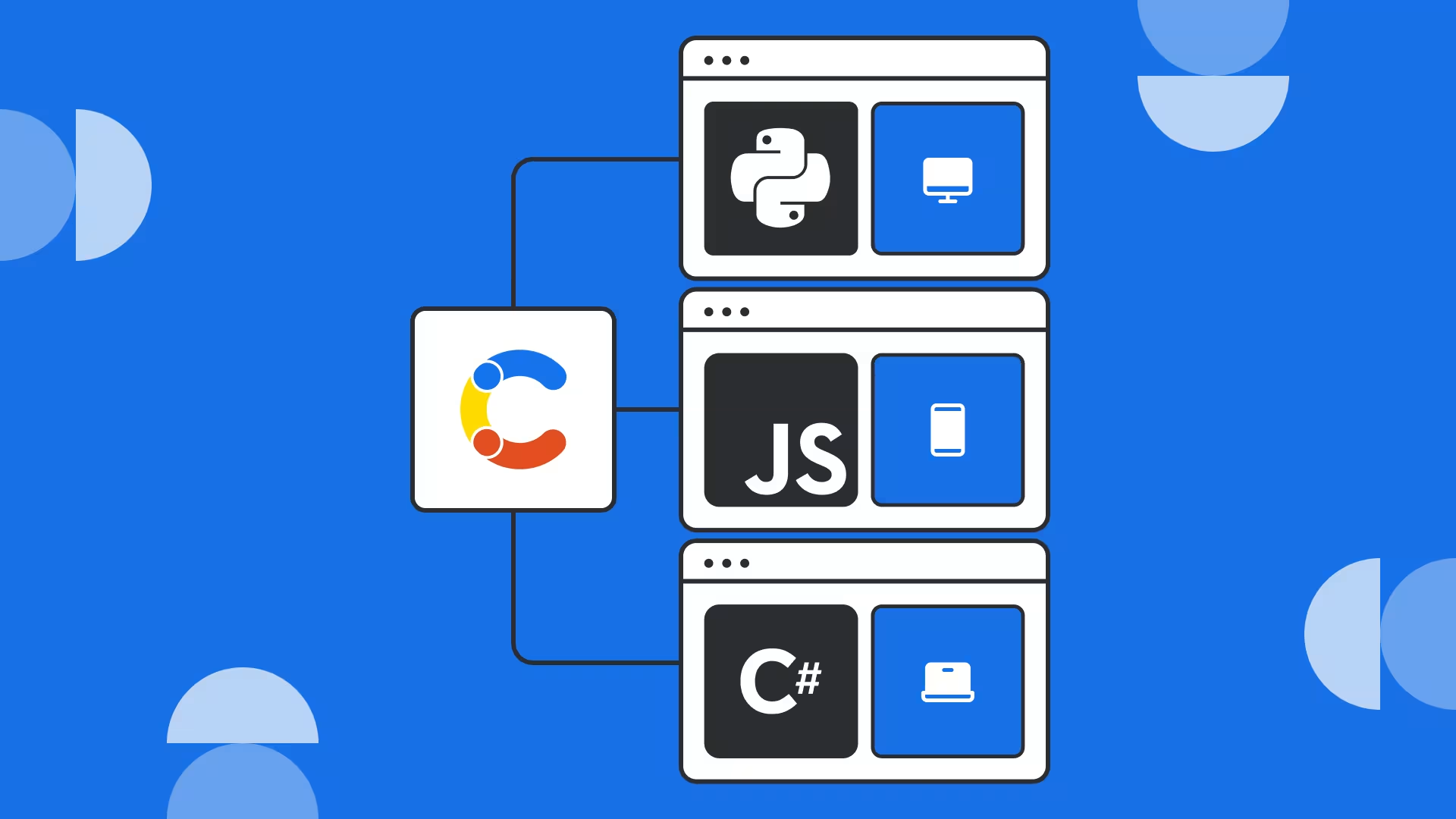


Inspiration for your inbox
Subscribe and stay up-to-date on best practices for delivering modern digital experiences.
The JSON format is widely used across many languages and platforms. Using this flexible format often requires serializing and deserializing JSON data for storage in databases and files, as well as for transfer between systems.
This tutorial explains JSON deserialization and demonstrates how to serialize and deserialize JSON in JavaScript, C#, and Python.
What is JSON serialization and deserialization?
JavaScript Object Notation (JSON) is a common data format for transferring, storing, and exchanging data. It’s popular because it’s flexible, compact, and easy for humans to read (when it’s formatted with indentation). JSON is used almost everywhere structured data is required: from storing user data and config files locally to APIs and real-time data streams.
Here’s a simple example from the Contentful REST API:
The above JSON snippet contains pagination data (total, skip, limit) and an array of items containing product data fields.
Serialization is the process of taking a structured object in memory, containing values, objects and arrays, and converting them to text that can be written to files, stored in a database or transferred over a network.
Deserialization is the reverse process: converting the text back into a structured object that you can work with in memory.
JSON serialization and deserialization are not as simple as converting directly to a string. You must understand your data to ensure accurate output. There are also syntax and encoding considerations, as well as nuances when decoding in specific languages.
Quick look: How to deserialize and serialize JSON in C#, JavaScript, and Python
Here is a quick overview of the various JSON libraries and functions we will be taking a look at in this tutorial.
Language | Library | Serialize | Deserialize | Docs |
|---|---|---|---|---|
JavaScript | Built-in JSON (global namespace object) | ```JSON.parse() | ||
C# | ||||
Python | Built-in JSON (module) | ```json.dump(), ```json.dumps() |
While this article can’t cover every language, most modern programming languages have JSON serialization and deserialization functionality built in (for example, JSON handling functions in Swift).
1. Code example: How to Serialize and Deserialize JSON in JavaScript
JSON content needs to be held in memory to deserialize it. Once serialized JSON is read and assigned to a variable (in this example, ```serializedJSON), it can be deserialized using the ```JSON.parse() function:
```JSON.stringify() can then be used to convert back to JSON:
2. Code example: How to serialize and deserialize JSON in C# (dotnet)
JSON deserialization in C# looks a bit more complex, as the object type to be produced needs to be defined when calling the deserialization method. This is because, unlike JavaScript, C# is a strongly typed language.
In the below example, the classes to be used are defined before deserialization is performed using ```JsonConvert.DeserializeObject():
Here, the serialization can be performed with the ```JsonConvert.SerializeObject() method:
3. Code example: How to deserialize and serialize JSON in Python
In Python, deserialized JSON is converted into native objects using ```json.loads():
```json.dumps() can be used to convert objects back into serialized JSON:
Using Python’s built-in ```json library is similar to JavaScript in that the deserialized result is a flexible, dynamically typed object (a combination of dictionaries and lists), rather than a predefined class structure as in C#.
Handling common data types when deserializing JSON
In the above examples, the default behavior of the JSON deserialization functions is used. The following table summarizes the most common type conversions handled by the default deserializers covered above:
JSON type | JavaScript | C# | Python |
|---|---|---|---|
Object |
|
|
|
Array |
|
|
|
String |
|
|
|
Number |
|
|
|
Boolean |
|
|
|
Null |
|
|
|
Date |
|
|
|
Deserializing classes and custom types
If you’re writing a real application, you probably have complex types that don’t have default conversions. The simple design of the JSON format often makes these straightforward to code for, but some types will need a little assistance.
For example, dates in different formats are a common problem when converting from a string to a primitive or object type. C# handles primitive deserialization quite well because it is typed, but all three languages have mechanisms to provide support for converting strings to the required type.
The following examples will use this JSON snippet, which contains a date:
Deserializing and serializing in JavaScript
To convert dates and other complex types in JavaScript, you can use a reviver function. Here is an example to convert the example date property.
The process used here is to identify property items by name and then manually convert them.
A similar process can be used with ```JSON.stringify() by passing a “replacer” to handle converting values to strings in your preferred format:
Deserializing and serializing in C#
The approach is a little different in C# because attributes can be applied directly to properties defined in classes.
Here, if you have a property you want to mark as needing a specific converter, you define the converter in its own class and then specify the class on the property.
Below is an example of a date converter class:
This can then be used by a model class:
Now, any time the ```Birthday property is converted, it will be handled by the ```DateConverter class.
One alternative to this is to handle the conversion of types globally by providing a ```JsonSerializerSettings object to the deserializer method:
In this case, the settings object is used to pass the custom deserializer directly to the ```DeserializeObject method, which then handles every date property for that particular conversion.
Deserializing and serializing in Python
The ```object_hook parameter of Python’s ```load() and ```loads() functions serves a similar purpose to JavaScript’s reviver function.
Again, the code is looking for specifically named properties and manually converting them to the required data type.
When serializing with ```json.dumps(), you can pass a serializer via the ```default parameter:
However, with larger codebases with stricter reuse, you would define the serializer in a class and pass it via the ```cls parameter:
Either way, the result is the same.
JSON deserialization error handling and validation
Most JSON deserialization functions/libraries throw errors when they encounter malformed JSON syntax or unsupported primitive types. Additional validation must generally be implemented separately.
JavaScript and Python handle validation during deserialization the same way: via their reviver (JS) and hook (Py) approaches. Essentially, the function implements specific logic to detect that the string being deserialized is not in the desired format for the target type and throw an exception.
JavaScript
To provide error handling and validation, you can modify the JavaScript reviver:
This example throws an exception if the conversion from a string to a ```Date object fails. There are many different validations you could manually implement, depending on your particular needs.
C#
The C# Newtonsoft library provides variable validation control. For the example ```DateConverter class above, you can add logic to throw an exception.
However, the default, reasonably lenient conversion logic can be strengthened by adding the ```JsonRequired attribute to any property, which should throw an exception if the JSON value is not present or fails deserialization. The JSON above would fail with this model class because it does not contain the ```Price property, for example:
Note that the ```Required parameter itself is optional and should only be included if you need to ensure the property is provided, as opposed to simply ensuring deserialization succeeds.
Python
The same approach as in JavaScript can be used in the Python hook for validation, again depending on the needs of the data structure and your application:
JSON pitfalls and nuances
JSON itself has some nuances you should be aware of before attempting to serialize and deserialize objects.
Array holes are poorly preserved — empty indices will become a series of ```null values, for example:
JSON fundamentally represents a tree structure, so circular references cannot be represented. Each object in the tree can only contain values, not references. So if you want to link back to the start of a list, for example, you need to include index values.
Proper order is usually preserved but is not guaranteed, so do not expect to deserialize and then serialize a JSON snippet back to its exact original. This is entirely dependent upon the implementation of the serializer or deserializer in question.
During serialization, date objects convert to strings, so your language may need help to serialize them in a particular format to guarantee correct deserialization.
Functions (or methods in C#) cannot be serialized (and therefore deserialized) because they are working code, not data.
JavaScript JSON handling nuances
```JSON.parse() only produces plain objects — methods and prototypes are not preserved. Similarly, ```JSON.stringify() supports ```null but not undefined or special values, like ```NaN or ```Infinity.
JavaScript uses double-precision floats, so large integers can lose precision.
Deep nesting can cause issues like memory spikes and slow parsing, so check the size of the JSON you are deserializing first.
C# JSON handling nuances
We chose Newtonsoft (Json.NET) for this article, but there are many libraries available on NuGet.org, and you may simply prefer to use the built-in ```System.Text.Json namespace. There are many key differences between them because they use completely different approaches to naming.
In short, if you have handled JSON in C# — regardless of framework — you have likely used Newtonsoft because of its greater feature set. A solid compatibility list is available from Microsoft.
The JsonConvert methods in the Newtonsoft library are easy-to-use wrappers around the JsonSerializer methods. These methods provide more control over the conversion process via the ```JsonSerializerSettings class and other writers, like ```BsonReader and ```BsonWriter (which are beyond the scope of this article).
Python JSON handling nuances
The built-in JSON library is expectedly compatible with all Python implementations, has been increasingly optimized, and enjoys widespread use and support.
Fortunately, if you are expecting your library to handle simple content without decimals or complex types, you are in safe hands with the top Python JSON libraries.
Building frontends that work with JSON data
Start delivering content to your websites, apps, and more with Contentful APIs — powered by REST or GraphQL — with our pre-built client libraries for JavaScript, Python, C#, and other languages to handle JSON deserialization for you.
We make it quick and easy to integrate Contentful into your project. Then define the structure of your content using the collaborative content modeling tools in Contentful, create and manage it using live previews, deploy it to your audience, and optimize its effectiveness with AI-driven analytics.

Inspiration for your inbox
Subscribe and stay up-to-date on best practices for delivering modern digital experiences.
Meet the authors

Marco is a B2B content creator and product marketer blending technical with creative skills. From the early stages of product ideation to a successful market launch, all the way through to sales enablement, he loves to take products and translate them into clear, relatable messages.
Related articles
Astro vs. Next.js: Features, performance, and use cases compared
December 3, 2024

Webpack alternatives: 5 top JavaScript bundles
July 21, 2025
Start a React app with Tailwind CSS in under 5 minutes
October 25, 2024

Ready to start building?
Put everything you learned into action. Create and publish your content with Contentful — no credit card required.