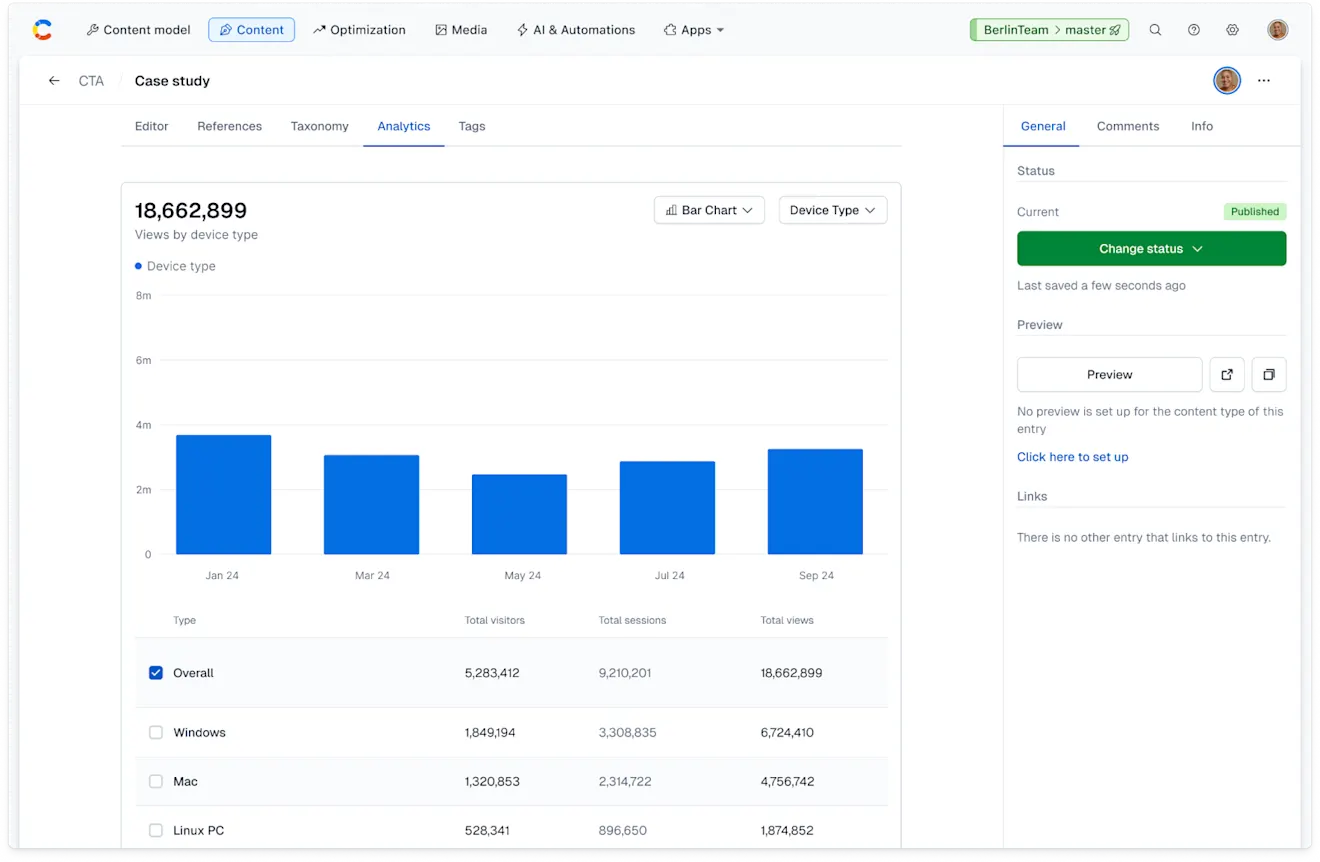
Entry-level analytics
Overview
Entry-level analytics help you identify which content types are performing well, allowing you to replicate that pattern across all your content types.
For every content type you select to receive analytics on, an extra “Analytics” tab is displayed at entry-level, and for Audiences, at audience-level. Enable entry-level analytics
Enable entry-level analytics
To enable entry-level analytics:
Log in to the Contentful web app.
Navigate to the “Content model” tab.
Select the content type you want to enable entry-level analytics for (e.g., Page).
In the left sidebar, click Entry editors.
Under “Available items”, add the installed Contentful Personalization app.
Click Save. The “Analytics” tab is displayed on any entry of that content type.