Install Contentful Personalization
NOTE: Your organization must have Personalization purchased.
To install Contentful Personalization:
Log in to the Contentful web app.
Click Apps, and select Marketplace.

Search for Contentful Personalization, and click on its name. The “App details” page is displayed.
Click Install. The “Manage app access” modal is displayed.
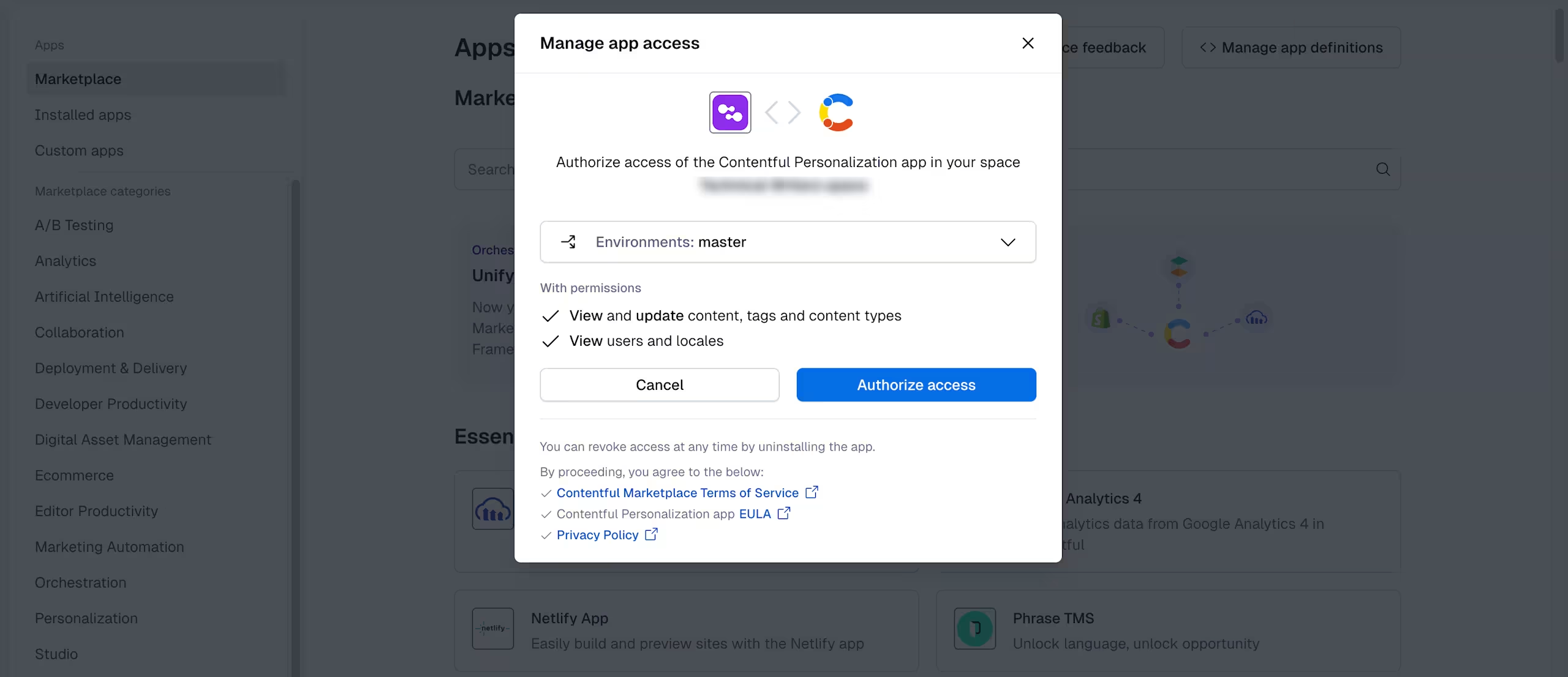
Select the environment in which you want to install the app.
Click Authorize access. The Contentful Personalization configuration page is displayed with an overview of the upcoming steps required to correctly configure the app.
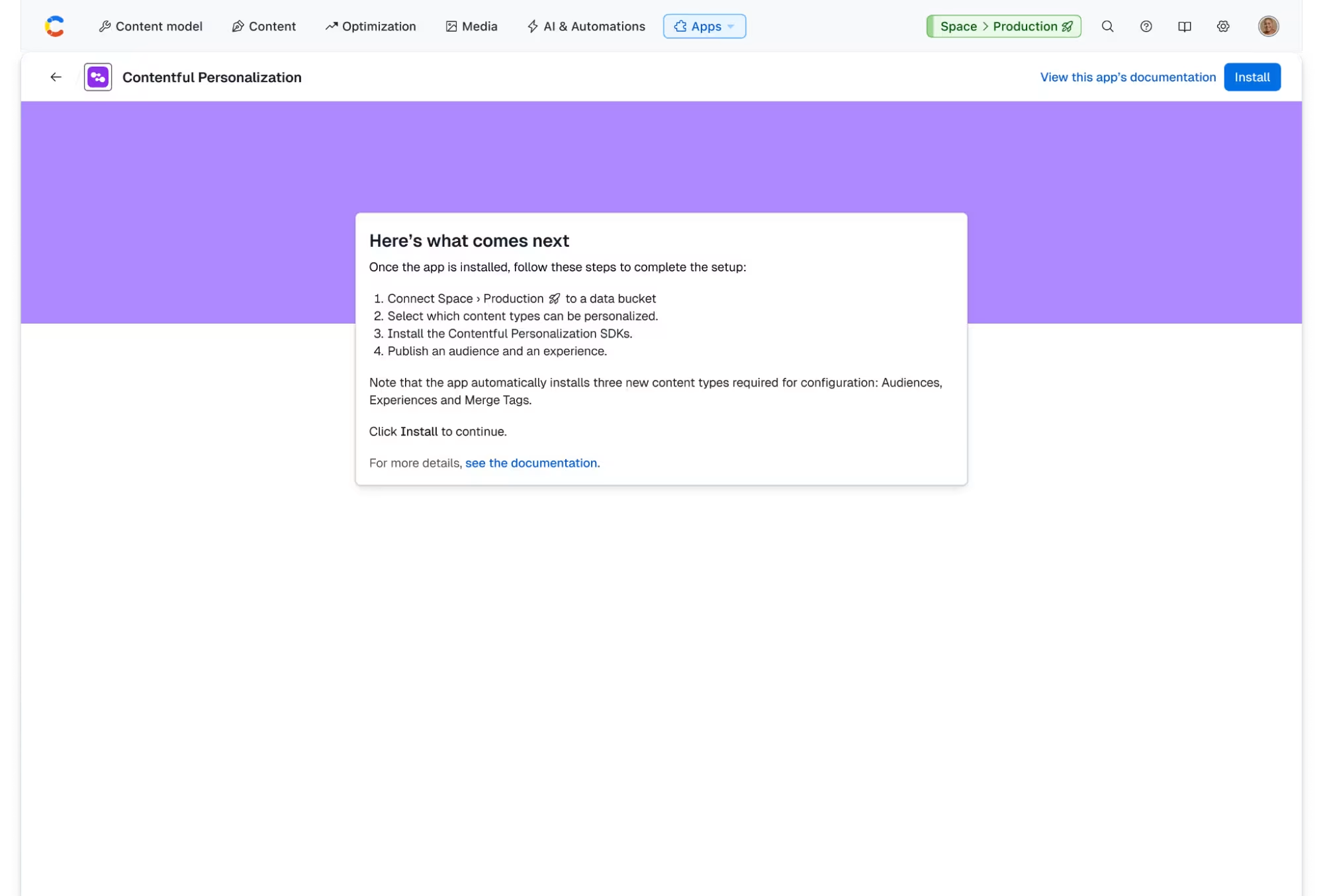
Important: When installing the Contentful Personalization app, three additional content types are installed: Audience, Optimization, and Dynamic Tag. Make sure you have three content types available as these are required for configuration.
Click Install. The app is successfully installed and the configuration page is displayed.
Next, you have to connect to a data bucket and create metrics as part of the app configuration process. For more information on configuring the app, see Set up Contentful Personalization.