Klaviyo
Overview
You can set up the Klaviyo data connector to sync contact data to your profiles.
NOTE: You need a valid Klaviyo account to set up Klaviyo as a data connector.
Set up Klaviyo
To set up Klaviyo as a data connector:
Log in to the Contentful web app.
Navigate to the organization settings, and click on the Optimization tab.
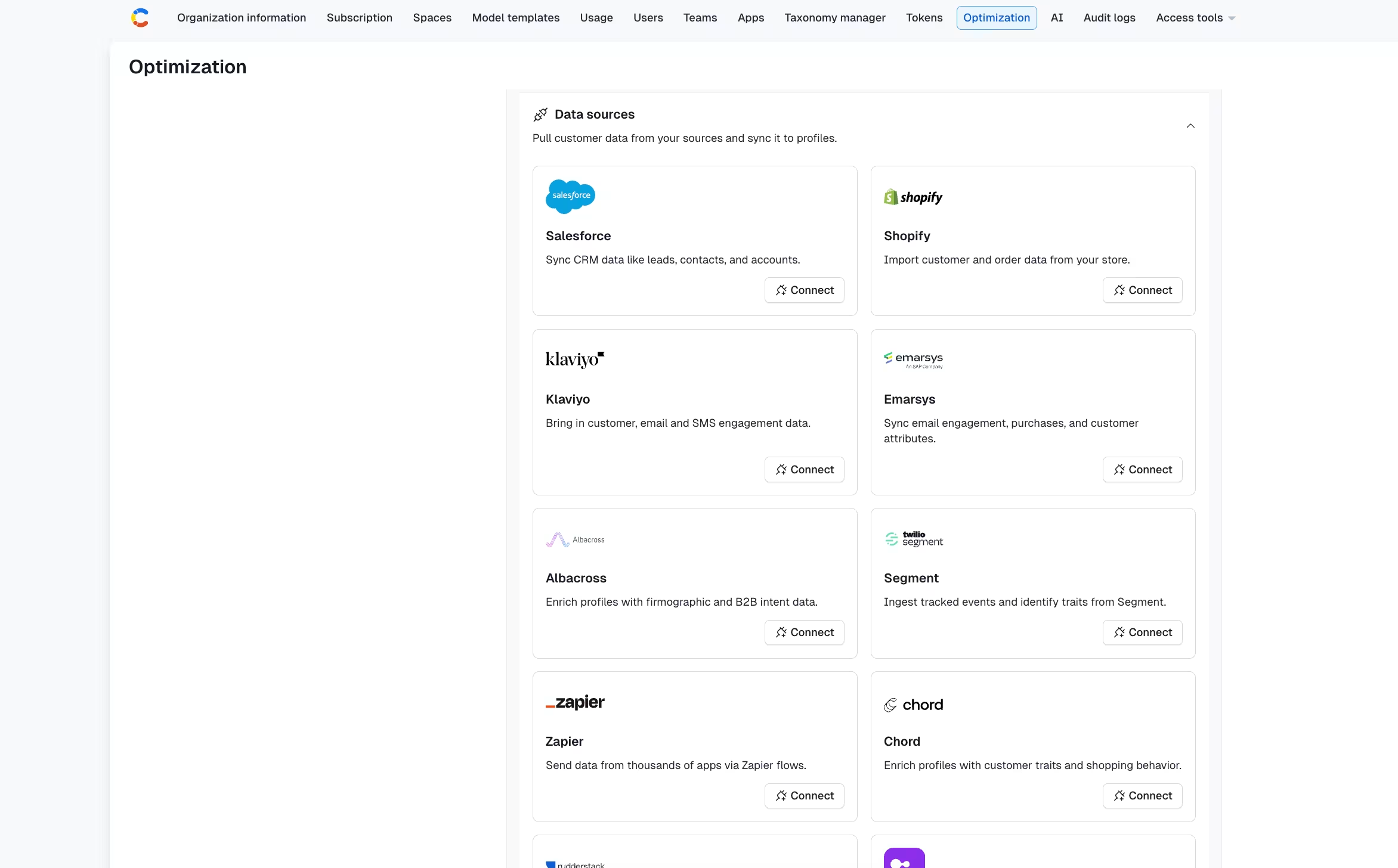
In the "Data sources" section, under "Klaviyo", click Connect. The authorization modal is displayed.
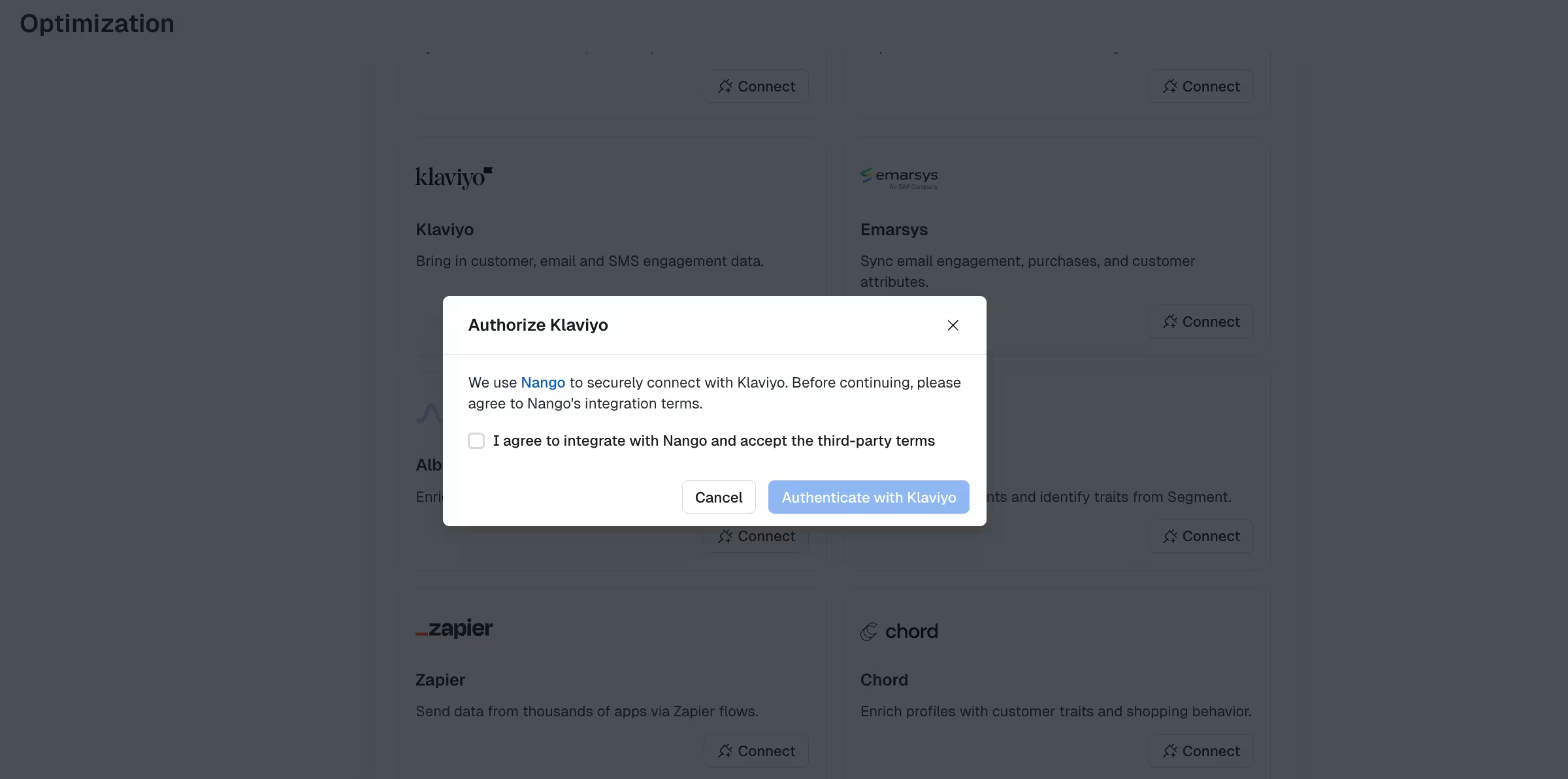
Accept the terms, and click Authenticate with Klaviyo, if you agree.
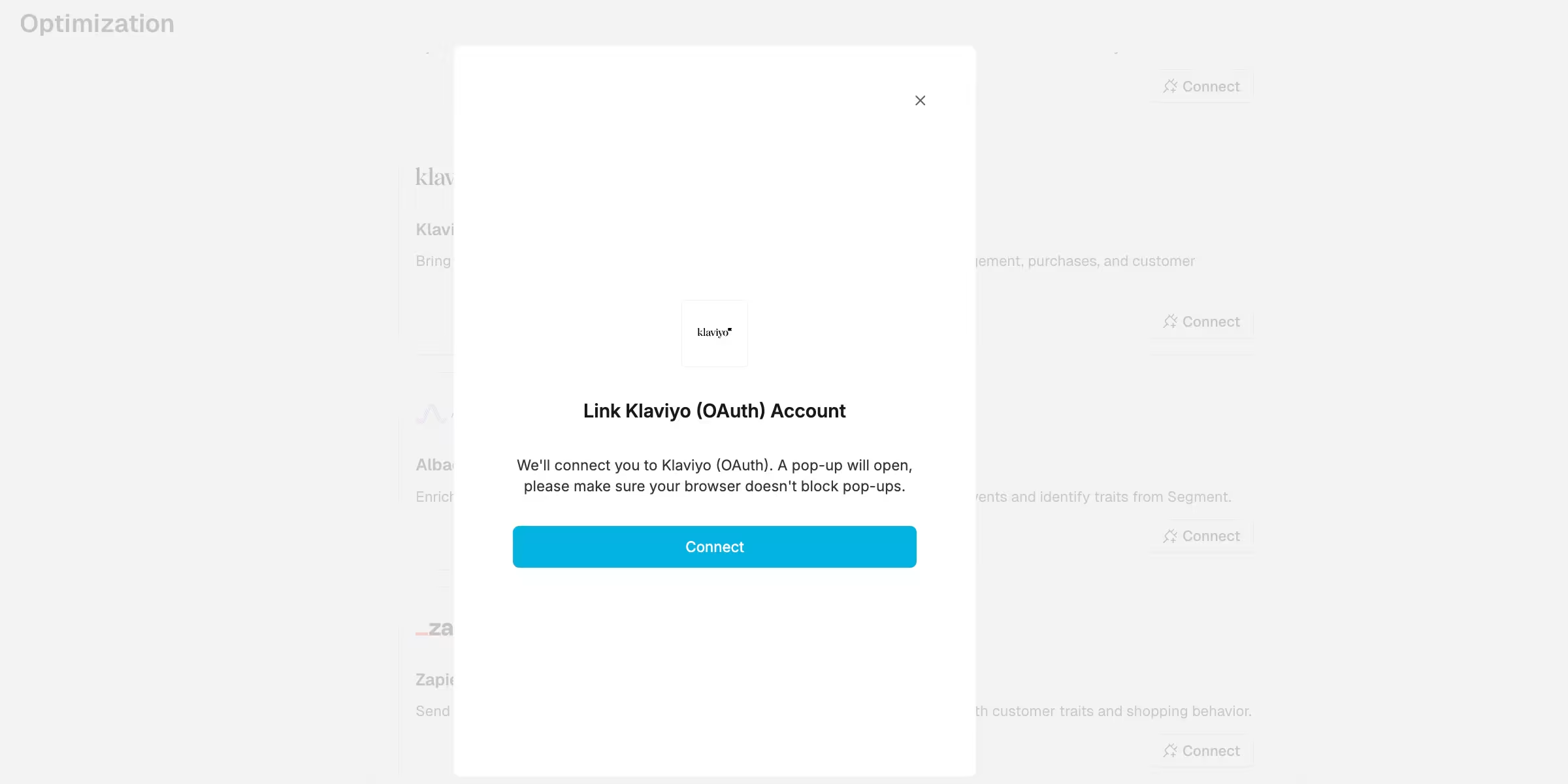
The authentication modal is displayed. Click Connect.
The Klaviyo log in page is displayed. Enter your log in credentials and click Log in, or Log in with SSO.
Select a Data Source Name and a prefix. The prefix is added to all of the trait names you want to sync.
Select a field as an ID, and click Set as ID. The ID is the unique identifier used to identify the profile.
Select the fields that you want to sync.
Click Save configuration. Once the configuration is saved, the data is instantly synced.
NOTE: Depending on the amount of data, it can take up to a couple of hours for the sync to finish.
After the initial sync, any changes in your data source are synced in 5-minute intervals. All your synchronized fields are available via the "Trait name" that is displayed in your configuration. Trait names can be set in the Audience builder using the "has trait" rule type.