Set up Contentful Personalization
Once you have installed Contentful Personalization, you need to set up the following to get started:
Data bucket – A data bucket is a type of data grouping that contains your personalizations, experiments and audiences, similar to a Google Analytics 4 property. For more information about data buckets, see the Data buckets page.
Personalizable content types – The content types for which you want to enable personalization.
How to set up Contentful Personalization
To set up the Contentful Personalization app:
Log in to the Contentful web app.
Click Apps and select Installed apps. The list of apps installed in your environment is displayed.
Click Configure next to Contentful Personalization. The app configuration page is displayed.
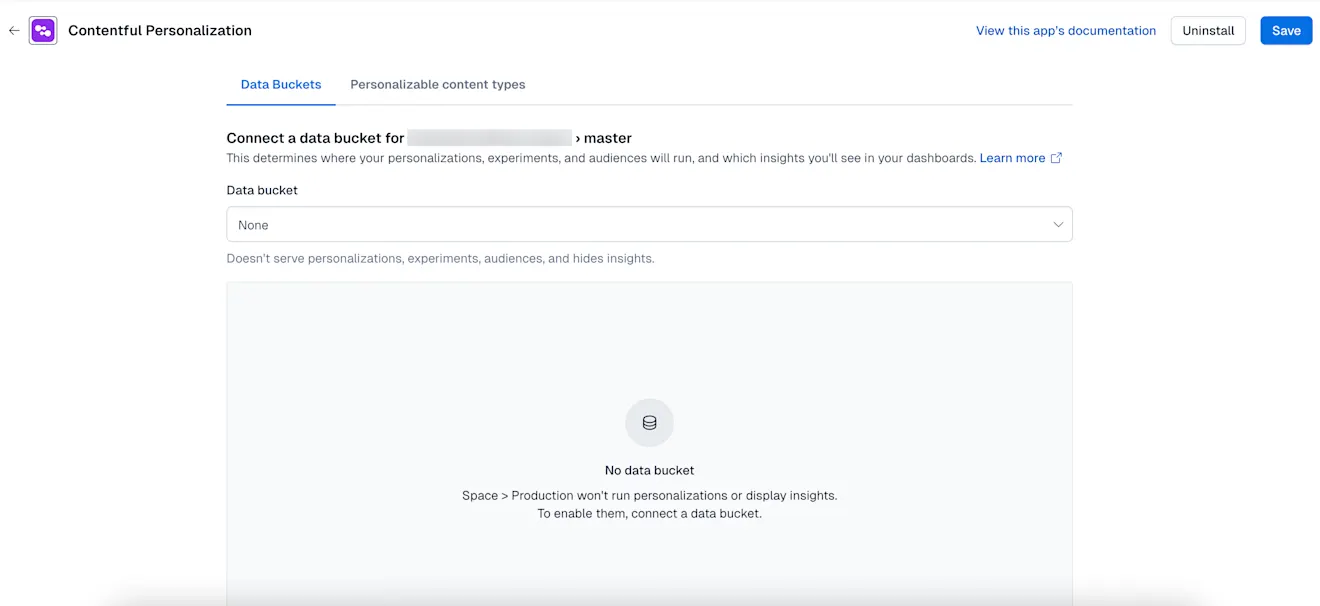
On the “Data bucket” tab, select the data bucket you want to connect to and run your personalizations and experiments: Main or Development.
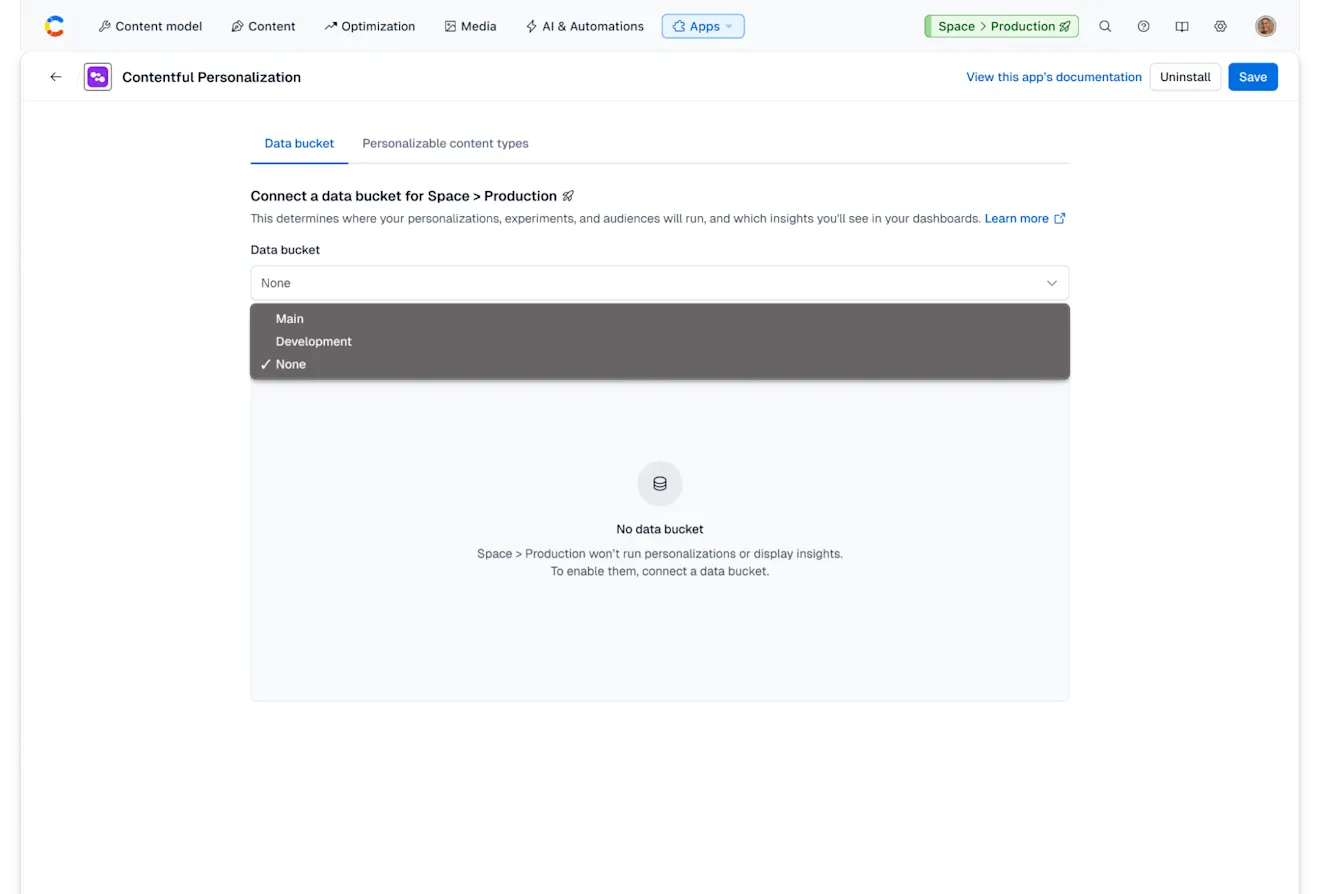
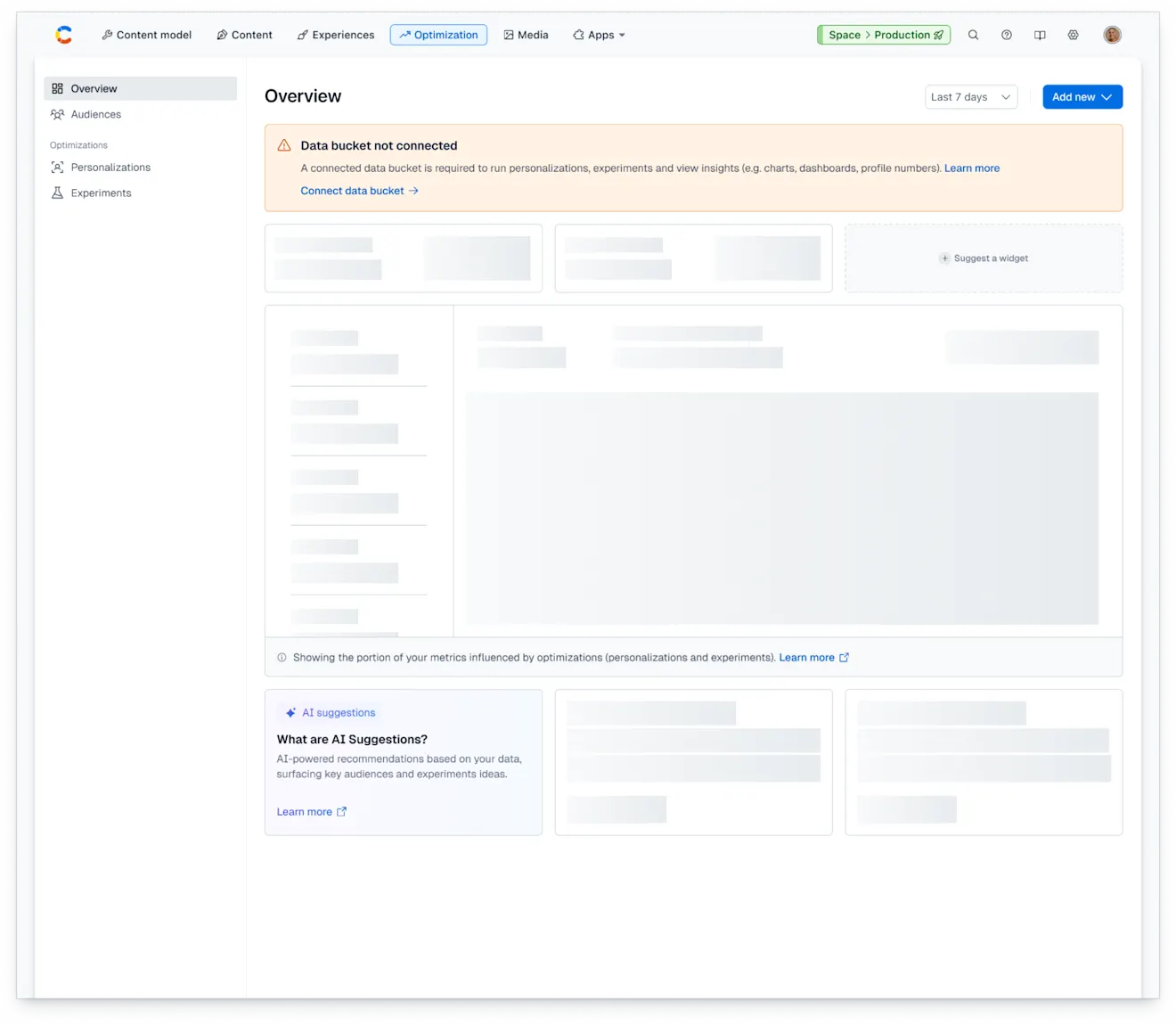
NOTE: If you do not select a data bucket, the app will not be correctly configured and may result in errors.
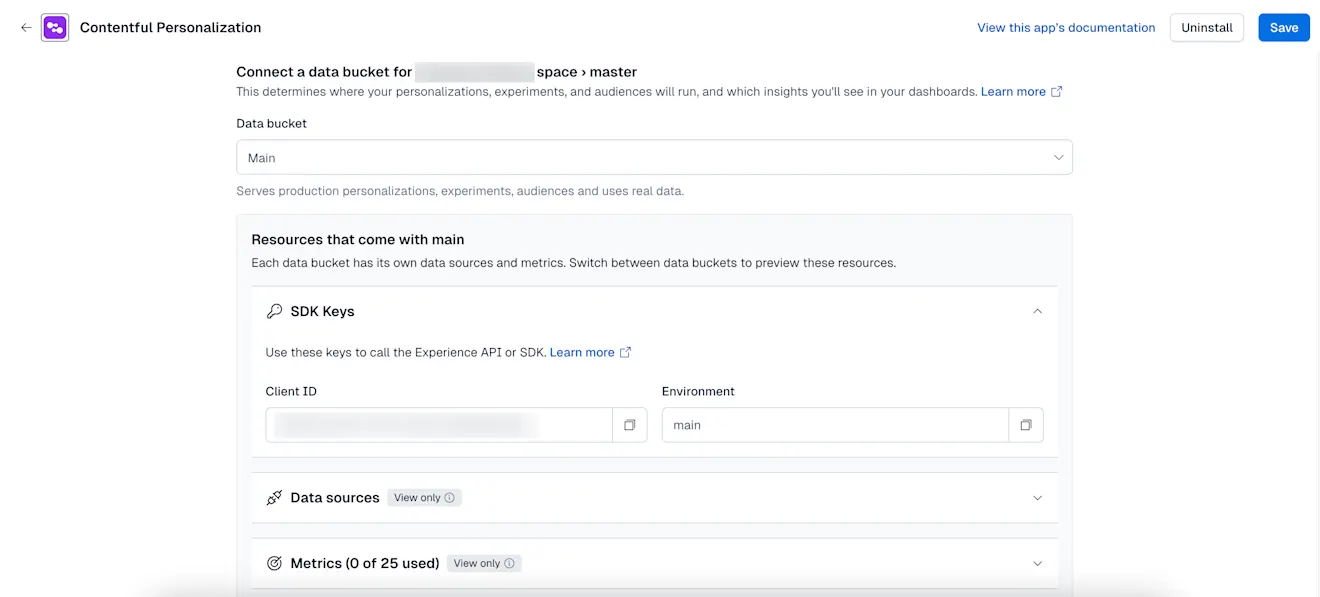
Once you select the data bucket, the resources section is expanded that contains the SDK keys, data sources and metrics available in that specific bucket.
On the “Personalizable content types” tab, select the content types you want to extend with Contentful Personalization. Each content type you select will include an additional field for personalization.
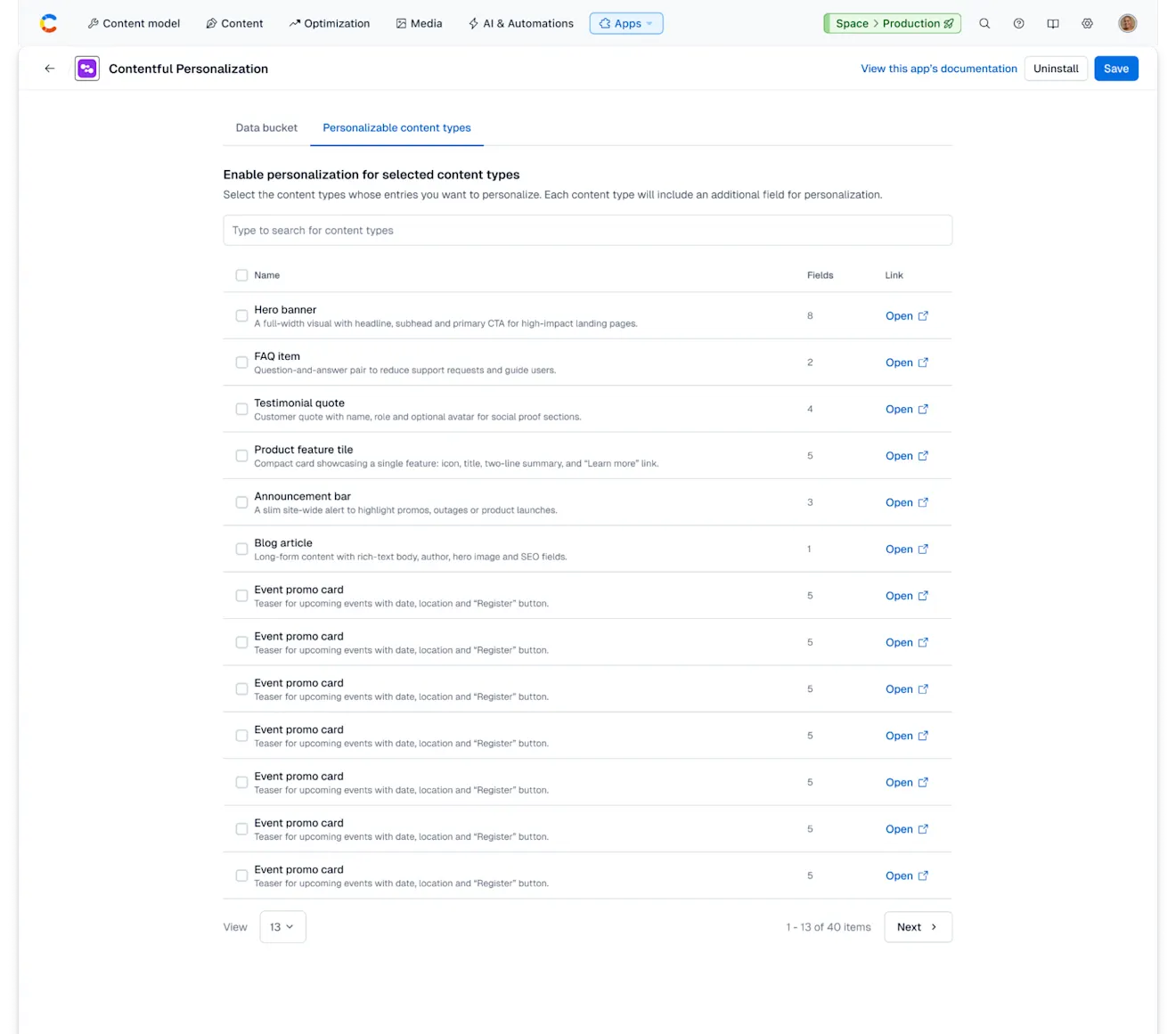
Click Save.