Add billing details to your organization
NOTE: billing details are added when purchasing your first space license.
Purchase a new space license
To purchase a new space license:
Log in to the Contentful web app.
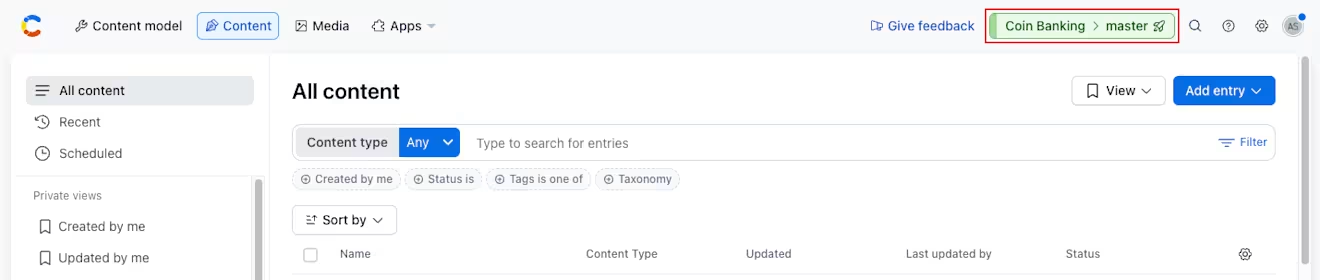
Click on the environment switcher.
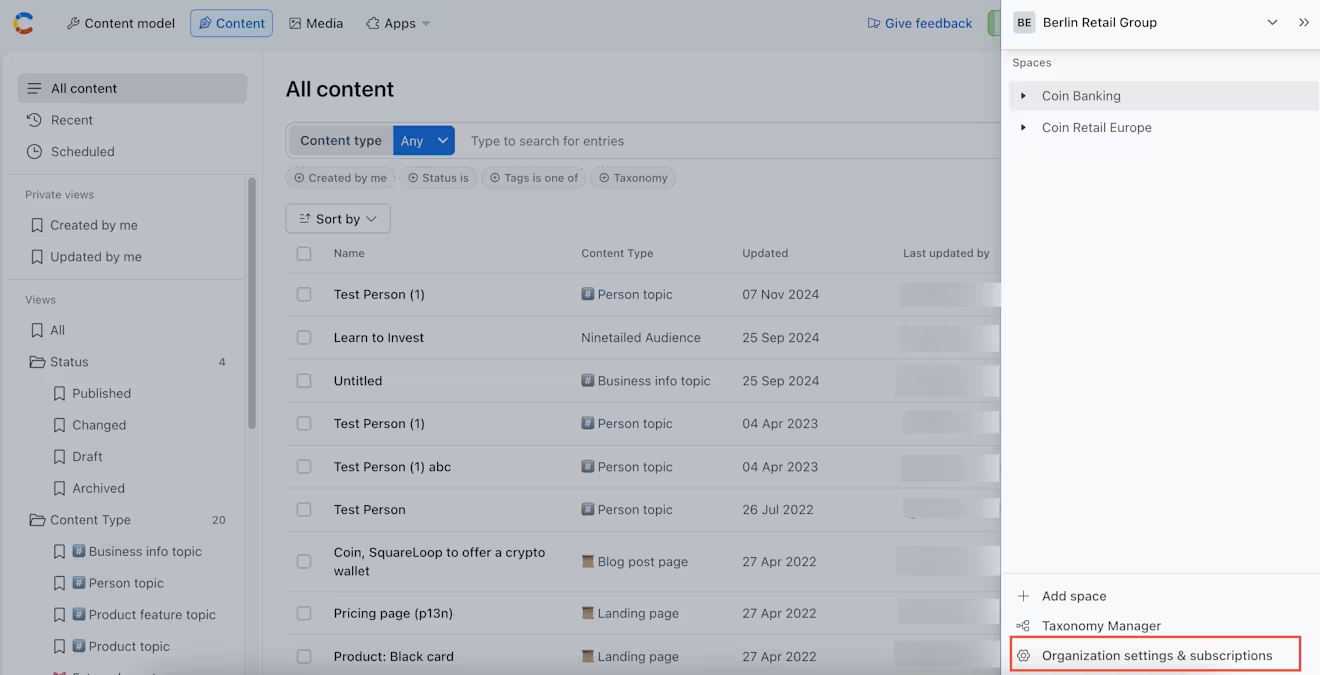
Click the organization name, and select Organization settings & subscriptions.
On the Subscription tab, under the "Space licenses" section, click + Buy a new space license.
Billing details for an organization
Important: only organization owners and admins can update the billing details. If your organization is on a legacy plan, you cannot add or update the billing information. You will need to migrate to our current pricing structure. For more information, visit our pricing page.
Update billing details for your organization
To update billing details for your organization:
Log in to the Contentful web app.
Click on the Environment switcher.
Click the organization name, and select Organization settings & subscriptions.
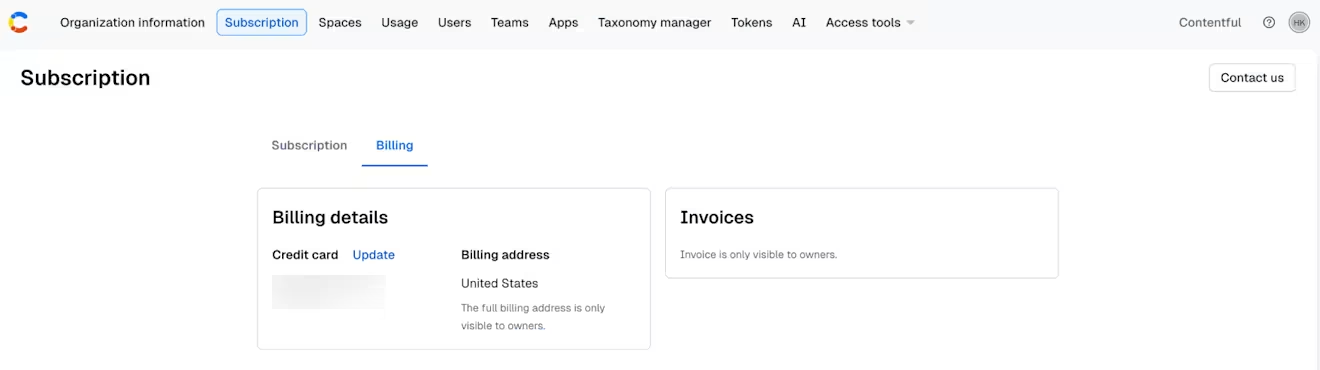
On the "Subscription" page, click on the Billing tab.
Click Update next to the billing information section.
Update credit card details for your organization
To update your credit card details for your organization:
Log in to the Contentful web app.
Click on the Environment switcher.
Click the organization name, and select Organization settings & subscriptions.
On the "Subscription" page, click on the Billing tab.
Click Update next to the credit card information.