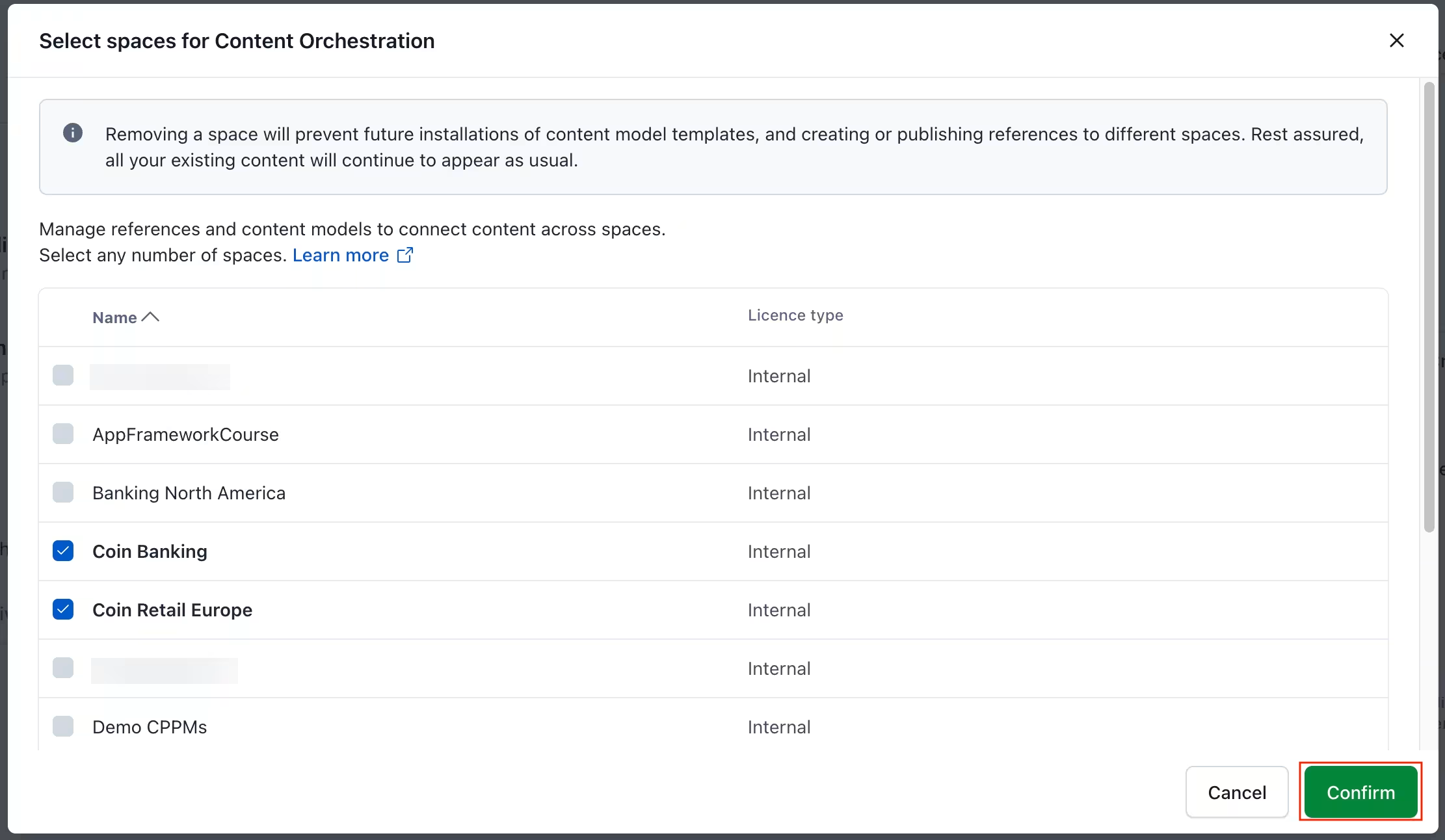
Manage orchestration enabled spaces
NOTE: You can change or manage which spaces are enabled at any time. However, note that certain features are blocked.
For Content model templates:
You cannot install templates or template versions into these now disabled spaces.
The installed content types and installation history remain in place.
For Cross-space references:
If a content type has a field with a references field, editors cannot add new entries for this content type.
Entries with references continue to function as normal. Your content will not be altered.
How to change orchestration spaces
To change the orchestration spaces:
Log in to the Contentful web app.
Click on the environment switcher.
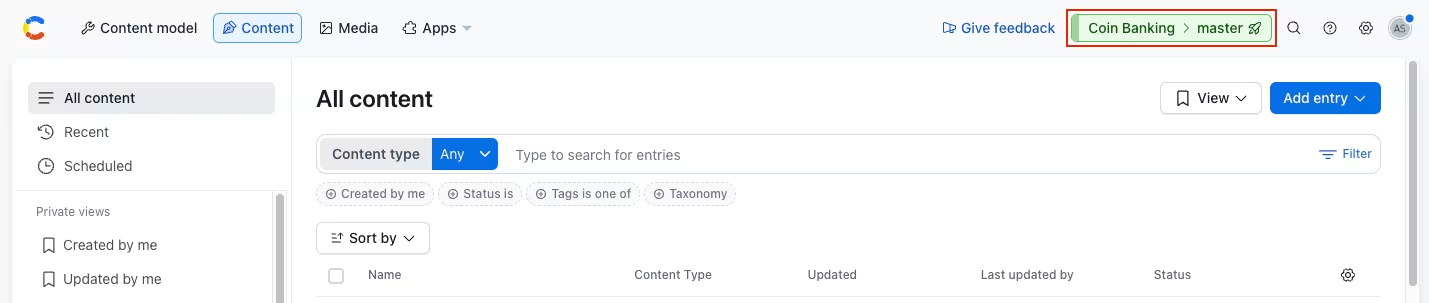
Click the organization name, and select Organization settings & subscriptions.
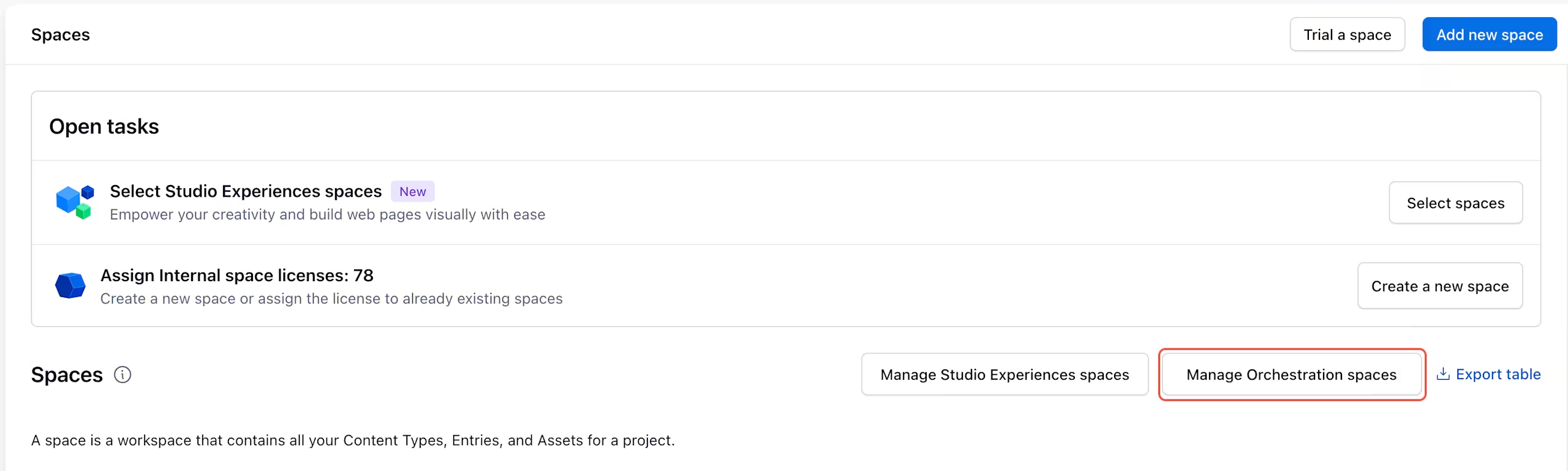
Navigate to the "Spaces" tab, and click Manage Orchestration spaces.
Select the spaces you want to enable and click Confirm.